Microsoft Word doesn’t offer the option to copy text from more than one selection at once. This shows how to copy and paste from multiple text selections in Word.
Placing images in Microsoft Word might seem impenetrable, but there are in fact rules you should follow. Here are some advanced options to place images in Word.
Be it a power failure or software crash, you can lose your work if you are not careful. Here we’ll show you how to recover a Microsoft Word document if that situation occurs.
You need a special tool to add Terminal code in Word with the correct colorization. Learn how you can properly add colored Terminal code to Microsoft Word.
Adding a watermark can help to protect your documents from content theft. If you are looking to add a watermark to your Word documents, here is how you can do so.
If you are tired of typing out the same content over and over again in Microsoft Word, try using the “quick parts” and “building blocks” features of Word to help you out.
Styling text in Microsoft Word is one of those things that you can be more efficient in. If you edit Word documents regularly, you’ll want to know how to style them correctly. Here are a few tips to properly style text in Microsoft Word.
If you work with the same type of documents frequently, you can save yourself the trouble by saving an existing Word document as a template. This will show how to create a template in Microsoft Word.
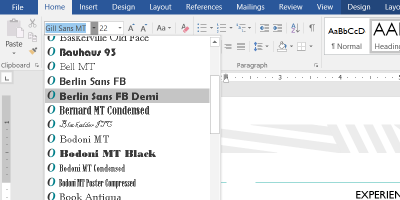
When you use a custom font in a Word document, your co-worker might not be able to view it. Learn how to embed a font in Microsoft Word so the style is the same everywhere.
When you’re experimenting with layouts in MS Word, it helps to have words already in the document. Here are some ways to add dummy text to Microsoft Word.
For documents downloaded from the Web, Microsoft Office will show a Protected View status. Here is how you can disable Protected View in Microsoft Office.
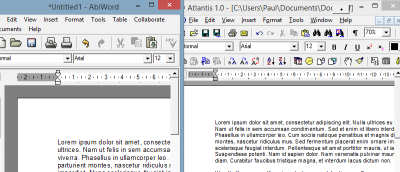
Tired of Microsoft Word or looking for a lighter, more feature-rich word processing program? Here are two alternatives to Microsoft Word worth checking out.
Writage, a plugin for writing Markdown in Microsoft Word, is perfect if you prefer Word’s rich interface & features, but is it the best option? Let’s find out.
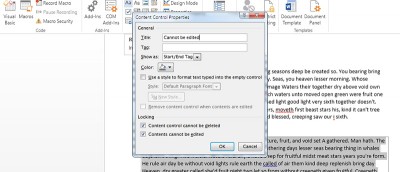
Microsoft Word has an inbuilt feature that can restrict users from editing certain parts of the document. Here is how you can protect a part of the document in Microsoft Words.