Microsoft has acknowledged this issue and provided a temporary fix while investigating the matter further.
By Henderson Jayden Harper – Jun 19, 2025
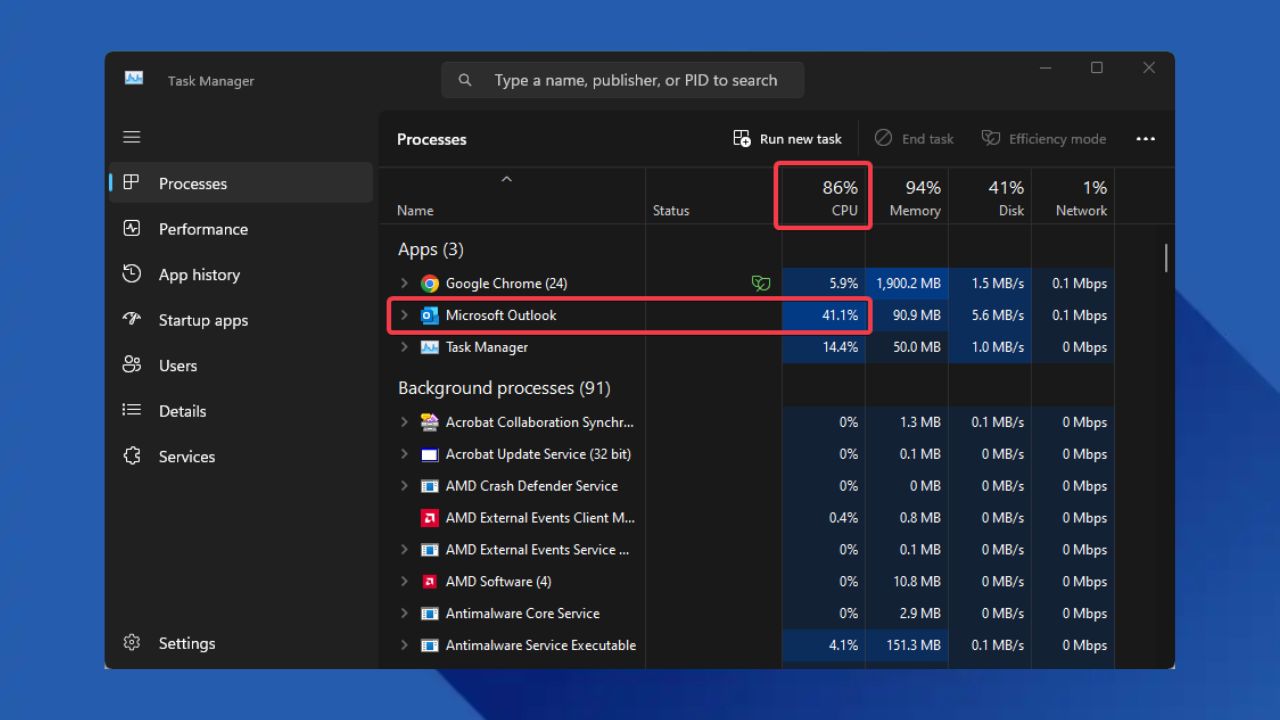
Tired of the Outlook CPU spike bug? You can either roll back to the previous version, switch to the New Outlook or wait for Microsoft’s permanent fix.
By Henderson Jayden Harper – Apr 30, 2025
Elevate your email efficiency with these Microsoft Outlook add-ins. From decluttering your inbox to scheduling emails, and boosting productivity.
By Henderson Jayden Harper – Jan 22, 2025
Learn how to add and remove Outlook add-ins with ease. Boost your email mastery with our guide on managing add-ins on all Outlook platforms.
By Henderson Jayden Harper – Jan 20, 2025
Add a personal touch to your Outlook emails.
By Sayak Boral – Nov 8, 2023
Learn how to effortlessly log in to your Outlook inbox on a mobile device using a QR code – no password needed.
By David Morelo – Oct 26, 2023
Learn how to create a contact or distribution list in Outlook on desktop and Web for more efficient email communication.
By David Morelo – Oct 15, 2023
Which tedious tasks do you perform each day? Check out this list of tasks you can automate to save time and move onto more important things.
By Sandy Writtenhouse – Jun 27, 2023
To quickly and easily spot certain emails in your inbox, you can set up conditional formatting in Microsoft Outlook.
By Sandy Writtenhouse – May 12, 2023
Manage both your tasks and your time with block scheduling. Learn how to set up this feature in the Microsoft Outlook Calendar.
By Sandy Writtenhouse – Apr 20, 2023
Instead of manually moving, flagging, or marking emails, find out how to use Microsoft Outlook rules to manage your inbox automatically.
By Sandy Writtenhouse – Apr 13, 2023
Save time by creating email templates in Outlook. You can reuse your templates by making slight changes, then send the messages on their way.
By Sandy Writtenhouse – Apr 7, 2023
Do you want a better way to organize your inbox and spot emails at a glance? Learn how to use color-coded categories in Microsoft Outlook.
By Sandy Writtenhouse – Apr 6, 2023
Creating tasks manually takes time, but you can turn email into tasks in Microsoft Outlook. This guide show four options.
By Sandy Writtenhouse – Mar 9, 2023
Enhance your communication by adding emojis to your emails. This guide shows you how to add emojis to Outlook in Windows.
By Sayak Boral – Dec 8, 2022
Is a Hotmail username lost for good?
By Sayak Boral – Oct 28, 2022
Like Google Calendar but want to stay out of the Google ecosystem?
By David Joz – Feb 23, 2022
Multiple devices require our services to find a way to reach all fo them. Microsoft has the answer with a universal web-powered app for Outlook.
By Laura Tucker – Jan 6, 2021
There are many Microsoft Outlook issues that can spoil the user experience. Here are the common issues and the best solutions.
By Sayak Boral – Aug 11, 2020
Next >
Affiliate Disclosure: Make Tech Easier may earn commission on products purchased through our links, which supports the work we do for our readers.