Word’s automatic cloud save default boosts convenience but risks privacy. Who wins: users or Microsoft?
By Henderson Jayden Harper – Aug 31, 2025
Microsoft is ending support for Office 2016 and 2019, but there’s still a way for users to get free zero-day patches even after support ends.
By Crystal Crowder – Aug 30, 2025
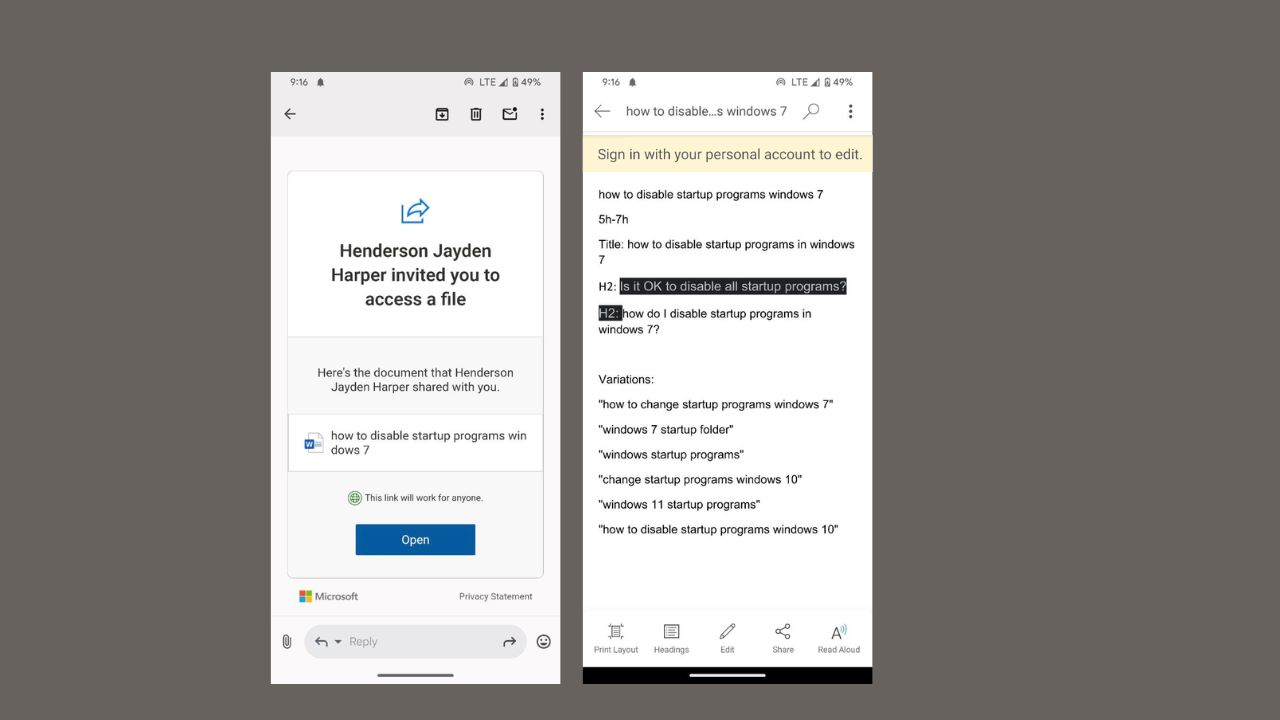
You can now open Word, Excel, or PowerPoint docs without signing up into Microsoft’s ecosystem.
By Henderson Jayden Harper – Jun 1, 2025
Microsoft 365 comes with more apps, storage and tech support, but you probably don’t need them at all.
By Crystal Crowder – Apr 5, 2025
Need to use Office for work, school, or just a hobby? Discover the different ways to get Microsoft Office for free, legally.
By Crystal Crowder – Aug 25, 2024
Need a great productivity suite, but Microsoft Office is too expensive? Try these free Microsoft Office alternatives instead.
By Crystal Crowder – Aug 24, 2024
Stay productive with Office – even on your Chromebook.
By Crystal Crowder – Feb 26, 2024
You don’t have to deal with the limitations of online form makers. Learn how to easily create a fillable form in Microsoft Word.
By Sandy Writtenhouse – Sep 6, 2023
Need to find text in your Microsoft Word document? This tutorial shows how to search in Word on your desktop, mobile device, and the Web.
By Sandy Writtenhouse – Aug 31, 2023
Looking for faster ways to get things done? Check out this list of tips and tricks to save time in Microsoft Excel.
By Sandy Writtenhouse – Aug 13, 2023
Would you like to create a newspaper-style layout for your document? Learn how to add and customize columns in Microsoft Word.
By Sandy Writtenhouse – Aug 5, 2023
Create a custom style for text in Word or a cell in Excel. Then, apply that style throughout your document with a click.
By Sandy Writtenhouse – Jul 22, 2023
Automatically format data in your spreadsheet to make it easy to spot. Set up conditional formatting in Excel in just minutes.
By Sandy Writtenhouse – Jul 17, 2023
Trying to choose between two or more financial or numerical situations? Use What-If Analysis tools in Excel to help you compare and decide.
By Sandy Writtenhouse – Jul 11, 2023
When you need to count cells with numbers that meet certain criteria, or those that are blank, use the COUNT functions in Microsoft Excel.
By Sandy Writtenhouse – Jul 8, 2023
Want an easy to use document editor that also lets you organize files and members by rooms? See how ONLYOFFICE DocSpace can help.
By Crystal Crowder – Jun 20, 2023
Managing a project means a lot of moving parts. Save time and use these project management templates for Microsoft and Google apps.
By Sandy Writtenhouse – Jun 15, 2023
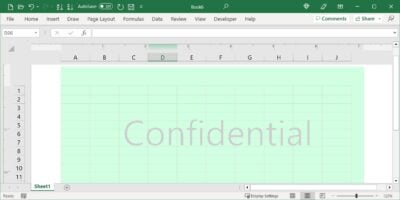
Searching for the Watermark button in Excel with no luck? There may not be a button, but you can still insert a watermark in Excel.
By Sandy Writtenhouse – May 18, 2023
To quickly and easily spot certain emails in your inbox, you can set up conditional formatting in Microsoft Outlook.
By Sandy Writtenhouse – May 12, 2023
Finding the data you need can be difficult on large spreadsheets. In Excel, you can use filters to locate that data quickly.
By Sandy Writtenhouse – May 11, 2023
Next >
Affiliate Disclosure: Make Tech Easier may earn commission on products purchased through our links, which supports the work we do for our readers.