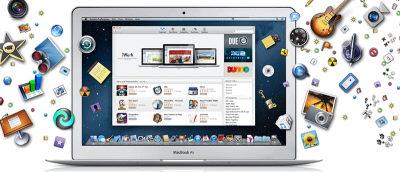
If you just got a new Mac, the first thing to do is to know which apps to install. Here are some essential apps for Mac you should install on the machine.
iMessage in iOS and OS X allows people to send messages to each other without any charge. Here is a quick tips to compose an iMessage from almost anywhere.
You will occasionally need to move large files from one Mac to another. Here are a few built-in options you can use to transfer large files between Macs.
iPhone doesn’t not have feature to connect as a USB drive, but the solutions here can let you use your iOS device as a virtual USB/external hard drive.
You will need to know your IP address to set up printers and other devices on a network. Here are 3 way to find your IP address and MAC address in OS X.
Vox is a lightweight music player and an iTunes alternative for Mac. Here I will show you how easily you can use your Mac keyboard’s media keys to control Vox instead of iTunes.
If you need to quickly launch a program in OS X, one useful option is to bind it to a keyboard shortcut. Here is how you can create hot keys for apps in OSX.