Most Mac apps have many keyboard shortcuts that can save time and boost productivity if you know them. To quickly find out what they are, try this app.
In this article you’ll learn to use the Volumio system to turn Raspberry Pi into a home hi-fi, playing music from memory sticks & streaming from Mac or PC.
HazeOver for Mac helps get rid of distractions & focuses on the current task by highlighting the front window and fading out background windows. Check it out.
Using the Mac launcher Alfred? If so, you may be wondering if the Powerpack upgrade is worth purchasing. We’ll help you decide by explaining the benefits.
Processing is a computer language used to make generative & interactive art. Let’s see how the band The Sinatra Test used it on a Mac to create an album cover.
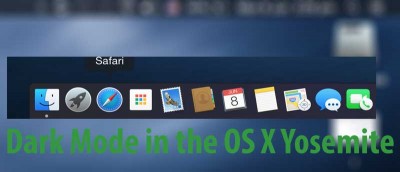
Dark Mode in OS X Yosemite lets you change the look and feel of the menu bar and dock, giving both elements a darker appearance. Here’s how to enable it.
Using Terminal to change the DNS servers has its advantages. It’s also very useful when troubleshooting. Here is how you can easily do that on your Mac.
If you don’t have a 3D display, but still want to watch 3D movies, here are a few ways to watch them on your Mac without paying for expensive new equipment.
Did you know that there’s a batch renaming feature embedded into the Finder app on OS X Yosemite? Read on to learn how to easily batch rename files on Mac.
Kodi began as an open source alternative to set-top boxes. Now it can be a TV box, movie box or streaming audio/video player. Here’s how to set it up on Mac.
One vulnerability called the Dark Jedi exploit has managed to slip through the cracks and has affected older Apple computers. This is what it is all about.
The Mac menu bar lets you quickly access various functions regardless of what app you’re in. Here are 6 useful menu bar apps that will truly come in handy.
In this article we share a handful of keyboard shortcuts and multitouch gestures for Mac users to use while working towards seamless switching and navigation.