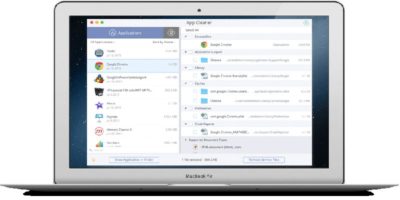
Macs, like any PC, can get cluttered with applications and installations too. We checked out Nektony App Cleaner to see its effectiveness against system clutter. Here’s what we found.
There can be times when the Mac app store hangs or crashes for no reason. If you are having this problem, here are a few ways to fix the frozen app store issue.
Apple File System won’t be finalized until 2017, but you can get a taste in the developer preview now available on Sierra. Here’s a quick review of what APFS brings to the table.
Have you encountered a DNS error in your browser and can’t visit any website at all? Find out how you can fix DNS errors and regain access to the Internet.
If you buy a used Mac, chances are you’ll want to change the home folder’s name. Here is how you can do so, and the fixes for the problems it has caused.
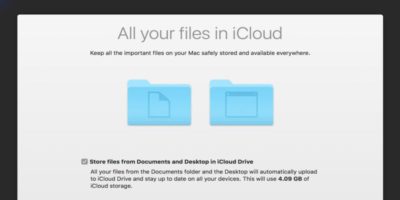
After you turned on iCloud syncing for macOS Sierra, you might find your files missing. Here’s how to fix the issue with iCloud Desktop and Documents sync.
You might think you need Adobe software to manipulate PDFs, but MacOS’s Preview is much more powerful than it seems. Check out some of its hidden features that might save you trip into Acrobat.
If you are searching for files that were long ago deleted or even recently deleted, Wondershare Data Recovery is a worthwhile option for retrieving them. Follow along to see how it works.
For your everyday file management on your Mac, Finder is the way to go. But if you want to do some heaving lifting, you can find some Finder alternatives that will help make your day-to-day data shuffling a little snappier.
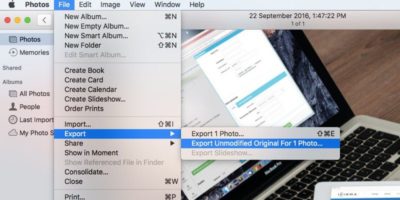
The Mac Photos app has many adjustment options, but there are a few more that can be enabled. Here’s how to enable those extra adjustment settings in Photos.