When you encrypt your backup files, make sure that no one can access your data if they got ahold of it. Learn how to encrypt iOS and Mac backups in this article.
There is a chance that you have never used the Caps Lock key. Here’s how you can remap the Caps Lock key to Esc in macOS, which is useful for the Touch Bar model that doesn’t have a physical Esc key.
Mission Control is a useful feature in Mac that allows you to organize your Desktop and applications. Here’s how to set up Mission Control in Mac and improve your productivity.
If you wanted to convert your DVD movies to files, DVDFab DVD Ripper allows you to easily encodes and copies movies from discs and convert them to movie files to store in your PC.
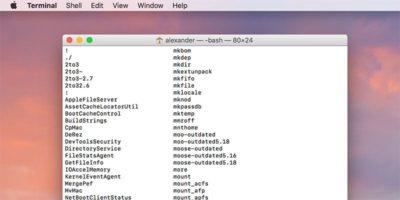
macOS comes with a bewildering array of commands that you can use in the Terminal. If you are looking for a command, here’s how you can quickly find out all the terminal commands on Mac.
The Macbook Pro Touch Bar is not just a complementary feature – you can play games on it too. Have a look at this list for some of the fun things to do with the Touch Bar.
It can be a nuisance when iTunes launches automatically whenever a media-related action is performed. Here is how to prevent iTunes from launching on Mac.
macOS doesn’t play well with 4K and 5K displays. This article covers how to set up 4K and 5K displays with your Mac and how to adjust and recalibrate colors.
If you use an external keyboard for your Mac, you know that the Home and End buttons aren’t working. Here’s a quick tip to fix the Home and End buttons on Mac.
Disk utility is an app for macOS for all disk-related operations. This article will walk you through the technical terms in Disk Utility and help you to master it.