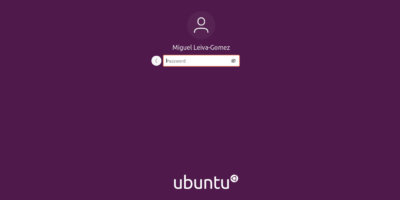
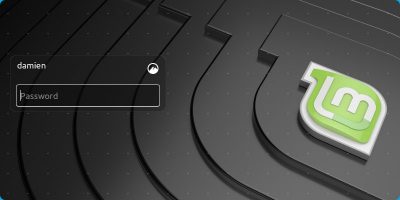
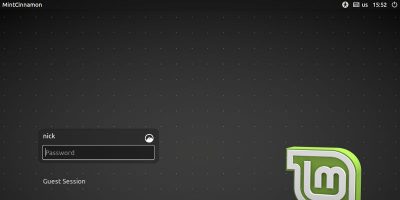
If you have encrypted your hard disk, you can safely disable the login password at the login screen. Here’s how you can enable autologin in LightDM in Linux.
Linux has a wide variety of screenshot utilities. Unfortunately, none of them are capable of capturing your login screen. There is a way, though. Learn how to take a screenshot of your Linux login screen.
The latest macOS, High Sierra, has had its difficulties with password screens. Now a second build allows any password to log in to the App Store system preferences.
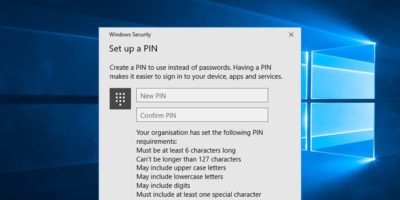
Microsoft allows you to log in to Windows using a PIN, which some of you might find insecure. Luckily, you can add PIN complexity to the Windows 10 login PIN to increase its effectiveness.
Want to disable or remove the shutdown button from the Windows 10 login screen to prevent other users from shutting down your PC? Here’s how to do that.
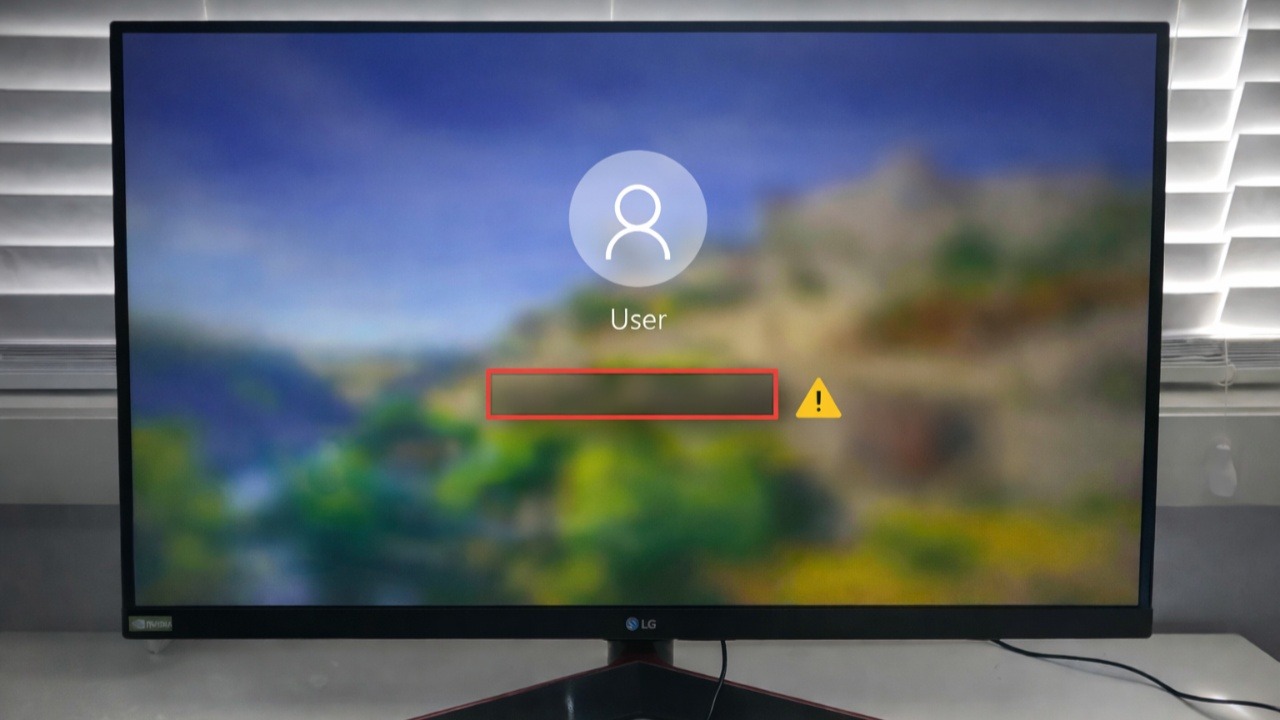
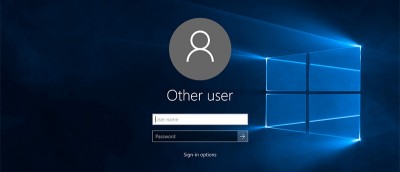
When you log in or lock Windows, you’ll see your account details. Don’t like this? Want to hide all user details from the login screen? Here’s how to do it.
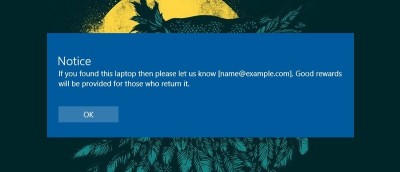
Want to display a custom message on the Windows 10 login screen for others to see or as a reminder to yourself before logging in? Here’s how to do that.
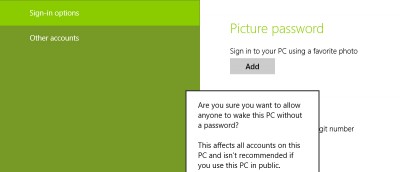
Do you find it troublesome to sign-in the username and password in Windows 8 login screen after startup or sleep? Here’s a nifty hack on how to bypass it.
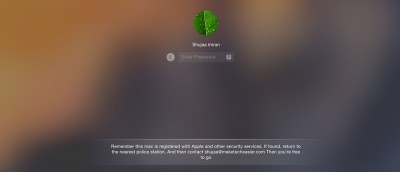
The default screen capture tool in Mac OS X is pretty nifty, except that it doesn’t allow you to take screenshot of login screen. Here is how you can overcome the limitation.
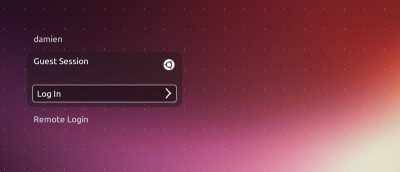
The “Guest Session” mode in Ubuntu is useful only if you are planning to share your computer with other users. If you want to get rid of the “Guest Session” option in the login screen, here is how you can disable Guest Account in Ubuntu.