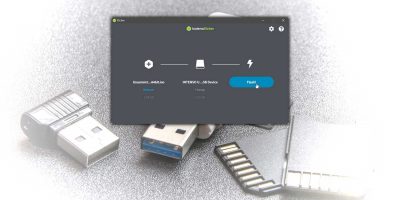
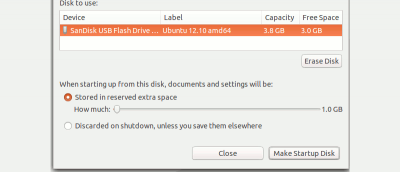
The very first step when migrating from Windows to Linux is the creation of a Linux Live Disk. Let’s see how you can create a Linux live USB on Windows.
Tired of making Linux live USB disks over and over again? Meet Linux AIO: a tool that takes all current spins of popular Linux distributions and compiles them into one flashable ISO file.
Netboot makes it possible to install most popular Linux distributions directly from the Internet to your machine.Just make a disk, plug it in, select your option and get going. Here’s how it works.
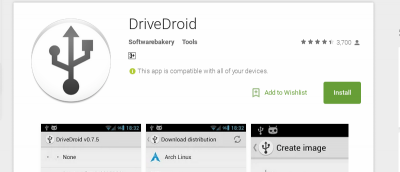
DriveDroid is an Android app that allows you to boot into a number of Linux distributions on your computer from their ISO/IMG files stored on your device. Let’s check out how it works.
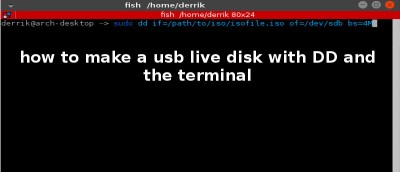
While there are plenty of graphical tools for you to create a Linux USB live disk, nothing beats the command line for its easiness. Here’s how to do it.
Both persistent Live USB and Full installation on USB allow you to boot Linux from a USB drive and save data to it. So what are the differences between the two?