It can be difficult to remember all the commands in Linux. Betty is a Siri-like helper for the Linux command line that allows you use the Linux command line through natural language input.
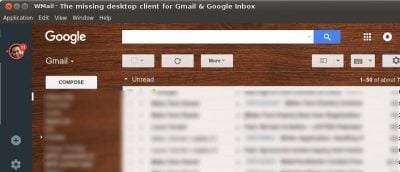
Do you know that your data in Evernote is unencrypted by default? If you’re on Linux, and are looking for a secure, encrypted alternative to Evernote, Turtl is one such open source app you should check out.
Browsers aren’t the only tools for downloading files. Want to download more file types or have more control? Here are 5 of the best download managers for Ubuntu.
Apps for Internet radio stations on Linux can be hard to find if you don’t know where to look. Luckily, we’ve found these four great apps for you. Check them out.
Meet Parrot Security OS: a Linux distribution with loads of tools to accomplish your security research along with some useful cloud components. Read all about it!
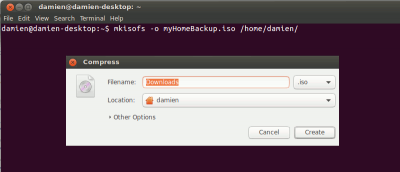
EncryptPad is an open source text editor for Linux with the ability to encrypt files and encrypt/decrypt binary files. Here’s how to install and use it.
Stream2chromecast lets you stream local media from your computer as well as from the Internet to your Chromecast. It works right from the command line. Here’s how.
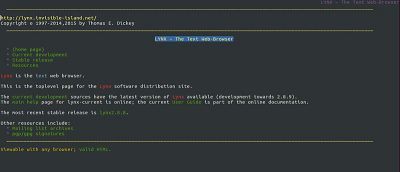
Lynx is an open source Web browser that lets you access websites from the command line; it only displays the text part of a Web page. Here’s how it works.
Thanks to the Ubuntu community there is a great deal of third-party software that integrates perfectly with Gnome Shell. Here are 10 of the best Gnome applications.
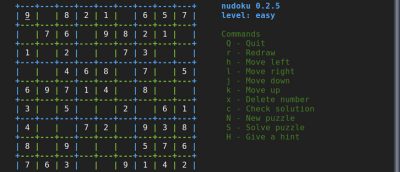
Linux geeks & system admins may prefer to play games in the terminal where they spend most of their time. Here are 6 of the best terminal-based CLI games for Linux.
If you’re looking for a distraction-free writing experience in Ubuntu, look no further. QuiEdit is a full-screen text editor focused on writing in Markdown.
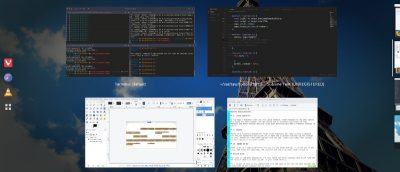
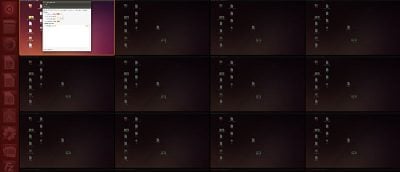
By default, Ubuntu’s Unity desktop only has four workspaces. If this isn’t enough or too many, here’s how you can tweak the number of workspaces in Unity.
Indicator-Stickynotes is a sticky notes app for Ubuntu, written in Python3 and GTK3. It lets you make notes that can act as reminders. Here’s how to use it.
The clear command or CTRL+L can be used to shift Terminal output upward, but what if you want to totally clear the terminal screen? That’s where the reset command comes into play.