If your ISP doesn’t provide you with a dedicated IP address, you can make use of a VPS and reverse SSH tunnel to allow external connections. Here’s how.
Linux will still not be a mainstream desktop in 2019, but there are some interesting things to look for. Here are the 5 biggest Linux predictions for 2019.
If you don’t like the default theme of Ubuntu, you can easily change it. Here’s how you can easily turn your Ubuntu into macOS Mojave with a few simple steps.
Most stable Linux distributions don’t come with newer software in their repository. Here is how you can run bleeding edge software on Debian and Ubuntu.
Knowing when a file was used, accessed or changed can help to detect unauthorized access. Here is how you can find out when a file was accessed or modified in Linux.
Taking a screenshot in Linux isn’t difficult, but you can make it better with Flameshot. Find out why you should use Flameshot to take screenshots in Ubuntu.
Sometimes you need to pack multiple files and/or directories into a single file. These are some tar commands you can use to archive and compress your files.
Spotify is easily the most popular music streaming service in the world, and they support Linux! Learn now to install the Spotify client on your Linux PC.
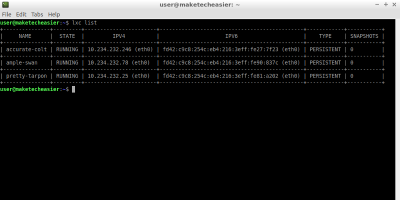
Containers are portable and easy to clone and/or move to other operating systems. LXD is a container that is designed to contain an entire operating system instead of an application.
netcat can be used as an ad-hoc solution for transferring files through local networks. Learn how to use it to quickly transfer files between Linux computers.
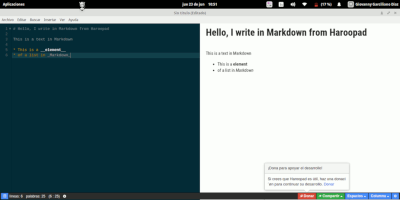
There are plenty of options for marking down documents in Linux. Here are some of the best markdown editors for Linux that you can use. Check them out.