These days people use PCs, laptops, and tablets for somewhat similar activities. But how much power does each unit use, and which one goes the lightest on your energy bill?
In addition to “open source software” we’ve all heard about, there is another open source category known as “open-source hardware”. Here is what you need to know about “open-source hardware.”
As technology progresses, it seems that even high-end processors have stopped increasing their clock speeds. Will processor clock speed start increasing again, or has that time passed?
You have probably heard of a motherboard and know what one is, but do you really know how it works? Here’s an in-depth look at what a motherboard is and how it functions.
Have you ever wondered how your computer works to produce the graphic on the screen? Here’s an in-depth look at all of the essential components of a graphics card and how it all works.
Computers attract dust bunnies like magnets to metal, but this doesn’t mean they’re a compatible match. Here’s a step-by-step guide on how to safely clean the inside of your computer.
If you are using Intel’s CPU on your computer, chances are you are open to a recent exploit. Here’s how the Intel’s CPU was hacked and what you can do about it.
When hardware begins to go wrong in a computer, it can be hard to diagnose which part is malfunctioning. Use this guide to check for a dying power supply.
When you are getting a WiFi adapter, you’ll be faced with either a PCI or a USB adapter. Learn the differences between them and which is more suitable for you.
With some simple optimization, you can better prepare your external hard disk for storing movies efficiently and effectively. Here is everything you need to know.
It is pretty common for a big area to have a “dead spot” where you can’t receive a WiFi signal. Learn how you can extend WiFi coverage and improve the signal.
Do you have a surge protector to protect your PC? It may not seem important, but it could be the difference between the life and death of your PC. Find out more!
A PC’s BIOS typically doesn’t need to be updated very frequently except when it’s having problems with the hardware. Here’s how you can upgrade your PC’s BIOS.
Sometimes your PC will make a series of beeping noises while stuck in a strange boot limbo. This is known as a “beep code.” Find out what is it and how to interpret them.
If you are hearing noises coming out of your computer, here’s a guide to help you diagnose computer noises, isolate the problem and repair it quickly and efficiently.
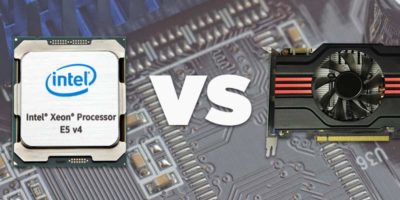
CPUs and GPUs are quite similar, and both can process thousands of operations per second. So what’s the difference between a CPU and GPU? Let’s check it out!