Newelle turns your Linux GNOME desktop into a smart assistant with AI chat, voice commands, mini apps, and document search.
By Anees Asghar – Mar 19, 2026
Both Snap and Flatpaks packages are self-contained and can run on any Linux platform, but which one should you use?
By Haroon Javed – Aug 15, 2025
This guide will explore the various methods of installing software on Ubuntu Linux, from the command line to graphical tools.
By Haroon Javed – Jan 27, 2025
Flatpak is a powerful desktop-focused app container platform for Linux. Learn how to install Flatpak on Ubuntu and explore its benefits today.
By Ramces Red – Jun 26, 2024
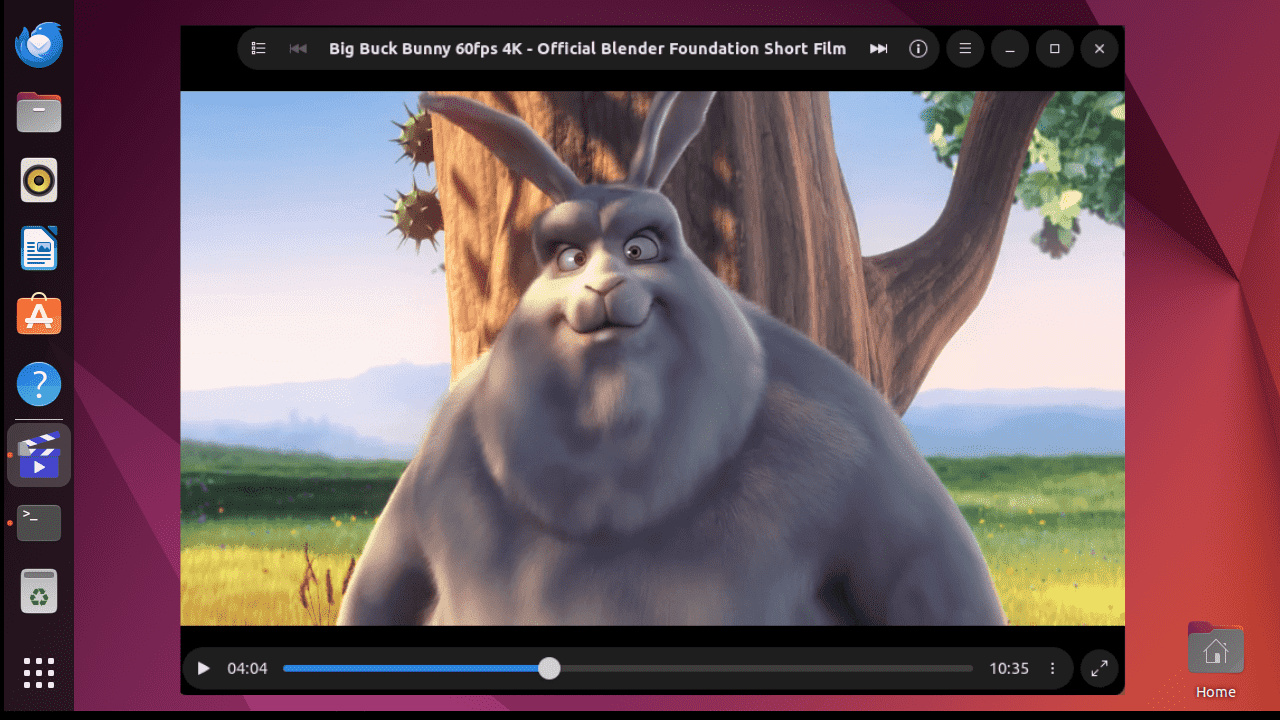
Clapper is a modern, sleek-looking, open-source media player with an adaptive UI to complement your GNOME system. Let’s explore its features.
By Nimrah Chaudhry – Jun 10, 2024
Want to switch to Telegram for messaging in Linux? Learn how to install the Telegram Desktop app in Linux using multiple methods.
By Crystal Crowder – Aug 9, 2023
Most users who try to install Google Chrome in Ubuntu will not find it in the Software Center. Here we show how to install Google Chrome in Ubuntu.
By Krishna Kumar – Nov 22, 2022
As Flatpak is gaining in popularity, here we will show you how to use Flatpak on Fedora. The instructions will also work for any Linux system.
By John Perkins – May 18, 2020
Both the Snap and Flatpak formats of have their own centralized marketplaces, Snap Store and Flathub. Both are useful, but which one of these is right for you?
By Kris Wouk – Sep 16, 2019
Topgrade can upgrade almost everything on your Linux system. It supports the package manager, Ruby Gems, Atom packages, Linuxbrew, Snap and Flatpak apps.
By Kris Wouk – Jul 22, 2019
Installing Windows games on Linux has always been a tricky endeavor. Winepak changes all that.
By Nick Congleton – Jun 20, 2018
Affiliate Disclosure: Make Tech Easier may earn commission on products purchased through our links, which supports the work we do for our readers.