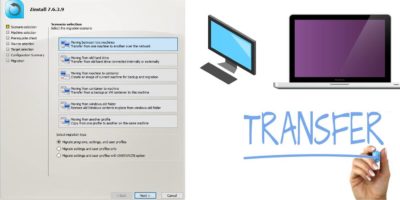
Zinstall Migration Kit Pro can be used for advanced and automated PC-PC transfer. Learn how this software can take care of your multiple data transfer needs.
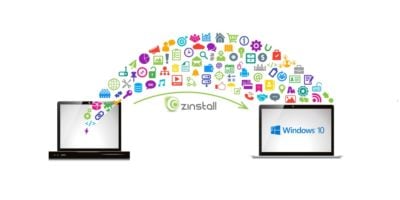
Zinstall WinWin is one of the best applications to transfer files and programs between different computers, parrticularly from Windows 7 to Windows 10. Let’s check it out.
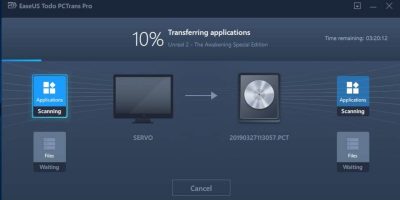
Moving data between PCs can be a hassle. EaseUS Todo PCTrans Professional 10.0 is meant to do exactly this, and it adds a lot of other functionality into the package as well.
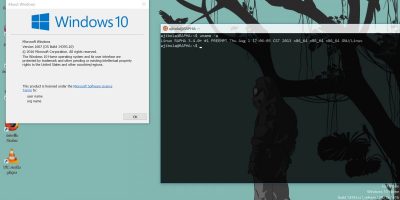
For sharing files between different operating systems, it can easily be done with Network Share. Here’s how you can transfer files between Linux and Windows.
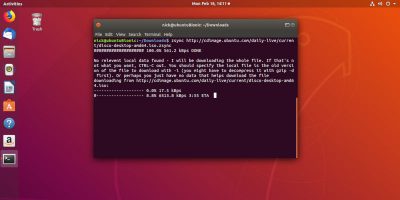
netcat can be used as an ad-hoc solution for transferring files through local networks. Learn how to use it to quickly transfer files between Linux computers.
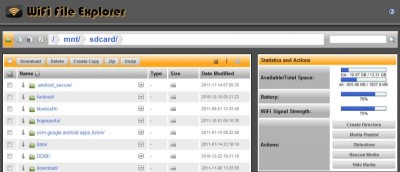
For someone who loves both macOS and Android, they might not play well with each other. Read this article for ways to transfer files from Android to Mac.
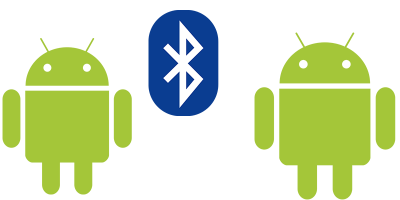
If you want to get that app your friend is using and you are not connected to the Internet, you can transfer the app from one Android phone to another via Bluetooth. Here’s how you can do it.
It is always an issue when you want to transfer files from one device to another. With SendAnywhere, you can easily and securely send files to various devices and platforms.
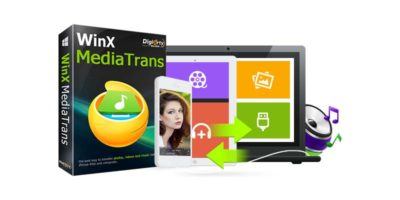
To transfer files from your iPhone and PC, you will need iTunes, or WinX MediaTrans. Check out how it helps you to transfer files easily from iOS to PC.
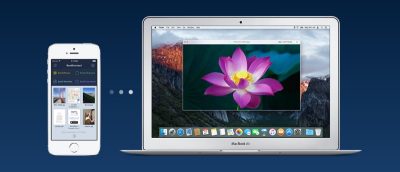
DeskConnect is an app that lets you send files between Mac and iOS devices. From text to clipboard contents to websites links to map locations to documents, it has you covered.
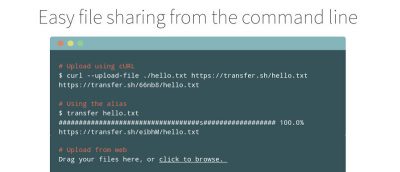
Transferring files is nothing new. However, Transfer.sh is an exciting tool that lets you do so via the terminal. It works on any system that has bash and curl.
You just bought an Android phone and need to transfer over your files from your old one. Here are 5 types of apps that you can use to get the job done.