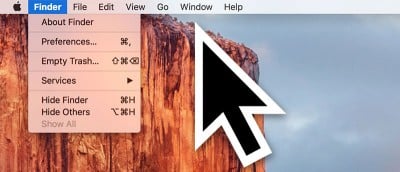
In El Capitan you can find where the cursor is by shaking your fingers on the trackpad to make the cursor get bigger. Don’t like this effect? Here’s how to disable it.
Did you know there’s a way to automatically hide the menu bar on your Mac so that you don’t see it unless you move your cursor near it? Here’s how it’s done.
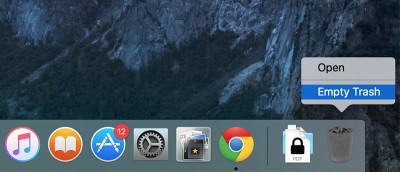
While the secure empty trash option is gone in OS X El Capitan, there is still a way to do it if needed. Here’s how to empty the trash securely on your Mac using a Terminal command.
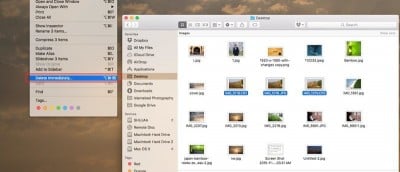
Starting with OS X El Capitan, Apple has introduced a new method that lets you skip the trash can while deleting files from within Finder. Check it out.
Safari in OS X 10.11 El Capitan has a useful feature: pinned sites. It appears as a tiny square icon, located to the left of your tabs and never goes away.
Apple has been showing the El Capitan banner in the App Store. If you are not ready to upgrade, you can hide that banner from appearing in the App Store.