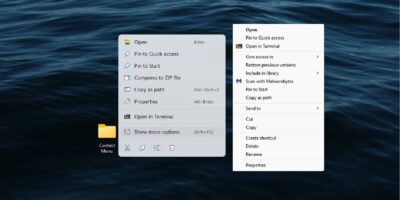
A slow context menu is a total productivity killer. Turn those slow clicks into instant actions with these effective system tweaks.
By Karrar Haider – Jan 21, 2026
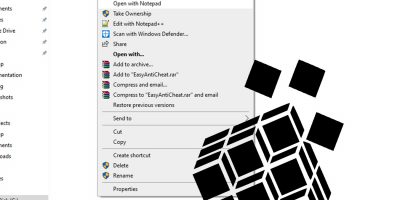
Real desktop optimization happens below the surface. These Registry hacks remove the small annoyances that negatively impact your workflow.
By Karrar Haider – Jan 20, 2026
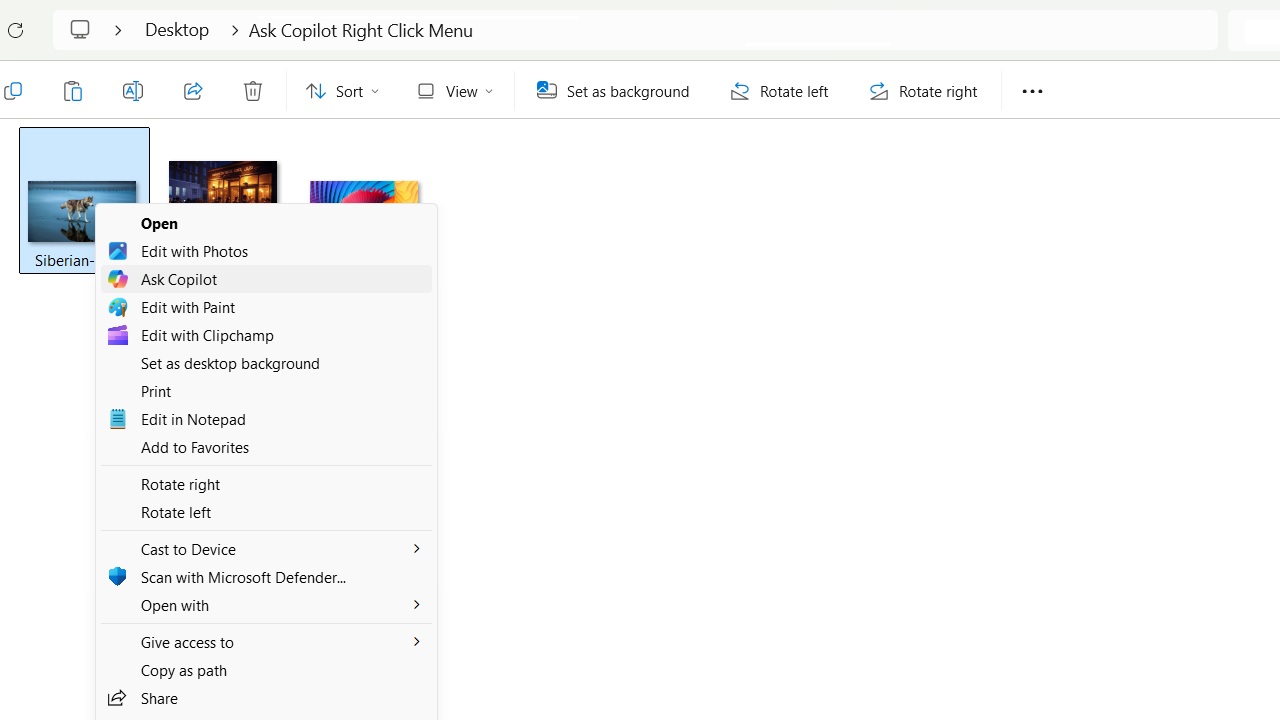
Microsoft is pushing Copilot into every corner of Windows 11.
By Sayak Boral – May 27, 2025
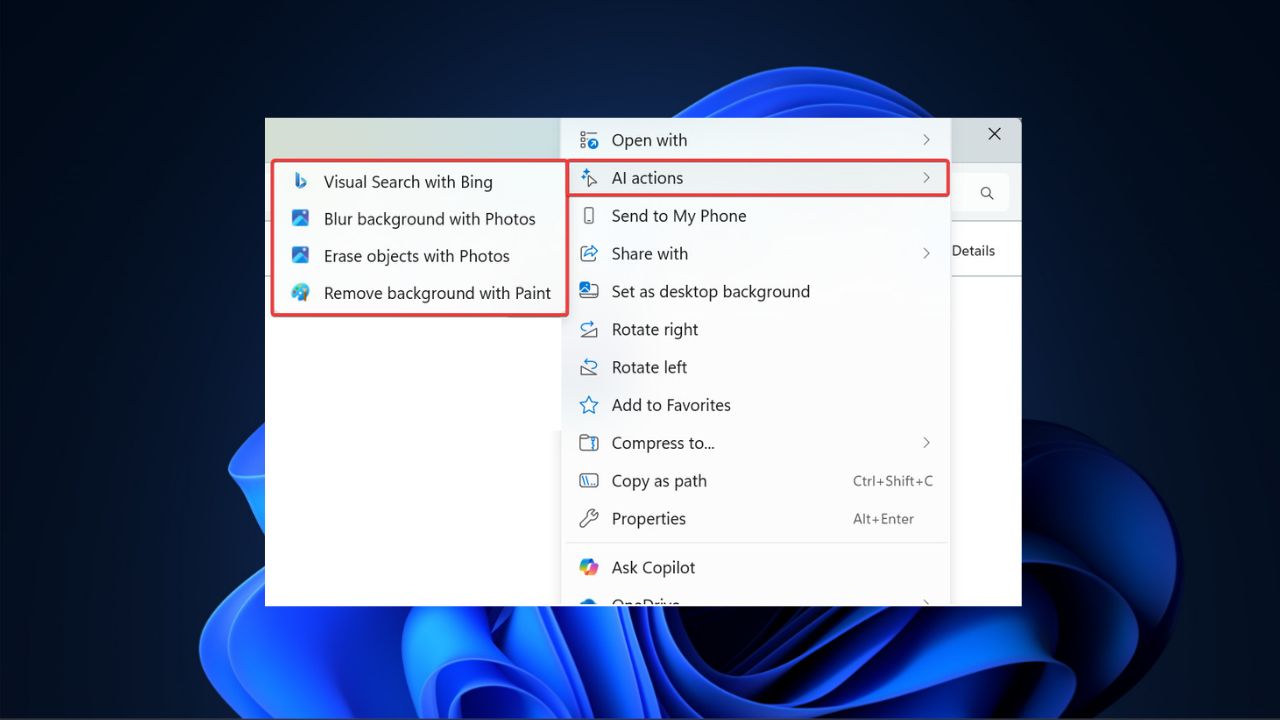
The new AI Actions ets you edit photos or summarize documents directly from the context menu.
By Henderson Jayden Harper – May 25, 2025
The “Open With” list in Windows may contain applications that you have no use for. Learn how to remove applications from the “Open With” list in Windows.
By Sayak Boral – Nov 20, 2024
Tired of the condensed Windows 11 context menu? Learn how to restore the classic context menu to have Windows 11 show more options by default.
By Crystal Crowder – Jan 18, 2024
Don’t like the current right-click menu in Windows? Customize it with the best context menu editors for Windows.
By Crystal Crowder – Jan 8, 2024
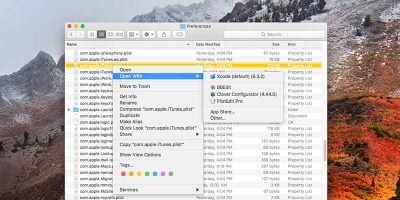
Try these third-party apps to increase the functionality of the shortcut menu or right-click menu on your Mac.
By Rahul Saigal – Nov 30, 2022
The context menu has been long overdue for a design improvement.
By Sayak Boral – Oct 26, 2021
Creating a desktop shortcut on macOS is easy, but the option to do so is not obvious. Here are the steps to create desktop shortcuts in macOS.
By Tom Rankin – Jun 29, 2021
Getting a full path of a file is something you may need from time to time. This post will show you how to reveal a file path on Mac!
By Tom Rankin – Jun 25, 2021
With some simple registry tweaks, you can expand the Windows 10 context menu by adding the “open with Notepad” option to it.
By Robert Zak – Jun 27, 2020
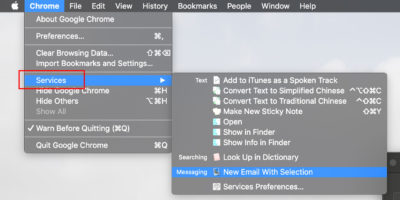
Most macOS users are not aware of the Services menu and how useful it is. Here we show you how to add options to macOS Services menu.
By Shujaa Imran – Jul 31, 2019
The “Open With” context menu feature has been a pillar of Windows for a long time, so when it stops working, it’s time to take action. Here are our fixes for the “Open With” not working issue in Windows.
By Robert Zak – Apr 16, 2018
The longer you use your Mac, the longer the context menu is. Here are some methods you can use to manage and edit the context menu in macOS.
By Alexander Fox – Nov 12, 2017
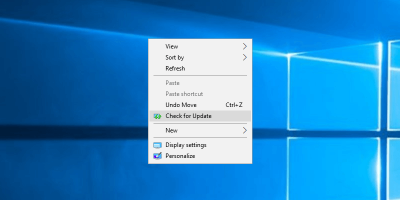
In Windows 10 you have to go to the Setitngs app to check if there’s an available update. Learn how to add a “Check for Updates” option to the context menu.
By Vamsi Krishna – Oct 2, 2017
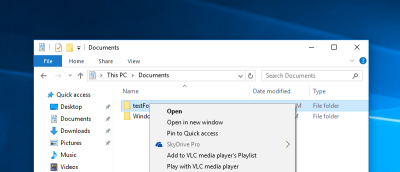
If you’re not a SkyDrive (OneDrive) user or if you don’t want this option in the right-click context menu, here is how you can get rid of it.
By Vamsi Krishna – Feb 16, 2016
While you can drag and drop files to the OneDrive folder, sometimes, it is faster to save to OneDrive from the context menu. Learn how to add OneDrive to the context menu.
By Vamsi Krishna – Aug 26, 2014
In Windows, you can right click and select “Open Command Prompt here”. Here is how you can add another “Open Powershell here” option to the context menu.
By Vamsi Krishna – Jul 26, 2014
Windows comes with several hidden features/unknown tricks in Windows that many are unaware of. Here are 3 tricks that can improve your productivity
By Diogo Costa – Feb 13, 2014
Next >
Affiliate Disclosure: Make Tech Easier may earn commission on products purchased through our links, which supports the work we do for our readers.