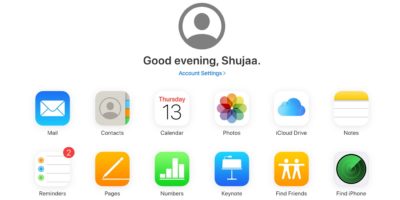
When setting up a new iOS device, the first thing to do is restore your contact lists. Here’s how you can restore contacts on an iOS device using iCloud.
Google’s Calendar and Contacts is not the only option for Android. If you are using other calendar app, learn how you can sync CalDav and CardDav to Android.
Have you ever answered your phone thinking it was someone else? That can quickly happen if you have the same ringtone or vibration pattern for everyone. The best solution is to set a custom vibration pattern for different contacts.
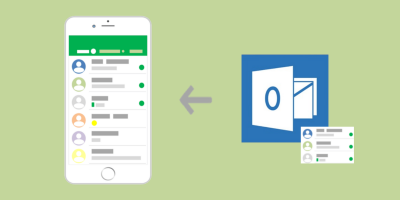
Due to incorrect permissions settings or general bugs, your contacts list on Outlook might stop synchronizing with your iPhone. Here are a few workarounds to sync Outlook contact lists with iPhone.
Using the Mail app on Mac? There’s a feature that constantly scans your emails and finds contacts to add. Want to turn this off? Here’s how to disable contacts scanning.
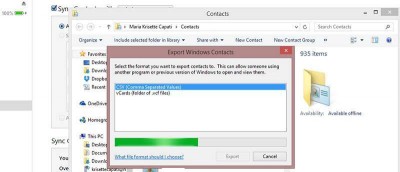
Do you have thousands of contacts on your iPhone? Whether you need to create a backup or want to export, here’s how to export iPhone contacts in Windows 8.
Just made the switch from iOS to Android? If so, you’ll probably wondering how to get your contacts from one device to another. Here are 5 apps to do that.
If you don’t want your contact list to be inmudated with hundreds of Facebook friends, here is an easy fix to remove Facebook contacts from your iPhone.
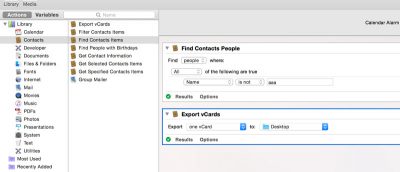
When you change your handset, one of the most annoying tasks is to transfer contacts from your old phone to the new one. One way to transfer your contacts from iPhone to any other device would be to connect it to your computer, sync the contacts using iTunes and pray that the new device can sync with iTunes as well. Here are a few ways you can easily transfer contacts from iPhone to Android.