There are tons of commands that you can run in the Linux terminal, and if you want to list the content of a directory, you can do so with these commands.
There are a few ways to find and locate files from the terminal in Linux. find, locate, which and whereis are some of the commonly used commands to do so.
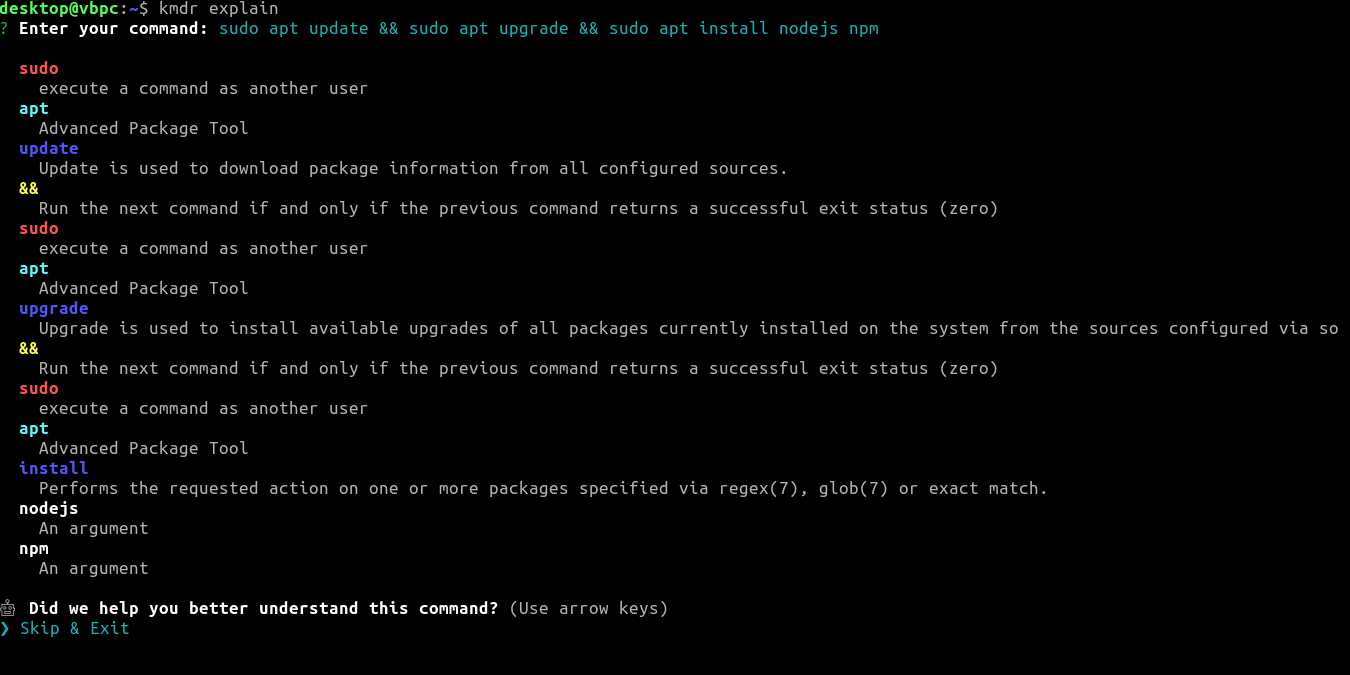
Learning how to use the terminal can improve your Linux knowledge. If you’re struggling with Linux commands, you can use the Kmdr tool to explain them.
du is a command line tool in Linux that reports the amount of disk space used by directories and files. Here is some of the most handy usage of du in Linux.
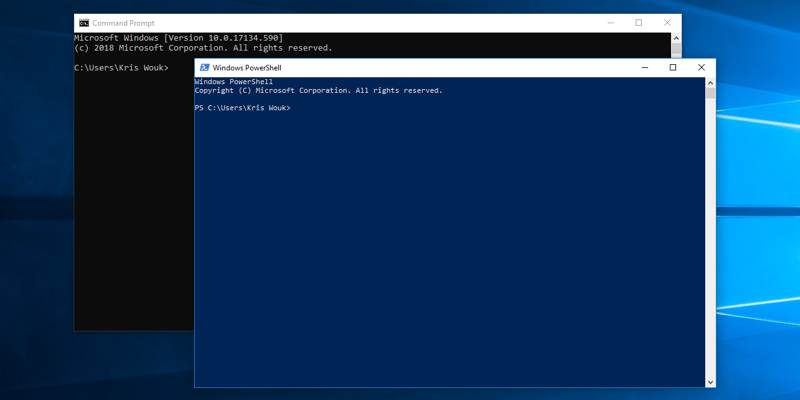
You might find yourself running the same few commands every time you launch PowerShell or the command prompt. Why not save some time and run them automatically on launch?
Knowing when a file was used, accessed or changed can help to detect unauthorized access. Here is how you can find out when a file was accessed or modified in Linux.
The terminal is a very powerful tool, and it can be a fun place to be, too. Here are some fun Linux commands you can run in terminal and make it interesting.
When you have a folder full of files, it can be difficult to find the exact file count. Learn how you can count the number of files in a directory in Linux.