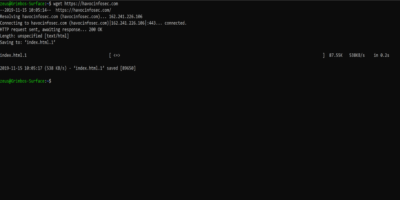
Ever wonder if there was a way to download a website without a web browser? You’re in luck, as you can use wget to easily download websites to your PC.
Switching to Linux can be intimidating, but learning the command line can be very useful. Here are some useful Linux commands new users should pick up.
The echo command may seem like a useless command, but under the hood it’s surprisingly useful. Here are some ways to make use of the echo command in Linux.
“/dev/null” in Linux is a virtual device file, and whatever you write to “/dev/null” is discarded, forgotten, thrown into the void. Learn how /dev/null works in Linux.
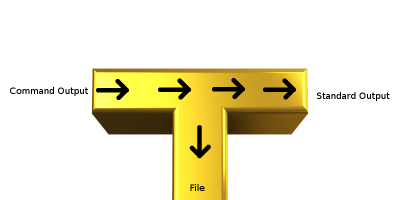
If you ever use pipes and redirections in Linux, chances are you will also need to make use of the tee utility. Here’s how to use the tee command in Linux.
If you use Linux, there will be a time when you need to know more about your network. The ss command is useful for you to monitor your network connection.
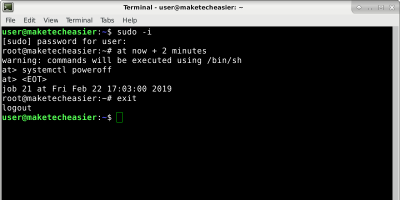
It is easy to schedule task on Linux, particularly with the “at” command. Pretty much any action you can think of can be scheduled with the “at” command.
Sometimes the easiest way to speed up your Mac is by clearing the cache and RAM contents. Best of all, you can use the purge command to do so. Here’s how.