Windows Terminal has a hidden feature called “Quake mode” that turns it into a global drop-down console, saving you precious seconds and mouse clicks.
By Sayak Boral – Dec 16, 2025
Need an elevated Command Prompt fast? Try these quick methods to open Command Prompt with admin rights – less clicking, less disruption.
By Karrar Haider – Aug 23, 2025
You can do all kinds of things from Command Prompt.
By Sayak Boral – Jul 16, 2025
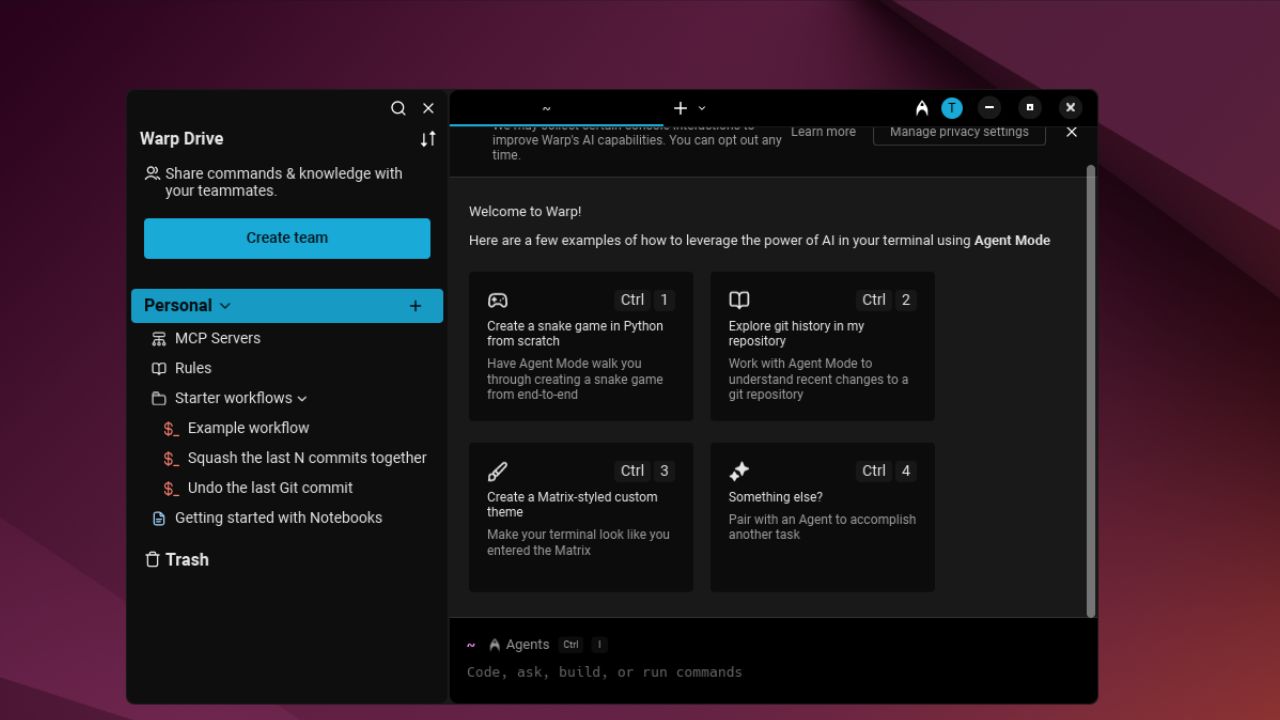
A terminal with a sleek interface, block-based history, and built-in AI intelligence – how can you not love it?
By Haroon Javed – Jun 18, 2025
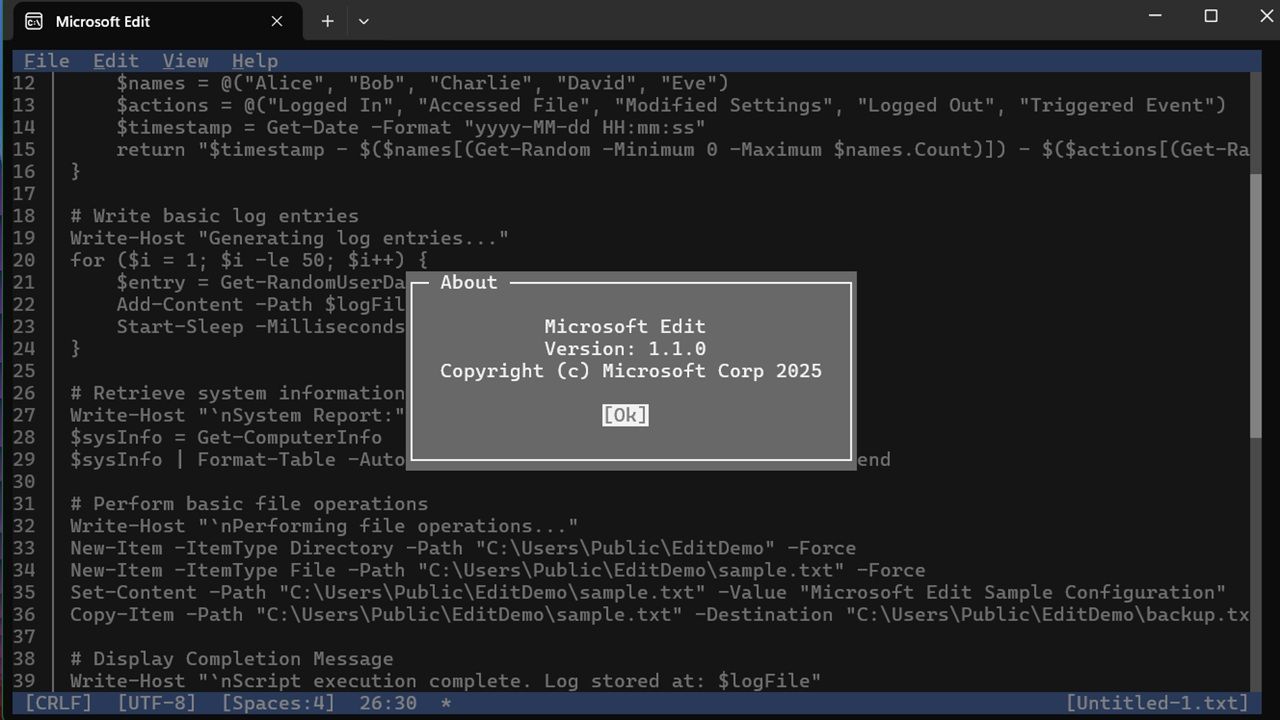
If you were a fan of the MS-DOS from the 90s, you will love Microsoft Edit
By Sayak Boral – Jun 10, 2025
Windows will often connect to an open Wi-Fi network when it detects one. Learn how to block a Wi-Fi network in Windows and connect only to allowed networks.
By Sayak Boral – Feb 6, 2025
Troubleshoot PC issues effectively with these useful Command Prompt commands. Access vital system information and fix problems with ease.
By Karrar Haider – Sep 22, 2024
You can open files more quickly by using Command Prompt.
By Sayak Boral – Apr 5, 2024
Always have a way to restore Windows to a stable state. Use these methods to access System Restore when you can’t log in to Windows.
By Karrar Haider – Apr 2, 2024
In a pinch without antivirus software? Follow this guide to remove a computer virus without antivirus software.
By Miguel Leiva-Gomez – Feb 27, 2024
Was your Command Prompt access denied? Check out our tested fixes for “System Error 5, Access is denied” on Windows.
By Princess Angolluan – Oct 25, 2023
Dealing with a faulty laptop? Read up on how to find your laptop model number before calling technical support.
By Meenatchi Nagasubramanian – Oct 11, 2023
Windows comes with a Super administrator account that has more privileges than the normal admin account. Learn how to activate it.
By Sayak Boral – Aug 15, 2023
Using Windows Defender via command prompt allows you to create your own scripts or scheduled tasks.
By Sayak Boral – Aug 1, 2023
Learn how to delete files on Windows if they are large. The various methods include CMD or adding a dedicated option in the context menu.
By Mustafa Ashour – Jul 17, 2023
Need to debug your wireless network? You can use the netsh tool and apply these cmd network commands to view/control WLAN profiles on your PC.
By Meenatchi Nagasubramanian – Jul 13, 2023
You’ve likely heard of Linux’s Bash and Microsoft’s PowerShell, but not sure how they work. Here we pit them side by side and see how they compare with each other.
By Miguel Leiva-Gomez – Jun 30, 2023
Need to make some system changes or update your BIOS? Learn how to enter BIOS in Windows using seven different methods.
By Crystal Crowder – Apr 17, 2023
Among the many ways to get Windows 11, you can create a Windows 11 USB installer using the Command Prompt.
By Farhad Pashaei – Apr 14, 2023
Not sure how to change the administrator in Windows? Try these six methods to change the user account type.
By Crystal Crowder – Mar 24, 2023
Next >
Affiliate Disclosure: Make Tech Easier may earn commission on products purchased through our links, which supports the work we do for our readers.