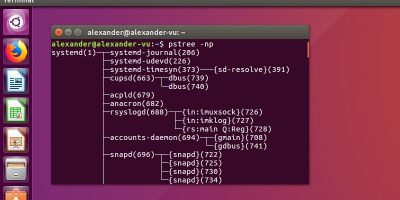
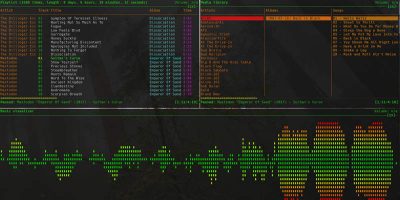
Chkservice uses Ncurses to offer a quick overview of your Systemd units. With administrative privileges, you can start and stop those units at will, all without typing a single systemctl entry.
In Linux, you can restrict users from file access with a few commands. Here is how you can password protect folders and files in Linux using file ownership and groups as a password protection measure.
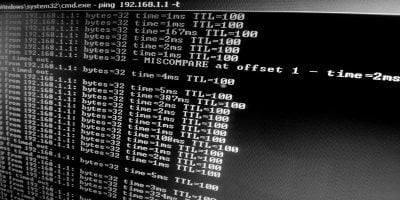
The ping command is very useful to check if a site/device is online or not. You can also analyze the speed of your computer and the site you’re trying to contact. Here is how to use it.
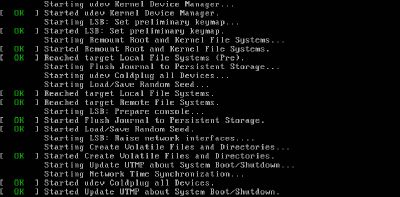
One of the most important skills any Systemd newcomer can learn is how to manage their computer’s services. In this article we will discuss how to use and master Systemd from the Linux command line.
Netctl makes it easy to use Systemd-like commands to enable and disable network profiles. Here is how to use Netctl to create wired and wireless profiles and manipulate them to start manually or at boot.
Most of the search commands only read plain text files and not PDFs. To search PDF files from the terminal, you can use pdfgrep. Learn about pdfgrep here.
Different Linux distributions use different package managers to handle installing software. Take a look at the install commands on these popular distros.
If you’re coming to Windows from macOS or Linux, you might miss the powerful shell. Learn how you can install zsh and Oh My Zsh and get a shell running in Windows 10.
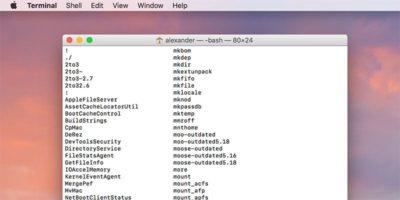
macOS comes with a bewildering array of commands that you can use in the Terminal. If you are looking for a command, here’s how you can quickly find out all the terminal commands on Mac.