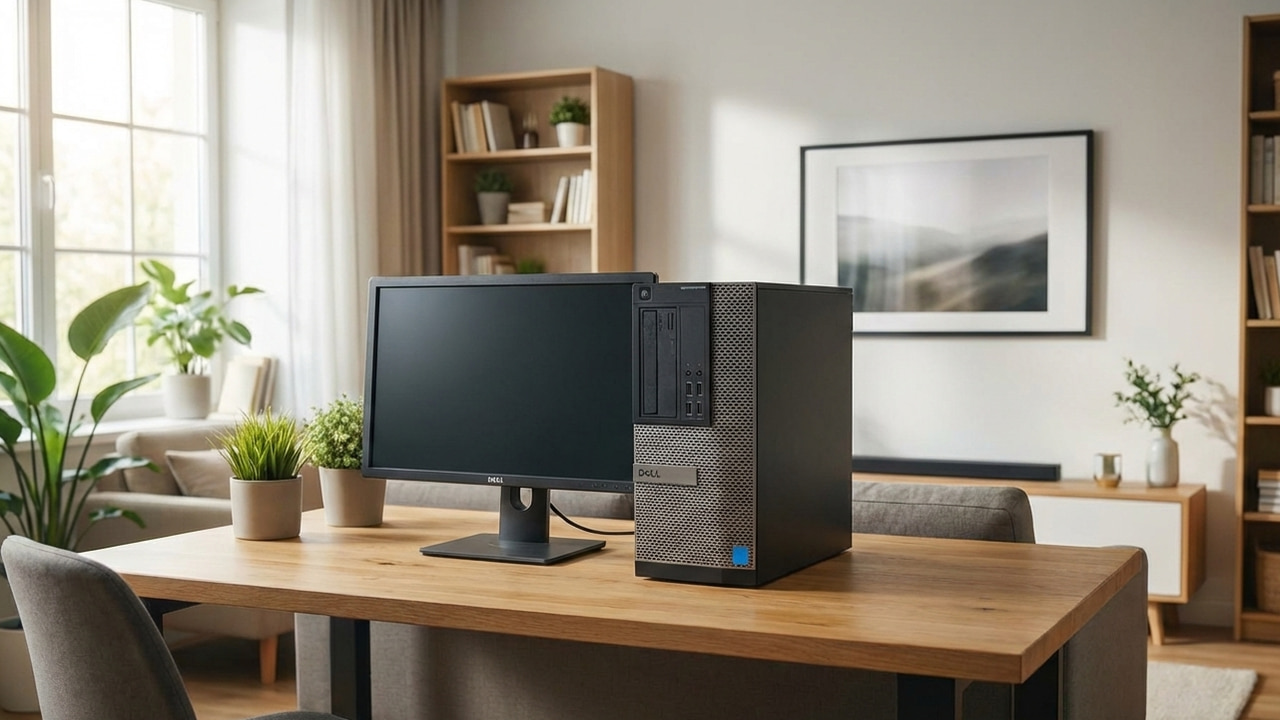
Repurpose your old PC, and save money and reduce waste.
By Karrar Haider – Dec 30, 2025
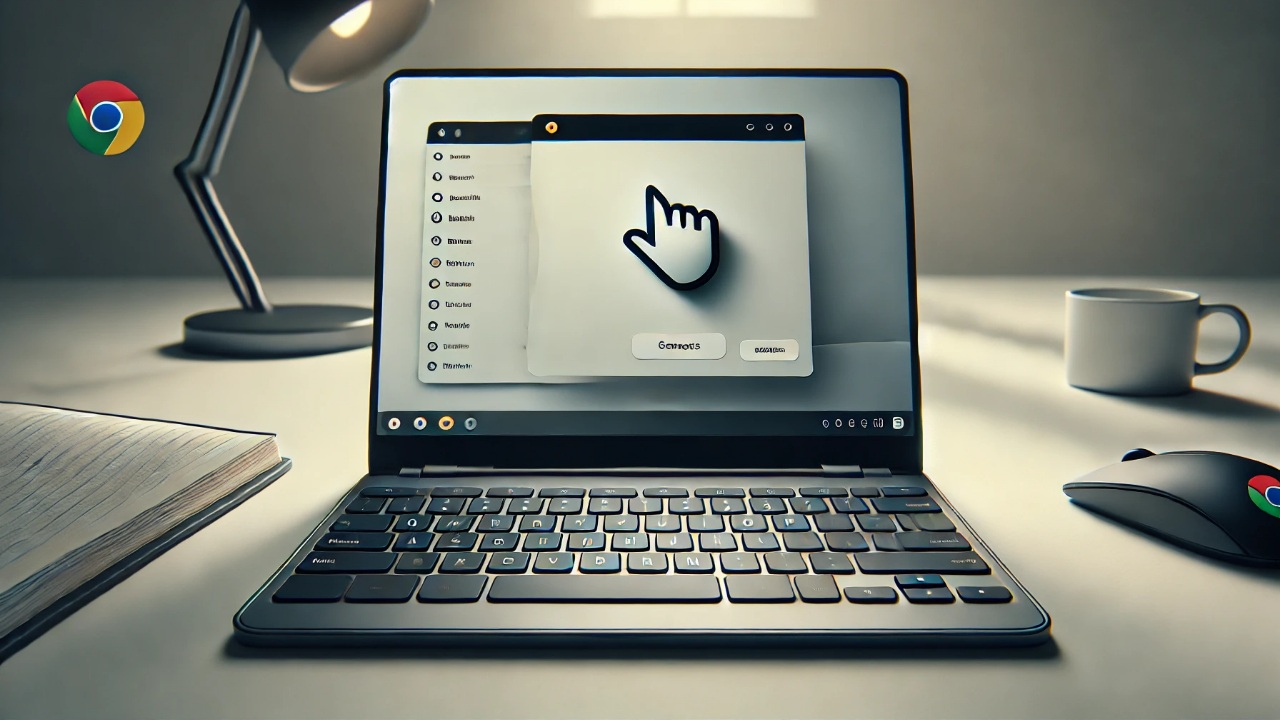
If you encounter hardware failures or issues with the trackpad, you can still navigate using the keyboard on your Chromebook.
By Jay Kakade – Mar 20, 2025
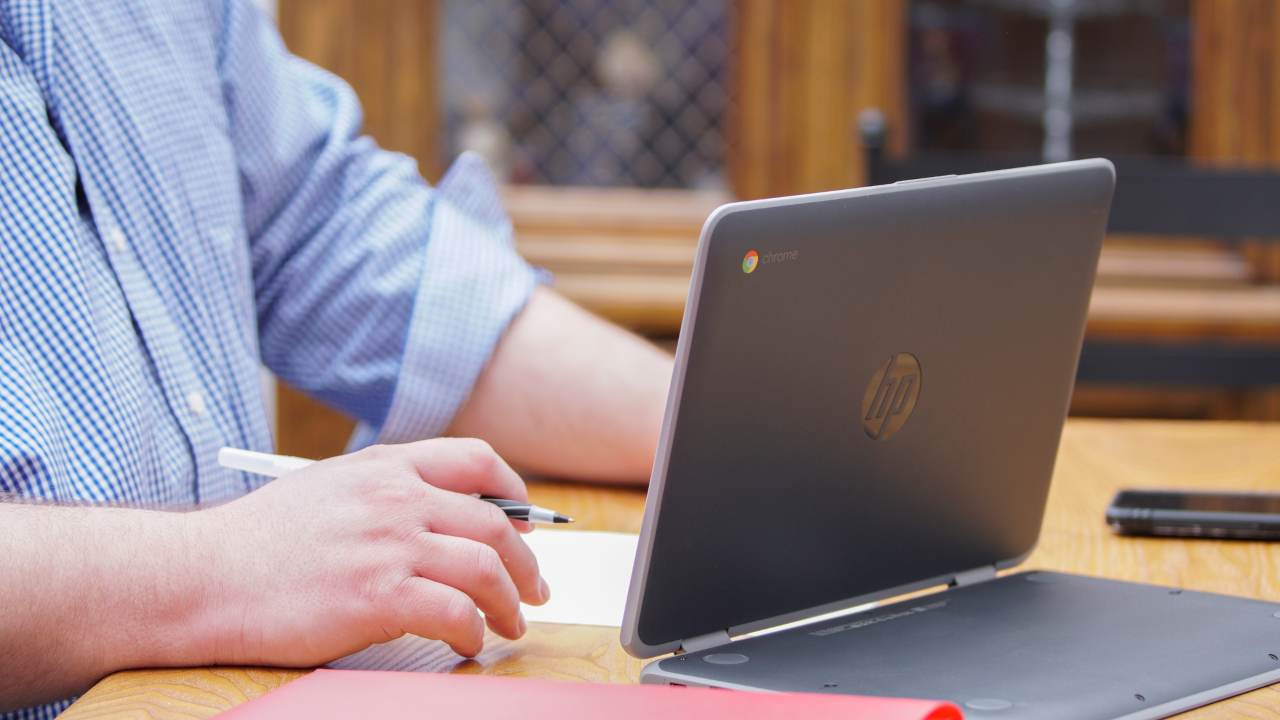
The Chromebook is becoming more robust, and you can even play games on it.
By Crystal Crowder – Oct 10, 2024
Sometimes new products just aren’t as exciting as you were expecting. The new Lenovo Chromebook Duet 11” definitely falls into that category.
By Laura Tucker – Oct 1, 2024
Want to buy a Chromebook? Our buying guide will help you navigate through the options and find the perfect one for your specific needs.
By Ivan Mehta – Apr 15, 2024
Stay productive with Office – even on your Chromebook.
By Crystal Crowder – Feb 26, 2024
Buying a laptop in 2024? Here’s our guide to the best options out there, whether you’re looking for battery life, power, or value for money.
By Tushar Mehta – Feb 8, 2024
We provide the solution for issues with your Chromebook touchpad not working.
By Damien Oh – Dec 25, 2023
Know what to do if your Chromebook’s camera stops working.
By Damien Oh – Dec 24, 2023
Need to make space on your digital camera? Learn how to upload digicam photos to a Chromebook and manage them.
By Crystal Crowder – Nov 24, 2023
Emulators are nifty apps that mimic other operating systems, making it a lot easier to installing apps not usually meant for Chromebooks.
By David Morelo – Aug 7, 2023
It is important to find out the AUE before getting a Chromebook.
By Crystal Crowder – Jun 16, 2023
Chromebooks don’t have powerful components, but that doesn’t make them incompatible for art. Here are five of the best apps for drawing.
By Charlie Fripp – Jun 5, 2023
Is there a way to find a lost Chromebook? Learn how to track your lost Chromebook and protect your data on it.
By Mehvish Mushtaq – May 23, 2023
Want to log in with a different PIN or password on your ChromeOS device? Know how to change the password or PIN of your Chromebook.
By Mehvish Mushtaq – Apr 21, 2023
Wish you could wipe ChromeOS and install something else? Good news! You can replace your Chromebook BIOS with the help of SeaBIOS, a modified BIOS.
By Crystal Crowder – Apr 19, 2023
Don’t want to use the touchscreen on your Chromebook? Learn how to disable the touchscreen on your Chromebook with this step-by-step guide.
By Mehvish Mushtaq – Apr 8, 2023
Is your Chromebook stuck on ChromeOS is damaged or missing error? Learn how to fix ChromeOS is damaged or missing error in different ways.
By Mehvish Mushtaq – Mar 31, 2023
Is your Chromebook not turning on and stuck on black screen? Check out some ways to fix Chromebook won’t turn on issue.
By Mehvish Mushtaq – Mar 20, 2023
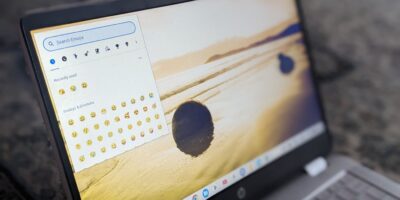
Are you wondering how to get emojis on Chromebook? Check out all the different ways to type emojis on a ChromeOS device.
By Mehvish Mushtaq – Mar 9, 2023
Next >
Affiliate Disclosure: Make Tech Easier may earn commission on products purchased through our links, which supports the work we do for our readers.