If you have vision problems, Microsoft Edge has a built-in reading tool to makes reading webpages easier. Learn how to make use of this reading tool in the Edge browser.
Using one browser for all your browsing activity makes you easy to be tracked. Here is why you should use two (or more) browsers for your daily browsing.
One way to keep your favorite sites within easy access is to pin them to your desktop. Learn how to pin websites to the Windows desktop, taskbar or the Start Menu.
It’s pretty easy these days to sync websites between your phone and your PC. Here’s how to send a website from your PC to your phone with Google Chrome.
The Microsoft Edge Chromium browser has a new Collection feature to save links, text and images. Here’s how to use the Collection feature in the Edge browser.
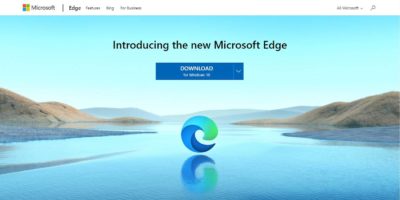
Microsoft’s much anticipated Edge Chromium browser is finally here. This hands-on review will look at why you must give this browser serious consideration.
Sometimes the padlock in your browser’s address bar changes color, gets an extra symbol layered on top of it, or turns into text. What does it really mean?
Brave is a new browser that is heavily focused on privacy. How does it compare to Chrome? Does Brave have the secret sauce to overtake the Chrome browser?
When you are using too many extensions for your browser, their icons will add clutter to your toolbar. Here’s a simple way to hide Chrome extension icons.
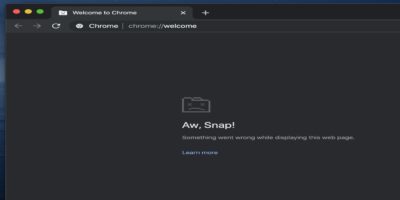
Chrome is the most popular browser around and can be frustrating when it crashes or doesn’t work . Here are some tested solutions to fix a crashing Chrome.