Mac’s Applescript might look complicated, but it’s a powerful tool for users to automate their system. Here’re some clever Applescripts to increase your productivity.
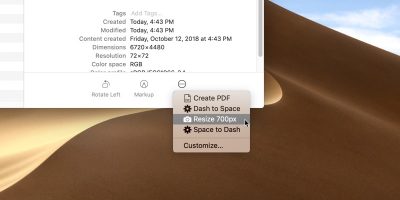
Did you know that you can use the built-in Automator app on your Mac to create a service to resize images to specified values? Resized images are available instantly!
You can’t schedule emails in the Mac Mail app natively, but with a little trick and an Automator script, scheduling emails is a snap. Here’s how it’s done.
Ever wished that you could download all images from Web pages at once? In this article we show you a simple three-part Automator script on Mac that does that.
If you love music and want your Mac to play your favorite track every time you boot up, you can do that using the Automator app to add a startup sound. Here’s how.
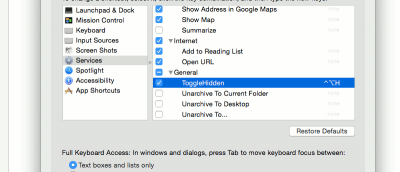
If you need to quickly launch a program in OS X, one useful option is to bind it to a keyboard shortcut. Here is how you can create hot keys for apps in OSX.
One feature that’s always handy to have, but missing in many applications is a character and word count function. Here is how you can access word counts at your beck and call with just a right click. Mac only.