If you’re not careful about your data usage, you could have an expensive bill at the end of the month. Datally helps you to monitor and save mobile data.
Google Drive for Android comes with its own set of tips and tricks. The following tips will help you get things done faster with Google Drive on your Android phone.
There are several ways to encrypt files on Android, be it to encrypt the entire device or individual files. Learn how to encrypt files on Android here.
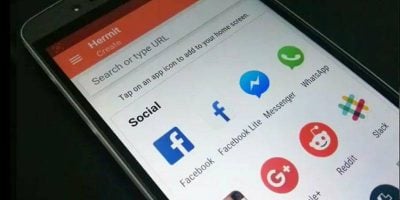
Accessing websites on a mobile device often requires you to use a browser. Learn how you can convert websites into apps in Android so you can access them quickly.
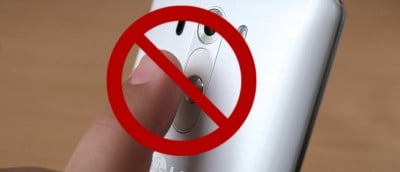
Kids can wreak havoc on your phone when you pass it to them. Learn how you can disable the touch screen on your Android phone while your kid is watching videos.
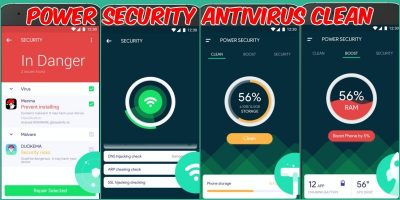
Looking to keep your mobile device secure, optimized, and clean around the clock? Power Security AntiVirus is an all-in-one solution for Android devices. Check out its features.
It’s always a good idea to back up your WhatsApp data so you don’t lose data when you switch phones. Here’s how to back up WhatsApp data to Dropbox instead of Google Drive.
You have probably seen “Unknown Artist” errors when playing your music in Android. Here’s how you can edit music tags in Android and get it to show the correct information in the music player.
ThingThing is a mobile keyboard app that lets you quickly share files. It can access your cloud files, animated GIFs, & images from Facebook and Instagram.
Glance Plus is and Android app that shows some basic information on a black screen when you wave your hand over or cover the proximity sensor. Here’s how it works.
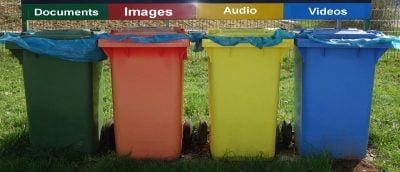
Have you ever wished your Android device had a recycling bin? Thanks to the Dumpster app, it can. It saves all the files you delete just in case you need them later.
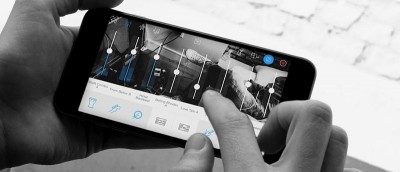
If you are just starting on your musical journey, Music Maker Jam is an easy-to-use app for Android, iOS and Windows mobile that helps produce great music.
QuickClick is an Android app that will help you do all sorts of things by only using your device’s volume buttons. You can take a picture, record a video, turn on the flashlight, and more.
Wouldn’t it be great to have your Android automatically turn on whenever you pick it up? If you like this idea, then you’ll love the Gravity Screen Off app.