

It seems logical. A laptop screen is glass, window cleaner is made for glass, and the bottle is already under the sink. A quick spray, a wipe with a paper towel, and the fingerprints are gone.
However, Apple’s own support page lists almost every part of that routine as something to avoid.
In its guide on how to clean Apple products, the company is direct: “Don’t use window cleaners, household cleaners, aerosol sprays, solvents, ammonia, abrasives, or cleaners containing hydrogen peroxide to clean the display.”
A laptop screen isn’t a window
The problem is that a modern laptop display is more than a sheet of plain glass. Screens are layered, and the surface is often treated with coatings that cut glare and resist fingerprints. Those coatings are far thinner and more delicate than the glass beneath them.
Apple’s guidance doesn’t go into the chemistry, but the list of banned products points in a clear direction. Many household glass cleaners contain ammonia or other solvents designed to strip grease from windows. Abrasive products can scratch. A screen coating that gets worn away can’t be put back, and the damage tends to show up as cloudy or blotchy patches that are most visible when the screen is dark or showing a plain background.
When coatings wear off
MacBook owners have seen this happen. In 2015, MacRumors reported complaints from Retina MacBook Pro users that the display’s anti-reflective coating was wearing off, in some cases “across virtually the entire display.” The issue appeared to affect several models sold from mid-2012 onward.
MacRumors noted that the coating seemed to wear under a variety of circumstances, including pressure from the keys and trackpad when the lid was closed, and “the use of third-party cleaning solutions and microfiber cloths.”
Apple’s response was mixed. At first, some users got free repairs under warranty, while others were told cosmetic damage wasn’t covered and were quoted hundreds of dollars.
Whatever the cause in individual cases, the episode showed how easily a display’s surface can be damaged, and how expensive it can be to fix.
The other half of the warning: spraying
The spray bottle is its own problem. Apple says: “Never spray cleaner directly on the screen. It might drip inside the display and cause damage.”
On a laptop, the screen sits just above the keyboard and hinge, with gaps around the edges. Liquid that runs down the glass can collect at the bottom of the display or seep into places it was never meant to reach.
Paper towels are on the list too. Apple tells owners to use “only a soft, lint-free cloth” and to “avoid abrasive cloths, towels, paper towels, or similar items.” Paper towels are rougher than they feel and leave lint behind, and any grit already on the screen gets dragged across it.
What Apple recommends instead
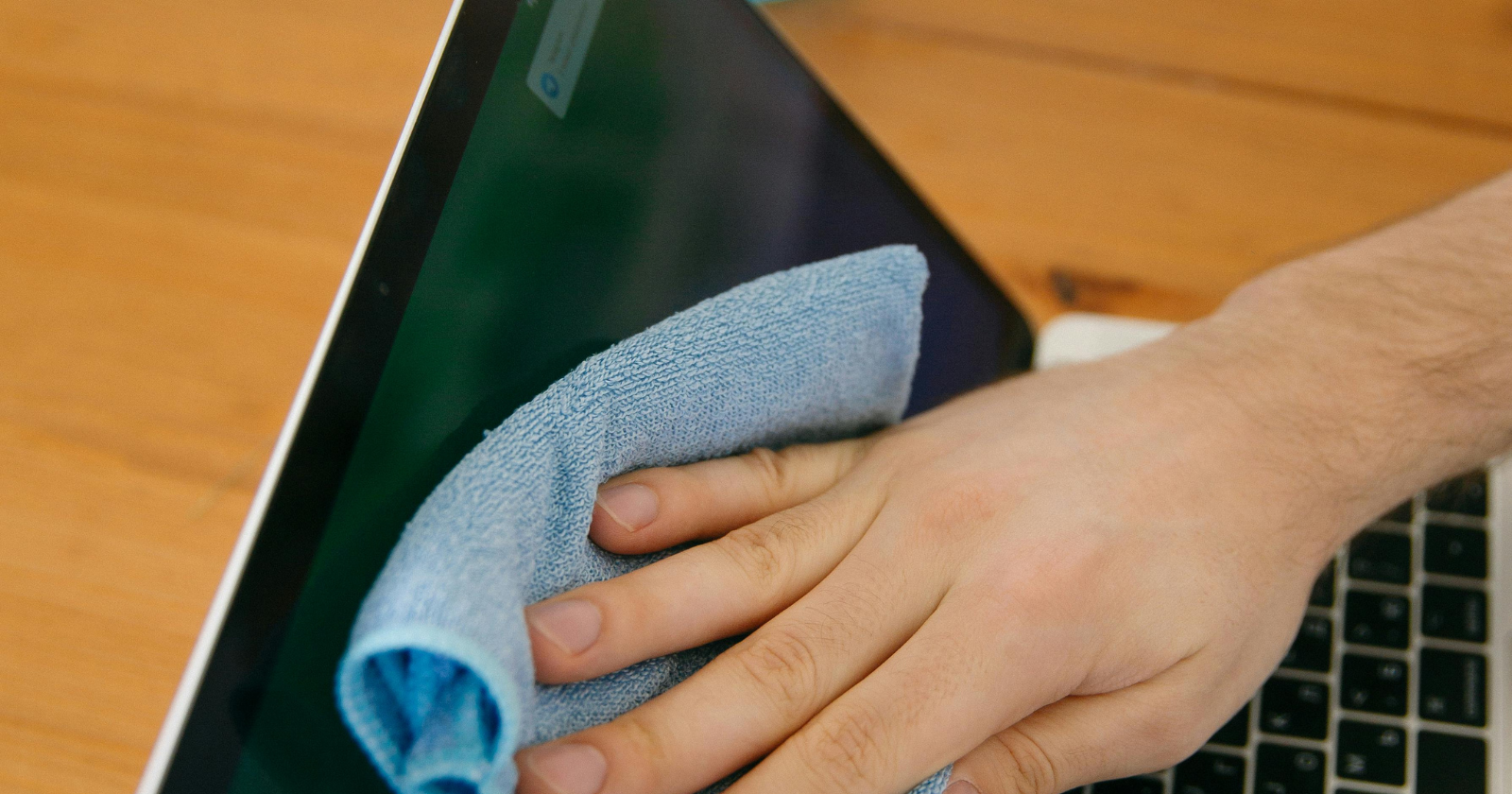
For a MacBook, MacBook Air or MacBook Pro, Apple’s instructions are short. “First shut down the computer and unplug the power adapter. Dampen a soft, lint-free cloth with water only, then use it to clean the computer’s screen.”
For stubborn smudges, Apple allows a little more: “you can use a cloth moistened with a 70-percent isopropyl alcohol (IPA) solution to gently wipe the display or enclosure of your Mac laptop.” The key words are on the cloth, not on the screen, and gently.
A few practical steps follow from that. Wipe off loose dust with a dry cloth before using anything damp, so you aren’t dragging grit across the surface. Wring the cloth out well, so it’s damp rather than wet. Use light pressure. And let the screen dry fully before closing the lid or turning the computer back on.
Some newer Apple devices, including certain MacBook Pro and iMac models, are available with a matte “nano-texture” display. Apple has separate instructions for those screens, which call for the polishing cloth Apple supplies with them.
It isn’t just Apple
The same logic applies to most laptops, tablets and monitors, whatever the brand. If you’re not sure what’s on your screen, a soft cloth is the safest choice. The window cleaner can stay with the windows.