
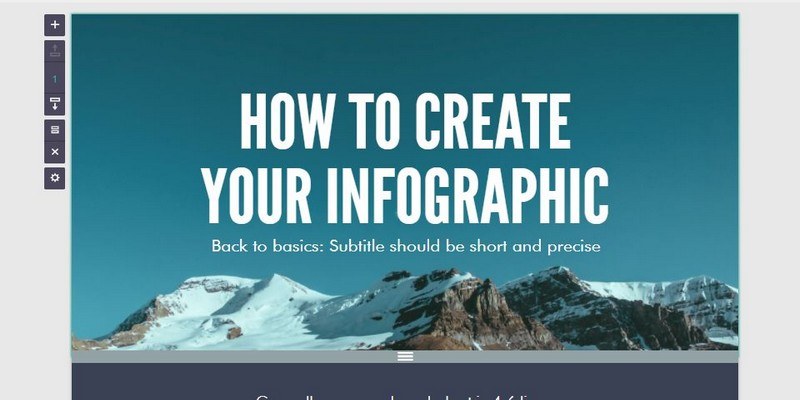

Creating infographics is a great way to get your message across. For some people they are easier to understand than plain text. That’s why infographics are chosen by many – to reach as many people as possible.
You may think that creating an infographic is hard, that to create one you need graphic design skills or else the results will be a complete disaster. The truth is that to create the perfect infographic, all you need is thirty minutes and one of the following web apps.
1. Canva
Canva is a free web app that allows you to create amazing infographics. To find the perfect layout you can browse through Canva’s one-million images. Various layouts are free, but you will also come across some layouts you have to pay for. The paid layouts all have the same price of $1.
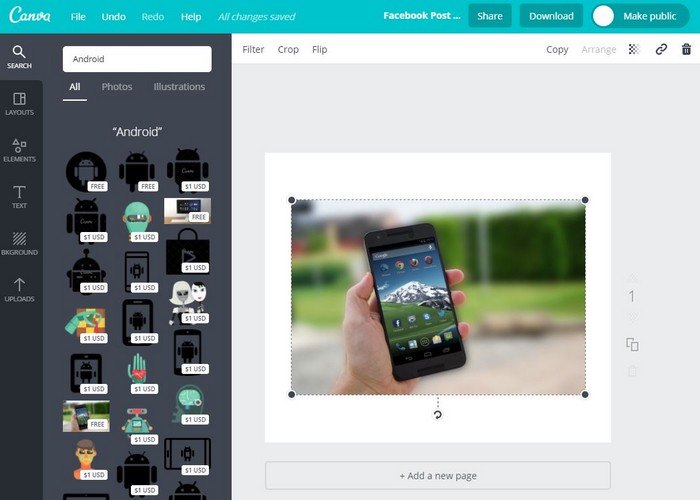
You’ll find options such as free photos, grids, frames, shapes, lines, illustrations, icons, chats, etc. The goodies don’t end there since Canva also has some goodlooking fonts to choose from. You can apply these fonts to the headings, sub-headings and the body of the text.
2. Easel.ly
Easrl.ly is another great option for quickly creating infographics. After choosing a template from the app’s main page, you can make all sorts of changes to it. For example, unlike Canva, this app allows you to insert media into your infographic.
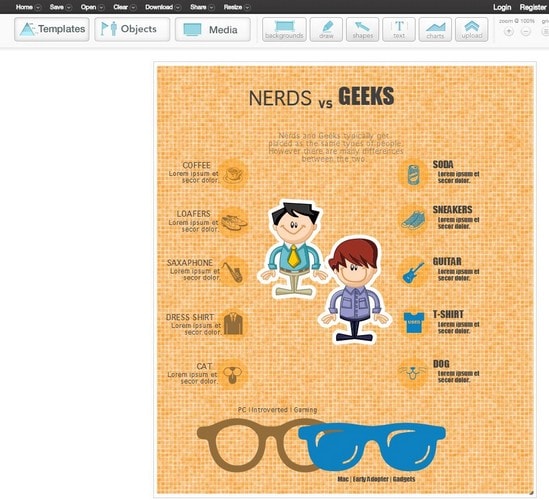
You can either upload media from YouTube, upload your own images, or use the stock images the app offers. By using the drag-and-drop feature you can also add all sorts of objects, charts, shapes, text, and backgrounds, and you can even draw on your infographic as well. It also offers you various ways to share and download your creation.
3. Venngage
Venngage is an easy-to-use web app that will guide you through everything to create your first infographic. It offers options such as adding charts, maps, icons, pictograms, images, your uploads and more. In the infographics section you’ll find topics and categories such as comparison, timeline, tutorial, informational and more!
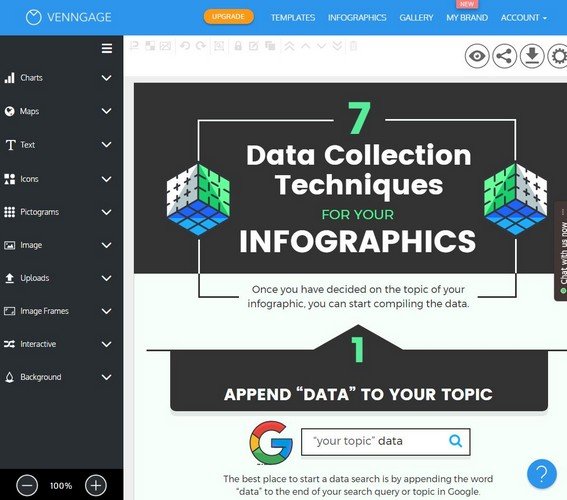
You can add widgets, enjoy a feature-packed toolbar, and share what you’ve made on social media. Quickly manage your work in the infographics tab, and if you ever need help with anything, just click on the question mark at the bottom right. This web app is great, even for beginners.
4. Piktochart
Piktochart is an infographic app that won’t let you down. It offers you various formats when it comes to creating your first infographic. You can choose between the traditional size, presentation size, poster, and report. Whether you’re in a hurry or not, you can choose a template or create one from scratch.
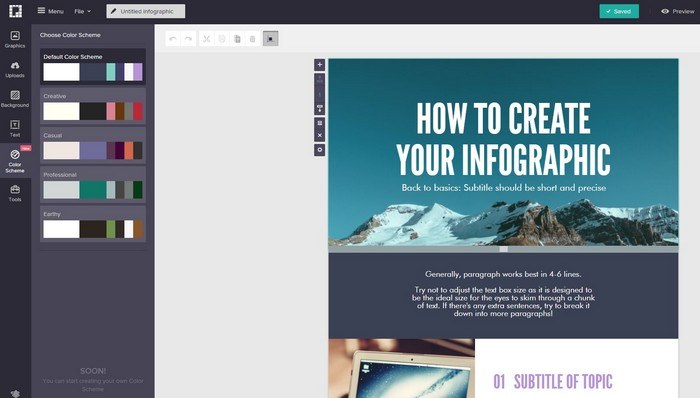
Piktochart also supports video. Not only can it handle YouTube videos, but Vimeo videos are also welcome. It also supports your uploads, and like the other options, you can also add text, color and other elements to your masterpieces. Download your infographic in an image or in PDF format and choose the size you want as well.
5. Visme
Finally, you have Visme. Create the perfect infographic in just thirty minutes and be the envy of all your co-workers. When you first enter Visme, you’ll see a blank page where you can upload an infographic you already started, or you can create a new one.
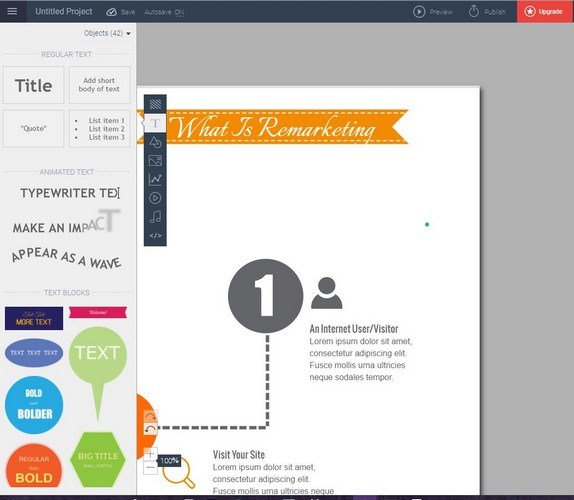
After choosing the right template, it’s time to create your infographic with tools such as animated text, images, charts, shapes, and colors. A unique feature Visme offers is the option to add audio to your infographics and make them stand out from the rest. You can either record or add your own audio.
Conclusion
Creating infographics is easy with these apps. Any one of these apps will give you the tools you need to create some fantastic infographics. Have fun with them and don’t forget to share your thoughts in the comments section.