

Thanks to numerous ‘collaboration’ websites, you can easily create and edit documents online with help from your friends. But what if you wanted to collaborate on more than simply documents? What if you wanted to perform some calculations or watch a YouTube video together with your online friends? To perform these and other similar tasks you will need a ‘super-collaboration’ website.
“ShowDocument” is that super-collaboration website.
Introduction
ShowDocument is a user-friendly website that lets you freely collaborate with online friends using numerous web applications. The collaboration apps provided by the site include a document creator plus editor, a video conference tool, a live chat room with translation features, an online whiteboard, a tool to watch YouTube videos together with your friends, and many more.
Usage
Before you can start using ShowDocument, you will need to sign up for an account. With it activated, use your account information to login to the website. You will find a big orange “Start a Session” button.
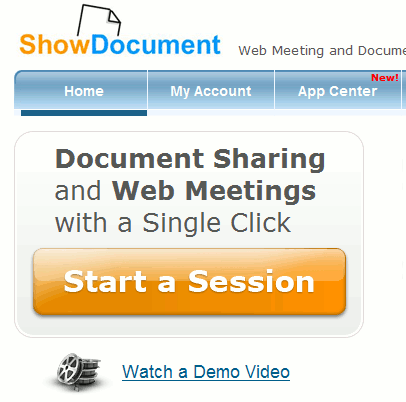
Clicking on this button will display a new window with the available applications that let you collaborate.
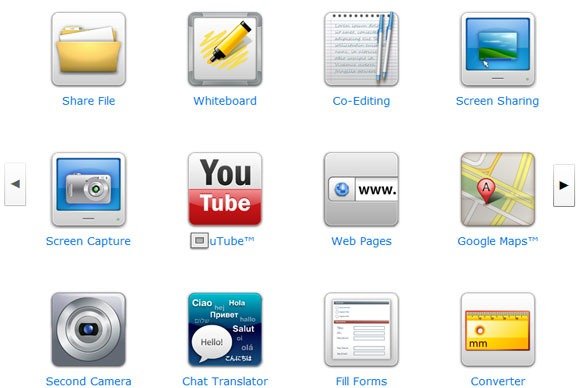
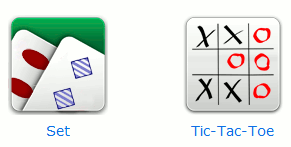
A wide array of collaboration apps are available for use. In addition to the abovementioned apps, these apps include sharing a computer file, sharing the feed from your webcam, sharing your monitor’s output, jointly using a units converter, jointly browsing websites, and playing Set or Tick-Tack-Toe with online friends.
In this review, we will be covering the YouTube application. You can easily try out the other apps and use the sharing procedures outlined below – they apply to all ShowDocument apps.
The ShowDocument YouTube Application
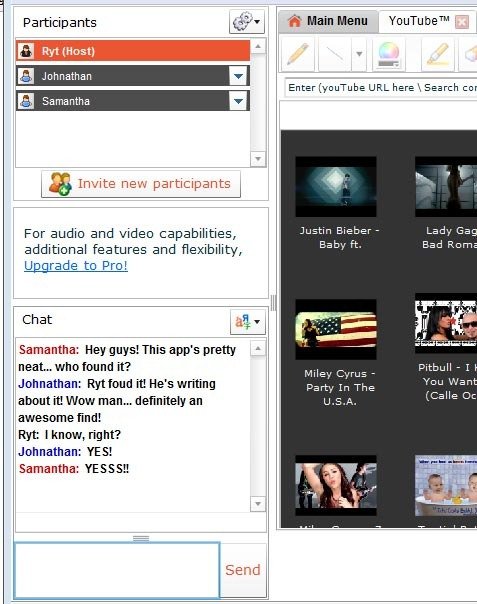
To open the YouTube application you simply click on the corresponding icon. A application tab will be opened in the same window. All the opened apps are viewable via tabs on the top. With the YouTube, you get links and thumbnails to popular YouTube automatically displayed. You also search for YouTube videos and enter the URL of the video if you already have it.
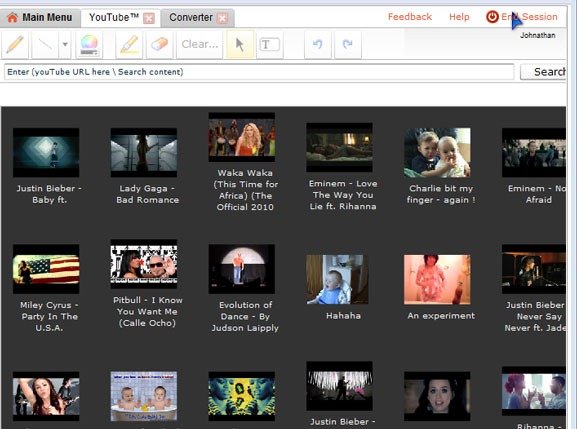
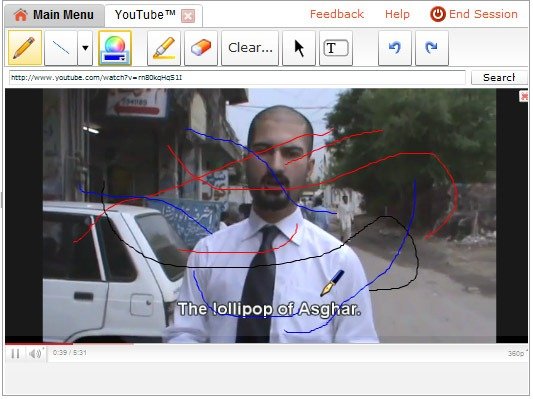
The selected video is played across all participants’ windows at the same time so you all view the YouTube video together. While you view the video, you can draw on it using the pencil tool; the drawings are shown across all participants’ screens.
In the left-most pane of the application window you will find a chat window where participants can talk to one another.
Inviting Participants to Your ShowDocument Application
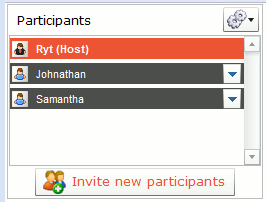
Under the participants list in the chat window you will find a button labeled “Invite New Participants.”
Clicking on this button opens up a window that displays the URL to the ShowDocument application you are using.
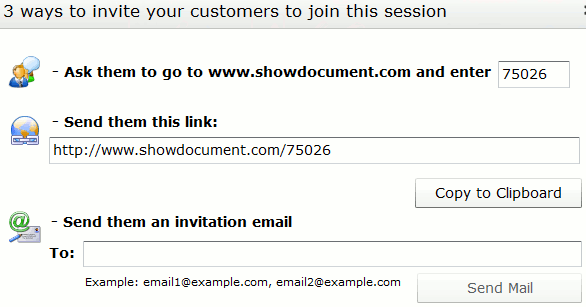
In addition to the sharing the URL, you can send email invitation or copy share the numeric code; friends can type in the code at ShowDocument’s homepage and reach your app’s page. Before joining the application, friends specify a nickname for themselves. That is all they need i.e. they do not need to register for a new account on the site in order to start collaborating with you.
Pricing
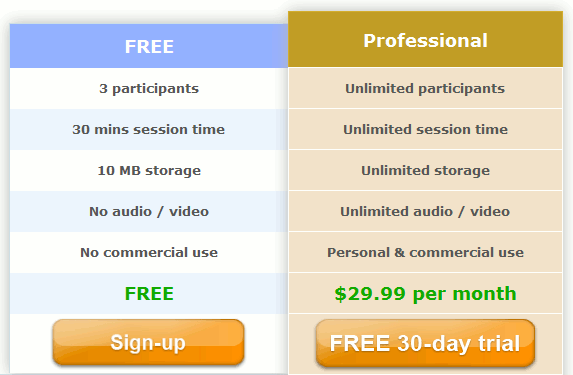
ShowDocument’s free account offers collaboration sessions that are only 30 minutes long. You get only 10MB of storage and each app can have up to 3 participants with the audio and video disabled in chat. These restrictions are lifted if you go for the paid option; the paid account costs $30 per month. Before going for the paid account you can test it for free for 30 days.
Conclusion
ShowDocument is definitely an amazing website. It is perhaps the only website that merges so many collaboration web apps and provides them under a single dashboard. The features offered by the free account are sufficient to benefit most computer users.
You can visit ShowDocument by clicking here.