

If you want a PC that you can access from anywhere, you should give cloud PCs a shot. You can get one to have access to your files wherever you are or even hire a beefy gaming PC so you can play games that your current computer would never dream of running.
What if you could just hire a cloud PC and tweak it to your liking? Fortunately, you can with a little help from an online service and the Parsec application.
Also read: Cloud Gaming vs. Gaming PC: Is Streaming Games Your Best Option?
How to Set Up a Cloud PC
First, you need to find a service that gives you access to a cloud PC. There are many options available, such as Amazon AWS; however, for the sake of this article, we use Paperspace, as it is easier to set up and manage. However, feel free to replace this part of the tutorial with your cloud PC setup of choice.
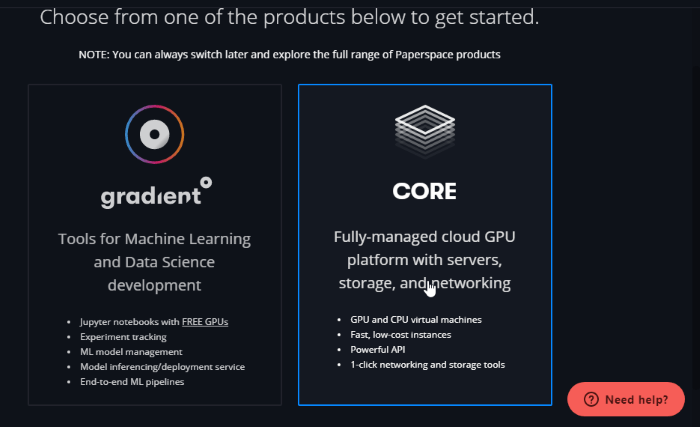
When you arrive on Paperspace, go ahead and create an account. Once you’re done, you’ll be given the option of a Gradient or Core PC. Choose Core.
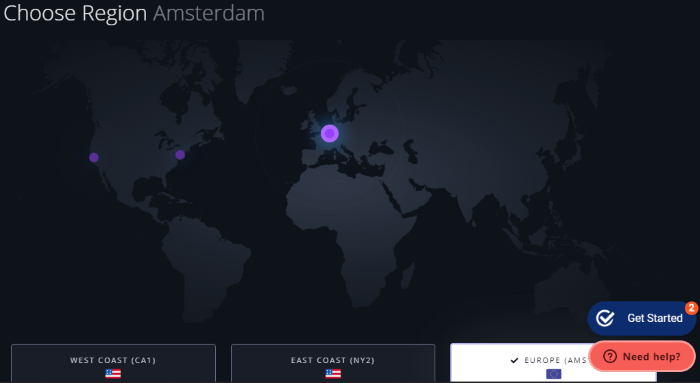
Select the data center closest to your physical location.
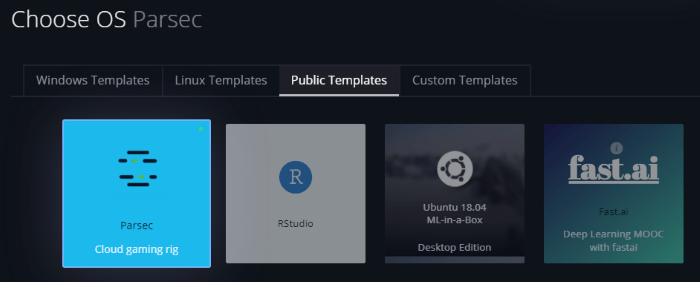
Scroll down from the location selector, and you’ll see options to set up a rig. If you want to play games on your computer, go to “Choose OS,” click the “Public Templates” tab, then select “Parsec.” If you don’t see this or don’t want a gaming rig, create a regular computer.
Scroll down until you can select the PC you want to use. You’ll see a list of different PCs with a range of hardware specifications. You’ll also see that the more powerful computers are greyed out.
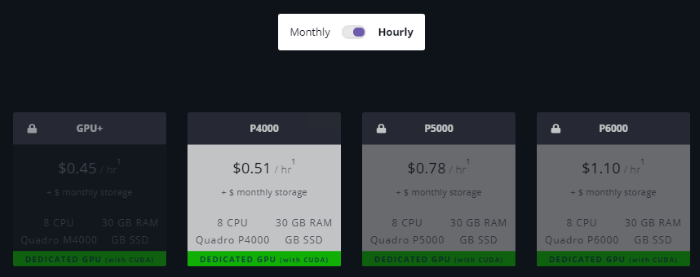
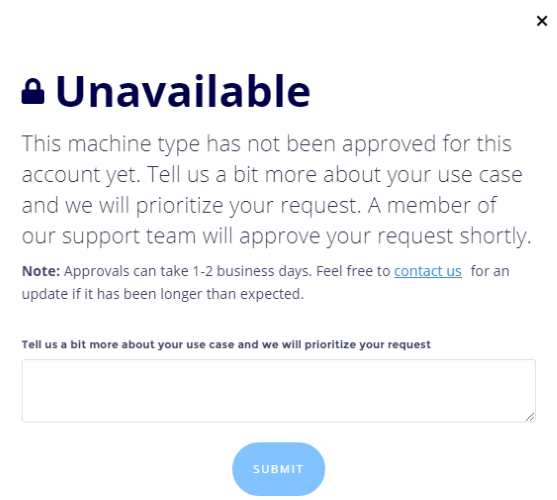
If you want to play games, you’ll want one of the greyed out PCs. To unlock one, click it, then tell Paperspace what you want to use it for. I managed to get a gaming PC just by saying that I’ll use it for gaming. It’ll take a little while for your PC to be approved.
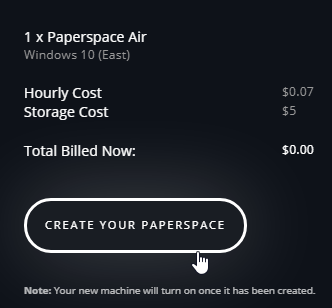
Once you’ve selected your PC, scroll down to select how many you want and how you’ll pay. Then, click “Create Your Paperspace.”
Improving the Latency to Your Cloud Computer
If you chose your own cloud PC setup, you may find that the tools they give you to use your PC work fine for you. However, some users, especially gamers, will lament at how laggy and slow everything feels, especially if you’re using Paperspace in a browser.
To solve this, we need a tool that can reduce the latency between us and the cloud PC. We can use the Parsec program to help keep the latency down and have a better time with our cloud PC.
Parsec wasn’t originally designed for remote PC use. It was more meant to help two people play local co-op games together. The idea is, one person acts as the host, and the other connects to them via Parsec. Then, Parsec allows the person connecting to play games on the host’s PC even if it doesn’t have an online mode.
Also read: GeForce Now vs. Stadia vs. Shadow: Who’s King of the Cloud?
Even if you don’t play games, Parsec is useful for connecting to a cloud PC with little latency. To use it, first, download Parsec from the website, create an account, then run it on your PC and sign in.
You’ll have an interface through which you can connect to another PC. However, if you’re looking at Parsec from your cloud PC, you’ll see nothing here. After all, you don’t have any other PCs connected yet!
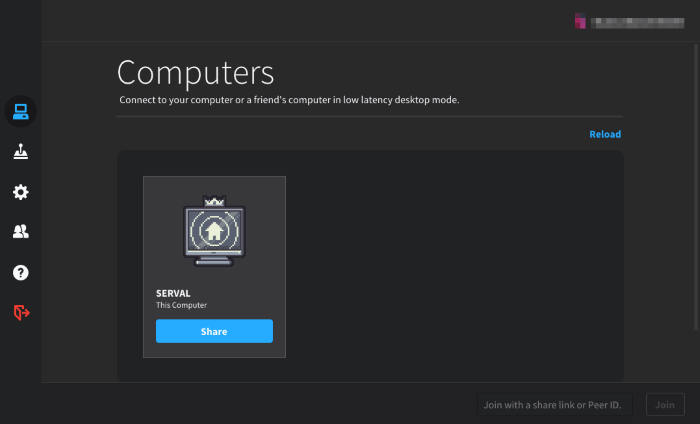
On your main PC, download Parsec. Once you have, you’ll see two PCs on Parsec. On your main computer, click the connect button for your cloud PC.
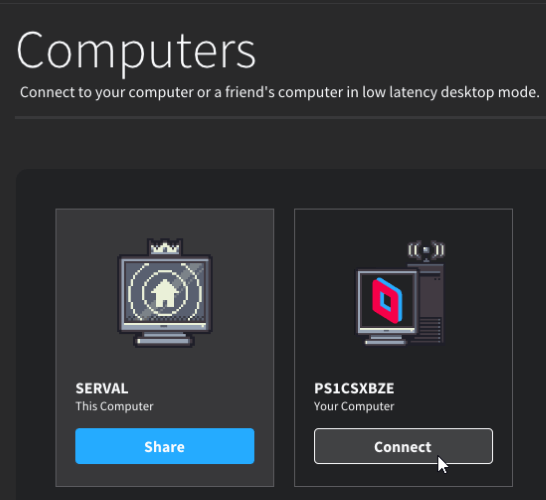
You’ll see the cloud PC’s desktop appear on Parsec. Now you’re remotely controlling the cloud PC from the comfort of your own!
You should also note that Parsec has an Android app, too. This means you can access your cloud PC (and your home computer, too) no matter where you are.
If you’re using a Paperspace PC, be sure to shut it down before you close Parsec. Because Paperspace charges by the hour, leaving the PC on can accrue a nasty bill. Shutting the PC down puts it offline and stops the hours from adding up.
If you want a cloud PC, whether for work or for gaming, it’s easy to make your own. All you need is a cloud service provider and Parsec, and you’re ready to go! However, if all you need is a place to store your files online, check out our list of the best online storage providers or create your own online storage service with Nextcloud.