

If you are using Google Drive to store your backup and you have tens of thousands of files and folder in it, it can sometimes be difficult to search for that particular file or folder in Google Drive. In this article we will detail the ins and outs of using Drive’s various search tools to find the data you want.
Try a Partial Search
If there is a word or phrase you fully expect to see somewhere in the title, search for that first. Drive will begin making recommendations based on your search query as you type it.
Adjust Search Tools
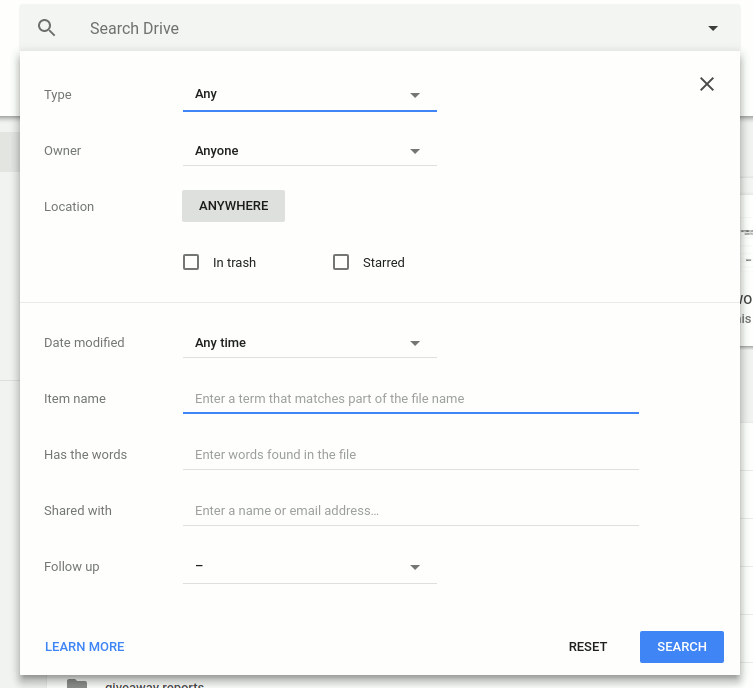
Google drive has some awesome search tools built in. Click the search bar, then click “More Search Tools” from the dropdown menu. Here, any of the values can be adjusted to hone in on a specific file or folder.
Search Drive – Not Other Google Apps
When trying to search for a document or folder, you may find yourself in the interface of Google Docs, Sheets, or Slides. When in the interface of each of these respective sites, you will only be able to search for such specific documents. To view everything as a whole, you will want to make sure you are signed into and viewing Google Drive.
Search by Extension and Type
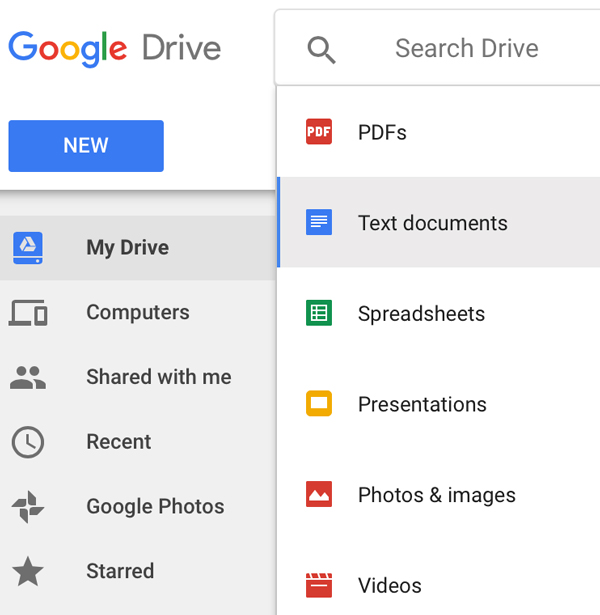
If you are not sure what the name of a particular file is, you can search by the document extension. For example, to search for an image, you might type “.jpg,” “.png,” or “.gif” into the search bar. Likewise, for a document, try search terms such as “.pdf,” “.doc,” and “.txt.” Alternatively, use the down arrow key on your keyboard to move down and select a file type to search for.
Search Recent Items
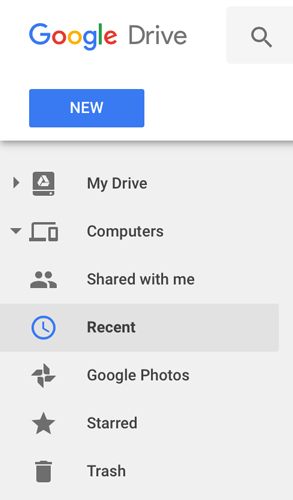
If the file has an obscure name or you are not too sure what exactly it is you are looking for, you can search by recently uploaded items. To do this, click the “Recent” tab on the left menu bar. From the new screen you can view what was uploaded on the current day, earlier in the month, or even earlier in the year.
Search by Sender, Creator, or Receiver
Entering the terms “to:” “from:” and “creator:” before an email address will pull up files specific to the term. They can be used back to back in a search as well to find something from one person to another, specifically.
Search by Date
To find when a file was modified, you can use the aforementioned technique of adjusting the search tools or by manually searching. To manually search, type “Before:” or “After:” followed by the date in the year, month, and day format (yyyy-mm-dd). The “Before:” and “After:” commands can be used back to back to find files within a specific date range.
Search Using 3D Touch on iPhone
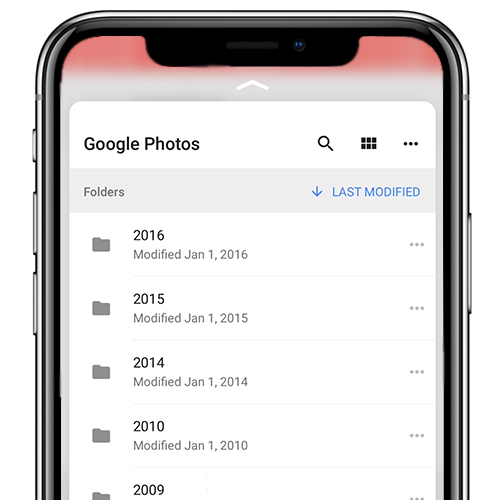
Through the Google Drive app on iPhone 6S and newer, use 3D Touch to “peek” into your files to get a glimpse as to what is contained, without ever fully opening them. In doing so, you can see information at a glance without having to wait for a particular file to fully load. Press a little harder into the display to open the contents. Do note that this will work best through the Google Drive app. It may not work near as well or fluidly through Safari or the a different browser.
Conclusion
This article has covered the various resources and tools to search your ever-growing Google Drive library. If you have any questions, please leave a comment below.