
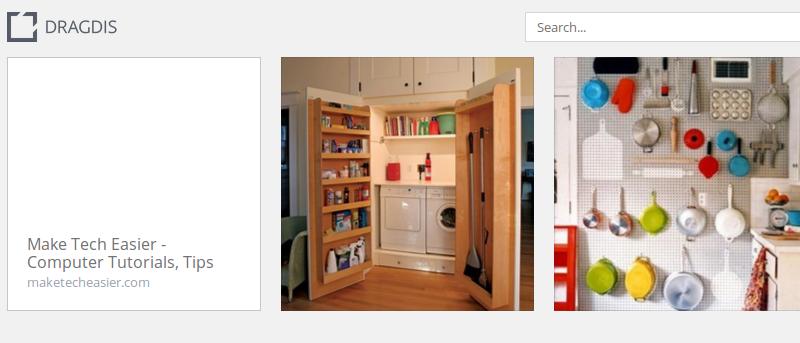

There is no shortage of bookmarking services on the Web. We have reviewed several bookmarking services here at MTE and also covered the Web Clipper that can easily clip content from the Web to your Evernote account. If, however, you need a better and easier way to save web content – be it text, images, video etc. – and a single interface to access them all, then Dragdis could be useful.
Dragdis is a bookmarking service that allows you to drag and drop content onto it and have it save to your Dragdis account. Unlike most bookmarking services where you can only save URLs, Dragdis allows you to save text, images, videos and the URL. All you need to do is to click and drag, and you will be able to drop it into your bookmark folder.
To get started, simply visit Dragdis and set up an account.
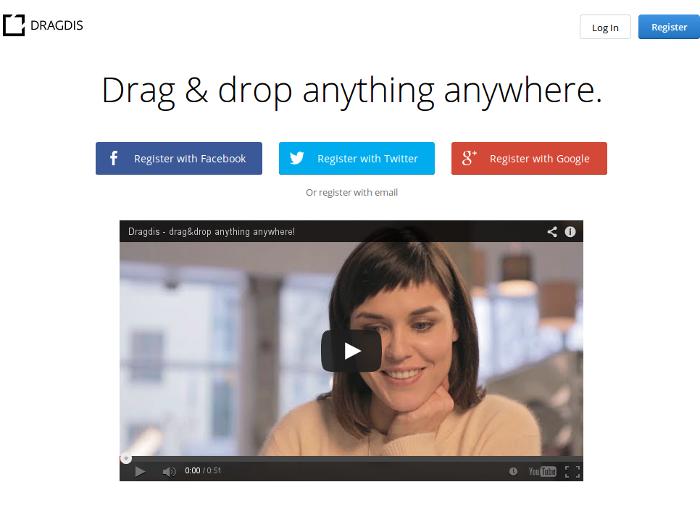
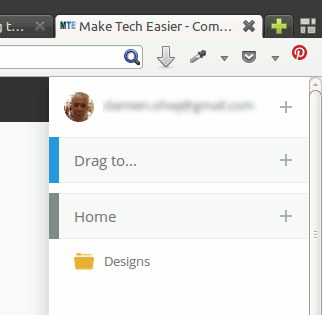
Once you are logged in, it will prompt you to install the extension for your browser (Chrome, Safari or Firefox). Alternatively, you can also head to its download page to access the extension for your browser. After the installation, you will see the Dragdis panel on the side of your browser. You can click the “+” button to create sub-folders or a new group.
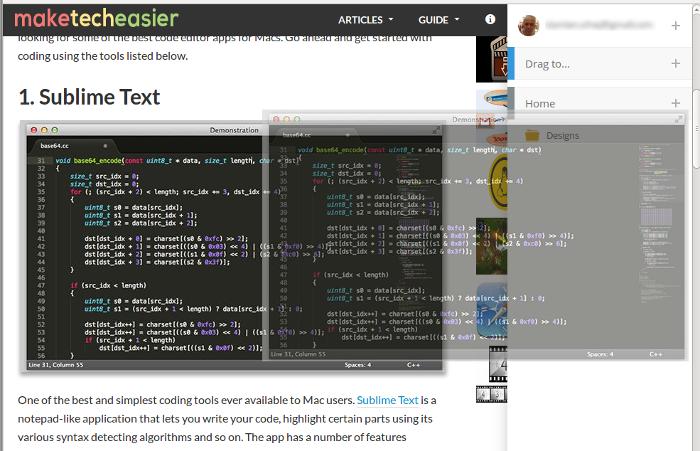
To start saving content, simply drag the image (can be text or video as well) and you should see the Dragdis side panel appear. Just drop it into the appropriate folder and it will automatically be uploaded to your Dragdis account.
If you have linked your social account, like Facebook, Twitter or Google+, you can also drag and drop to share the content immediately on your social profile.
Managing your bookmarks
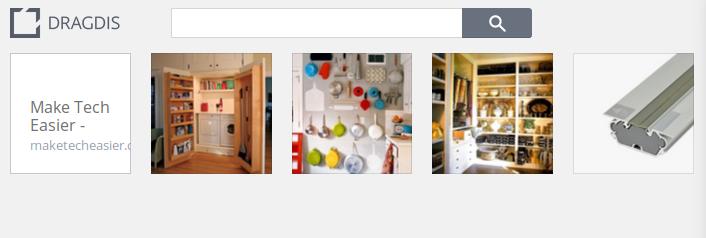
To manage your saved content, you just have to click on the relevant folder in the Dragdis sidebar and it will bring you to your account on the Dragdis home page. From here you can view and organize your saved content.
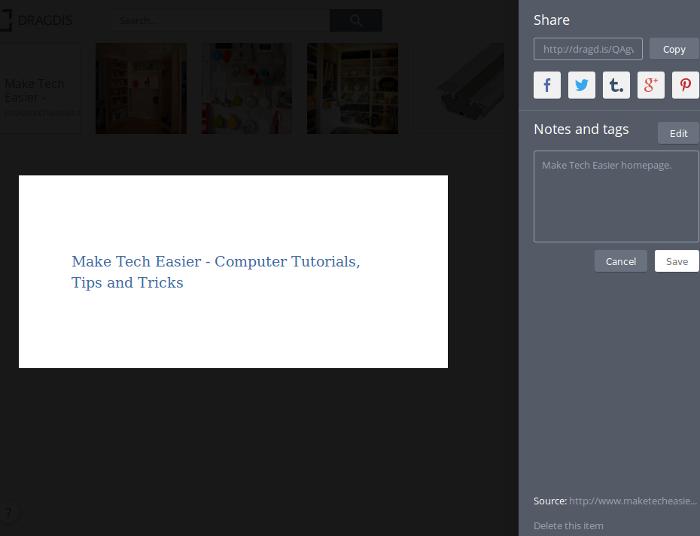
You can also add notes to each individual item.
Conclusion
Overall, Dragdis is easy to use and it works fine on most sites. There are some sites where I am not able to drag the video (particularly on Youtube), but that could be due to the Flash settings on my browser. At the moment, Dragdis’s home page is very simple. In fact, it is so simple that you won’t know what it is about until you sign up for an account and try it out. Hopefully that will change in the future. Do give it a try and let us know whether you find this new bookmarking service useful.