


Is your inbox a hot mess? Do you get more emails each day than you can quickly sort through? Does the sheer volume of new messages each day make it challenging to notice the essential emails you need to pay attention to?
If so, you need to declutter your inbox.
There are many different ways to achieve “inbox zero,” such as going through the emails and either deleting, doing something because if it, responding to it, or sending it to a “do later” file.
But if you have a lot of subscriptions for newsletters and other information from online sources, that can take a very long time.
One way you may be able to tackle the problem is by reducing the actual number of emails that land in your box. You can do this with an app that takes all the emails you receive and sends them in one digest email on a timetable you choose.
Two of these services you can use are Unroll.me and SubscriptionZero.
Unroll.me
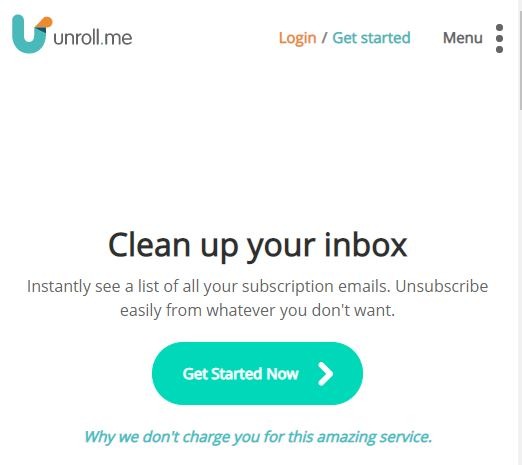
Unroll.me is known as a site that makes it easy to unsubscribe from newsletters by gathering all the subscriptions you have into one list so you can scroll through and click the Unsubscribe button without having to open an email from each source individually. But it is also a place where you can choose to add emails from various sources to one “Rollup” which is only delivered once a day.

To use Unroll.me,
1. Go to the site and sign up.
2. Allow access to your email account. It will automatically scan your inbox and find your subscriptions.
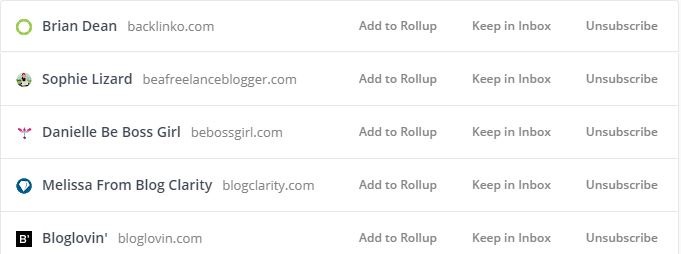
3. When the app displays your subscriptions, scroll through them, and choose an action for each one: either “Add to rollup,” “Keep in inbox,” or “Unsubscribe.”
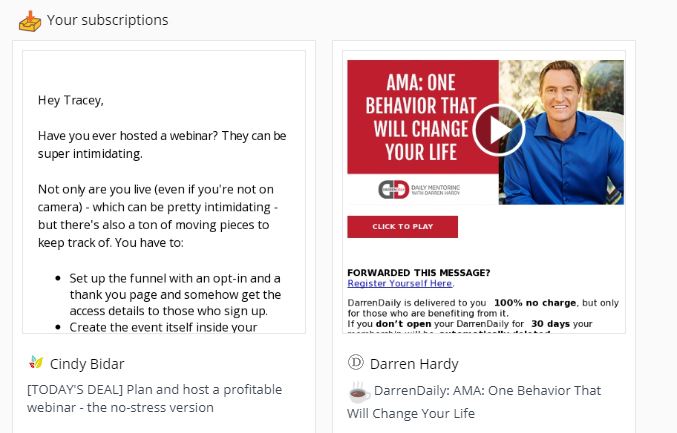
If you choose to add a newsletter to the rollup, Unroll.me will collect all emails with that tag and deliver them once a day in one email that allows you to scroll through and read only the ones you want without clicking back and forth in your inbox.
Subscription Zero
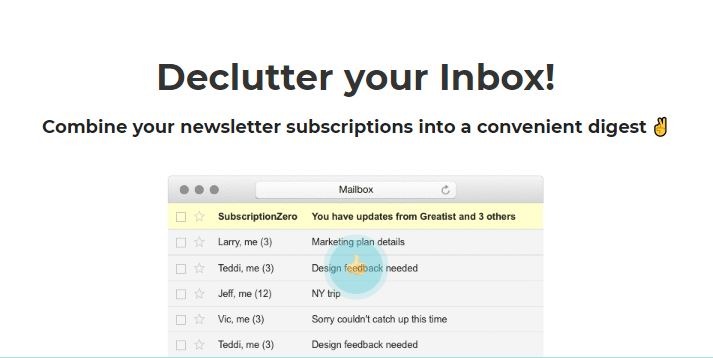
Another site you can use that has the option of delivering emails in a digest is Subscription Zero. This app works differently than Unroll.me in that it gives you an email address to use that is separate from your real one. All the emails sent to that address are gathered and sent in a digest email.

Subscription Zero is not designed to work with your existing subscriptions, but instead, it is best for signing up for new subscriptions. If there is an option at the bottom of an email you receive that allows you to change your options, you may be able to change your email address by clicking there, but most of them don’t offer that option.
To set up SubscriptionZero:
1. Go to subscriptionzero.com.
2. Click on Sign Up/Sign In.
3. Click on Sign Up under the email and password fields.
4. Fill in your information and click Sign Up.
5. The next screen you see will have your Subscription Zero email address.
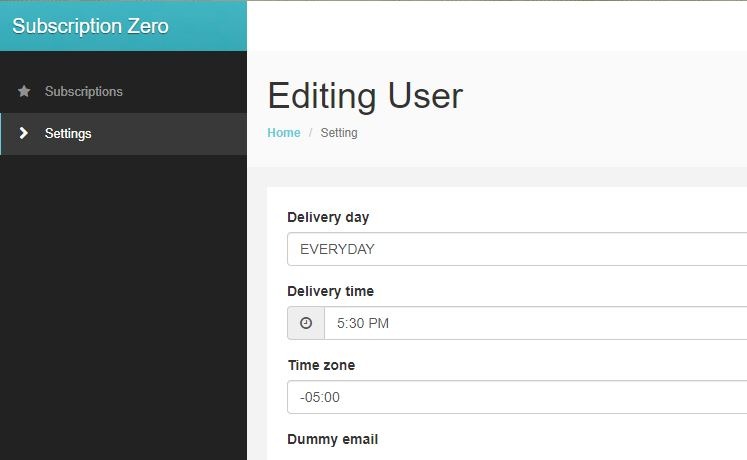
Change your settings:
You can choose to have digests delivered every day or only once a week. You can also select the time of day that is best to have the summary sent.
To keep the clutter down, use a combination of the two services. Unroll.me will give you the subscriptions you already have, and you can sign up for new lists with the email address Subscription Zero assigns to you.