
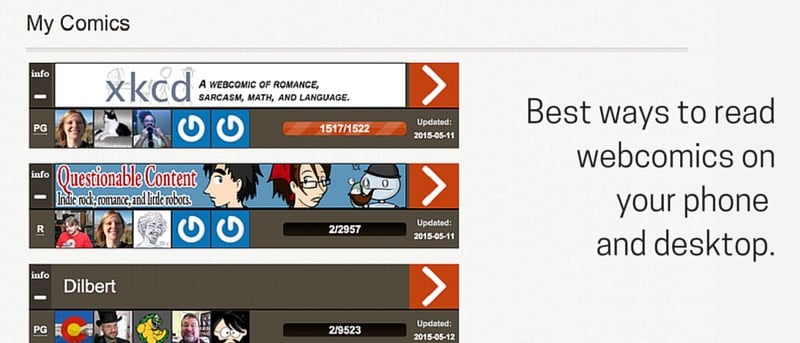

Today we’ll cover websites and apps that will make your webcomic reading experience a little bit easier. In the end we’ll talk about automating the entire webcomics delivery process using IFTTT.
1. Feedly RSS Reader
In the days of Google Reader, everyone used to read webcomics via RSS. It worked great. Every morning you’d get the comic strip in your Google Reader. No ads no unnecessary stuff. But then Google Reader shut down and webcomics kind of stopped supporting RSS because it’s hard for independent webcomic creators to support themselves via just RSS traffic.
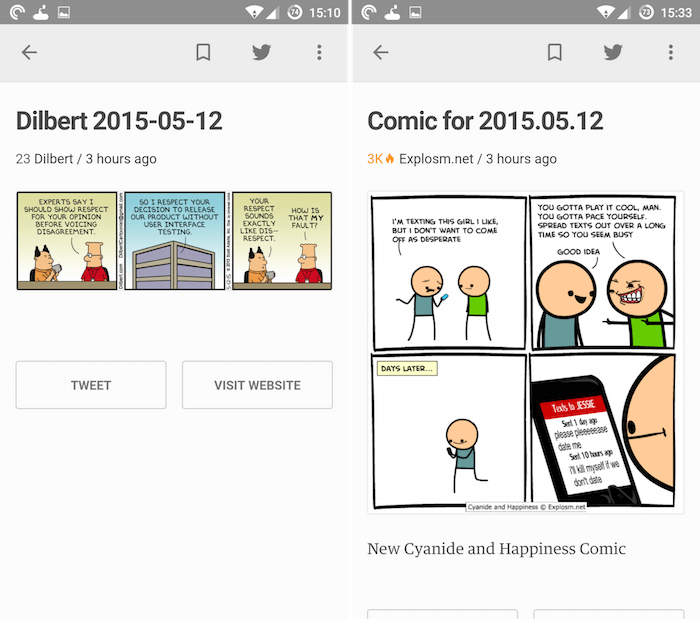
So when you subscribe to RSS feed for Dilbert, you won’t find actual comic there. It’s just a link to the site.
But curiously enough, “Feedly has a whole section dedicated to Comics. Here you can explore and subscribe to them. And when you’re using the website or the official Feedly app, or any third party client, the comics with full RSS support will show up in their full form. This is hit and miss really. Some webcomics like XKCD, Cyanide and Happiness support full RSS, while Penny Arcade and others don’t. I tried converting then to full RSS feed using a third party service, but it still didn’t work for me. Your mileage may vary.
2. Comic Rocket
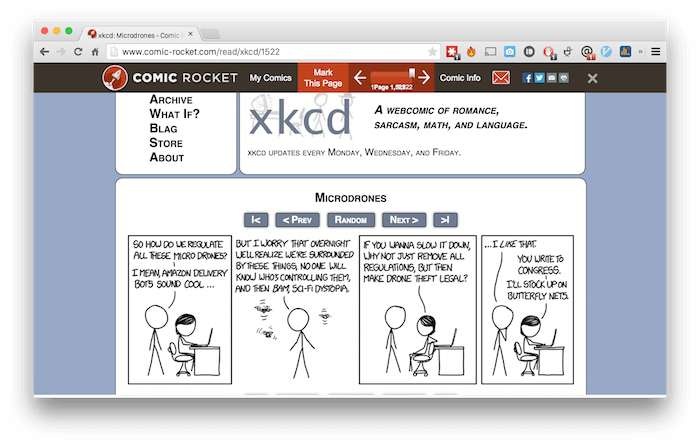
Comic Rocket has a website. It’s basically a tracker for webcomics. You can follow webcomics and mark issues as read. This is great if you’re planning to binge read all 9000+ issues of Dilbert. Comic Reader, unlike RSS and other apps, doesn’t present just the image or the comic. When you start reading a comic, you’ll actually be taken to the original web page with a Comic Rocket wrapper around it.
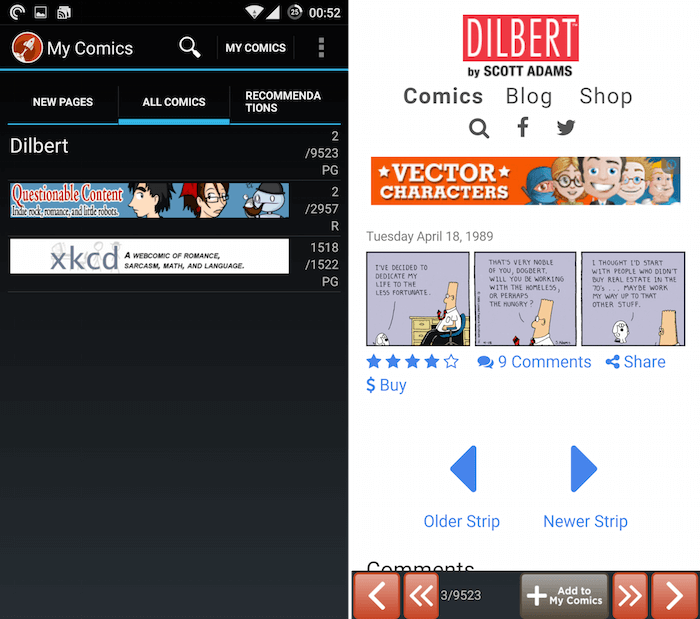
But because you’re going directly to the website, you can count on a reliable experience. Comic Rocket has an “Archive Binge Read” feature where you can binge read old webcomics. It will send you 10 back issues via RSS everyday.
Comic Rocket’s collection is the most exhaustive. You’ll find almost every kind of comic here. The centralized approach to reading new issues and back catalogue of comics, along with the always in sync Android app, makes Comic Rocket a must have.
3. GoComics
GoComics is a website, and there’s also an iOS app. GoComics is where you’ll find most mainstream comic strips: Dilbert, Garfield, Penguin, Calvin and Hobbs and the like. After logging in, you can follow comics of your interest. You can also zoom in and pan around to read better. Swiping left/right will bring up older/newer issues.
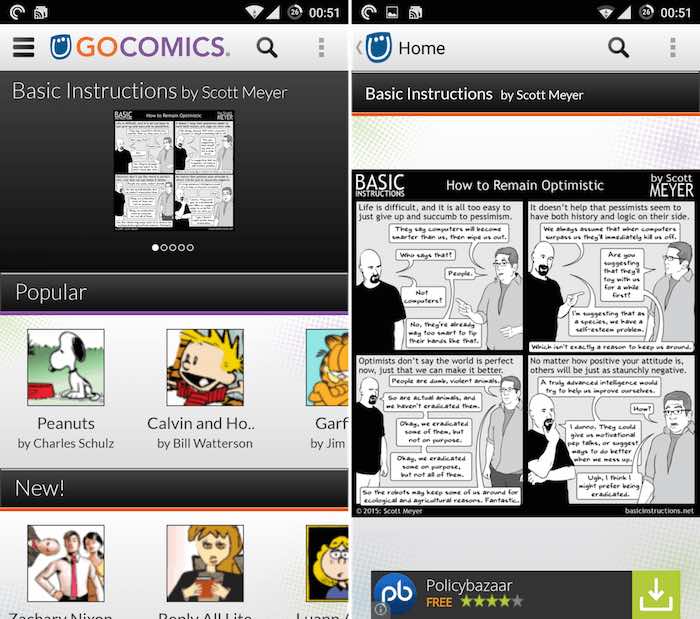
You won’t find nearly as many comics in GoComics as Comic Rocket, but if you’re a comic strips fan, you’ll get a lot out of it.
4. Download Webcomics for Offline Use
Webcomics like The Oatmeal or Hyperbole and a Half usually run in multiple pages. Reading them takes a lot longer than just a comic strip. And you might not want to read them all when you’re on the desk. If you want to save them for offline use later, try downloading them as PDF. Use the “Save as PDF” extension. Just click the icon and the entire page will be converted to PDF, and the download will start automatically.
You can also save them as images. Batch download images using Image Downloader Chrome extension.
5. Getting Alerts from IFTTT and Pushbullet
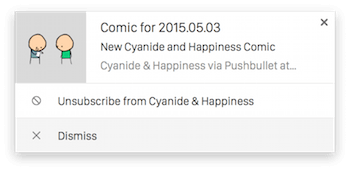
If you’re using the IFTTT app on your Android or iOS device, you can set up a recipe to follow updates from your favorite webcomic. Choose the “Feed” trigger, paste in the RSS feed and then select Android or iOS notification. You can also select Pushbullet so you can be alerted on the desktop. This is an example recipe I created to notify me about new comics from Cyanide and Happiness. IFTTT is great because it’s flexible. You can set up a system where new items from XKCD or Dilbert show up directly in your Inbox as well.
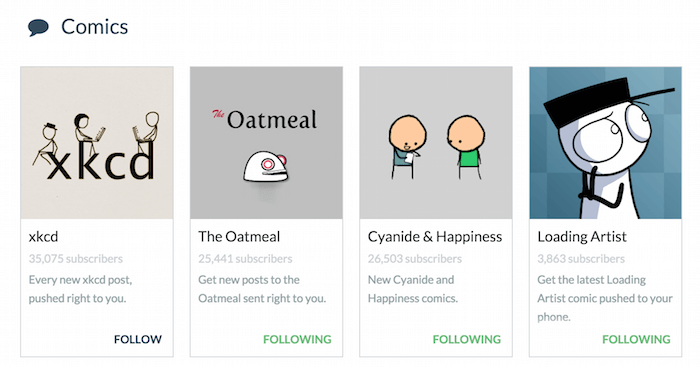
Speaking of Pushbullet, you can directly subscribe to webcomics channels there. Only a handful of comics are available – The Oatmeal, XKCD, Cyanide and Happiness, Loading Artist and SMBC.
How do you read webcomics? Share with us in the comments below.