

Who wouldn’t want to publish their very own newspaper? There are many benefits from running your own online newspaper. Think about it. You could establish some real authority in your area of expertise. You can really help a lot of people learn way more than they would have otherwise. Plus, you could drive traffic to your own online business or hangout. Yes, having an online newspaper of your own would be a really cool thing.
What if running your own online newspaper, once set up, could actually run itself, with little to no effort on your own part? Now that sounds foolish to believe, doesn’t it? Well, with the right tools, articles could be curated for you and authors would be giving you content on a consistent basis with no oversight needed. The tool that could fit this bill for you is called Paper.li.

Paper.li has the ability to take links posted on your social networks and bring them together into an organized online newspaper for you. This means you have control over what goes up, assuming you have control over who your connections are in your social networks (and you do). On top of that, you can also add feeds from other sites manually and have them feeding articles to your newspaper as well. This means that if you write online, you can add those sites as well.
In this article, we will make you more familiar with Paper.li and show you how easy it is to setup and maintain.
How to get set up using Paper.li
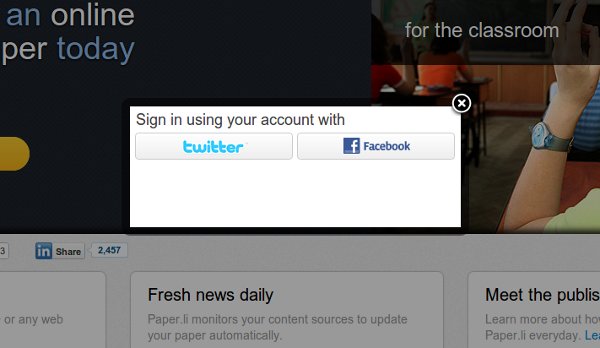
The first thing you do is sign in with your Twitter account. Click on the link in the upper right corner of the homepage that says “sign up/sign in” and you receive a popup asking you to sign in using either Twitter or Facebool. For the purpose of this article, we’re using a Twitter account.
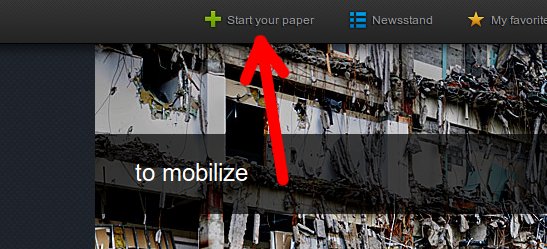
Once you’re signed in, click the button labeled “Start your paper” to get started.
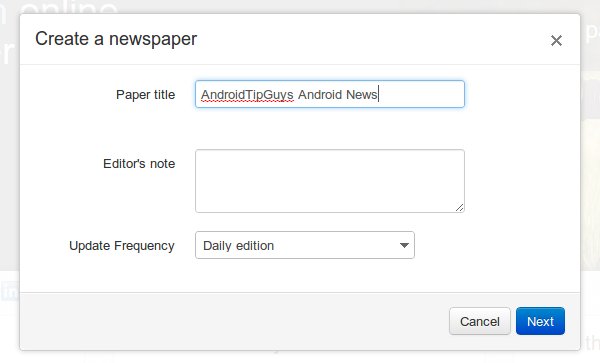
Next you’ll get a popup asking for some details about your newspaper.
Add content streams
The next step is to add some content streams. You can add sources from your Twitter account. We’ve added both timeline links (links tweeted by those we follow) and tweeted links (links we have tweeted). You can browse the other subjects provided in the menu there or you can click Done.
From here, you can add sources from other sites or blogs you want articles curated from. After clicking the done button, you were probably brought to your new newspaper. Click the settings button and go to the Content section. What we want to make use of is the Paper.li bookmarklet.
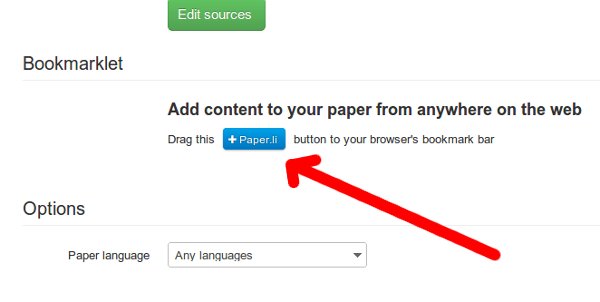
Drag the button to your browser’s bookmark bar to begin. Now just visit sites that you want to add to your newspaper then click the Paper.li bookmarklet button.
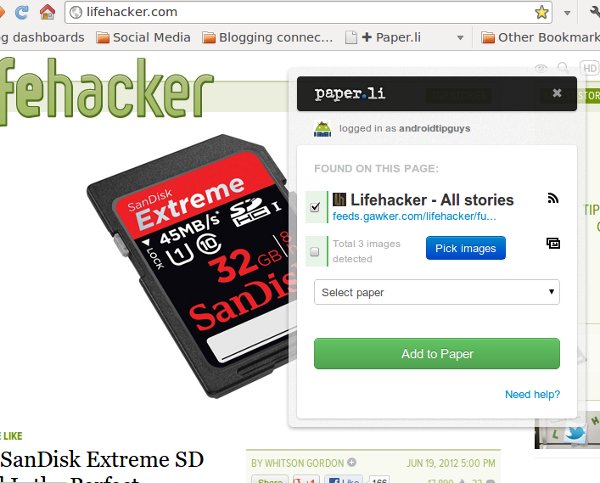
Remember, if you want the newspaper to mostly be about a specific topic, you may want to be selective about what sites to add.
Your finished product should be organized and looking like a real newspaper!
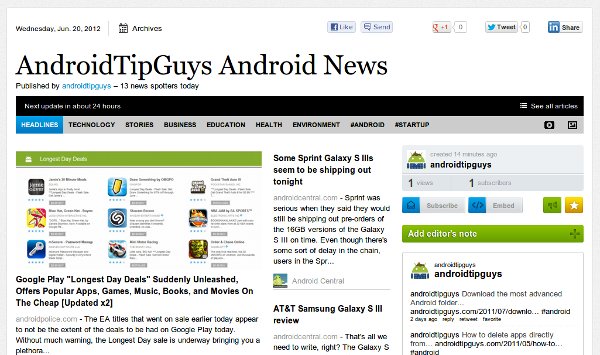
Tweak settings and filters and you’re good
There are more settings and filters you can tweak to get things just the way you want them but once set up, you should be good to go. See how easy it is to run your very own online newspaper using Paper.li, your Twitter account, and feeds?
What do you think? Could Paper.li have a place in your publishing future?