

Thanks to Google, the largest provider of online web information, searching on the Internet has become loads easier. The search engine officially made public on 1997 as “Google Inc” provides almost any information within a fraction of a second. User’s worldwide has adored the search engine due to its efficiency and huge collection of information databases available. Even though searching in English language is easy on the Web, users do find it difficult doing other language specific searches. Here are some tips to perform a language specific search on Google as quickly as possible and getting the answers we need.
Change the default search language
Select the “Language Tools” on the right side of the Google browser.

Tip 1: Using Translated Search.
The translated search feature allows you to search a foreign language using the language you are most familiar with.
Here is an example of how to use the Translated search.
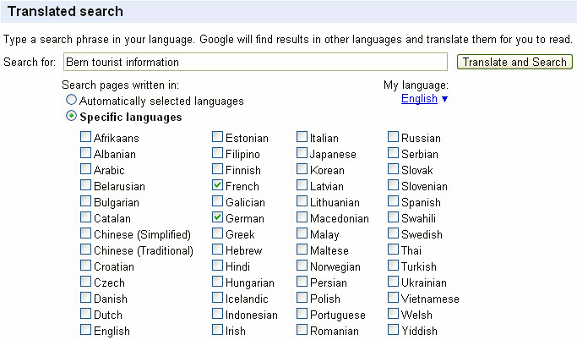
By keying in “Bern tourist information” and selecting the language preferences as: French, German and selecting, “My language” as English, the following will happen while translating.
1. The query gets translated into the language preferred (in this case French, German) and the system finds the results in that language.
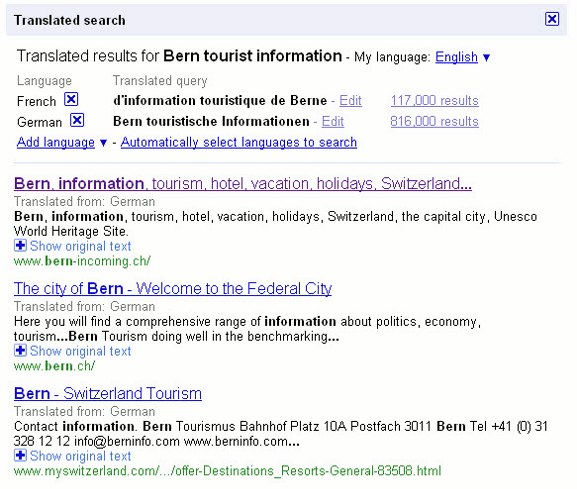
2. The results found are translated back into the language chosen as “My language” (in this case English).
Here are the search results.
Tip 2: Using Translate Text
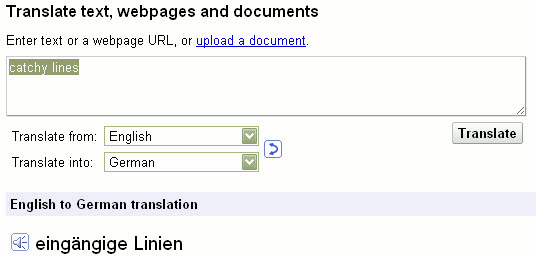
Enter the phrase or text to be translated into the text box and choose the language for conversion. When you click on translate, the text will immediately get translated into the selected language.
Example: By translating the text “Catchy lines”, from English to German, we get the following result.
Tip 3: Translating a Webpage
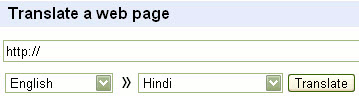
Translation of a web page can be done using this feature. For translation, user has to enter the Web address on the search bar and select the conversion language. By clicking on “Translate” the relevant web page will get translated to the language selected by the user.
In Google Chrome, whenever you visit a foreign language site, a toolbar will appear to ask if you want to translate the site.

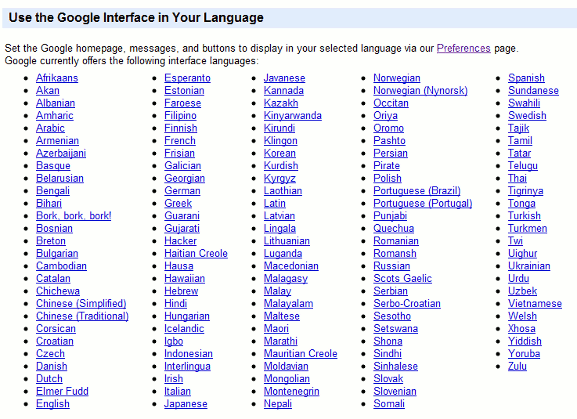
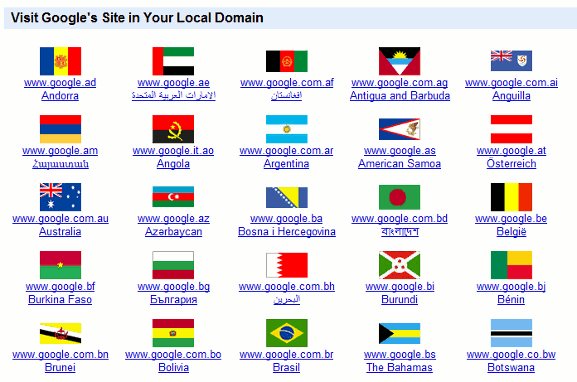
Tip 4: Google UI in your language and visiting Google’s local domain sites
This feature allows you to change the language of Google.com to your favorite language (other than English). Alternatively, you can click on the flag to access the Google local domain for that country.
Tip 5: Advanced Search
The advanced feature of Google will be useful if you’re not getting what you are seeking with the basic search. It features a more precise search for zeroing into your search. The term “Advanced Search” may give you a feeling of hardness; however, it is relatively easy to use.
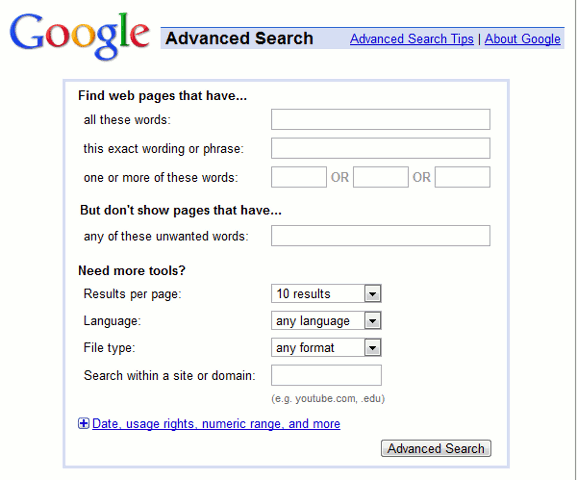
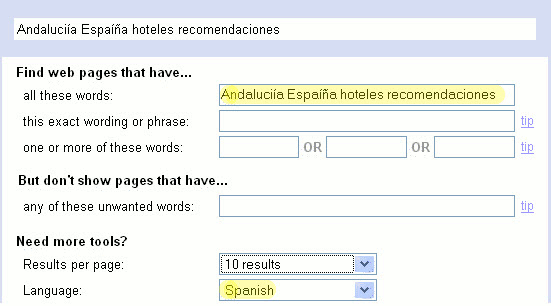
The “Language” part on the “Advanced search” can be used to restrict results to pages that are written in a specific language. Here is an example, to find pages in Spanish with recommendations for hotels in Andalucía- Spain.
Which method do you use to tackle foreign languages searches in the Web? Share with us in the comments.
Image credit: Danard Vincente