
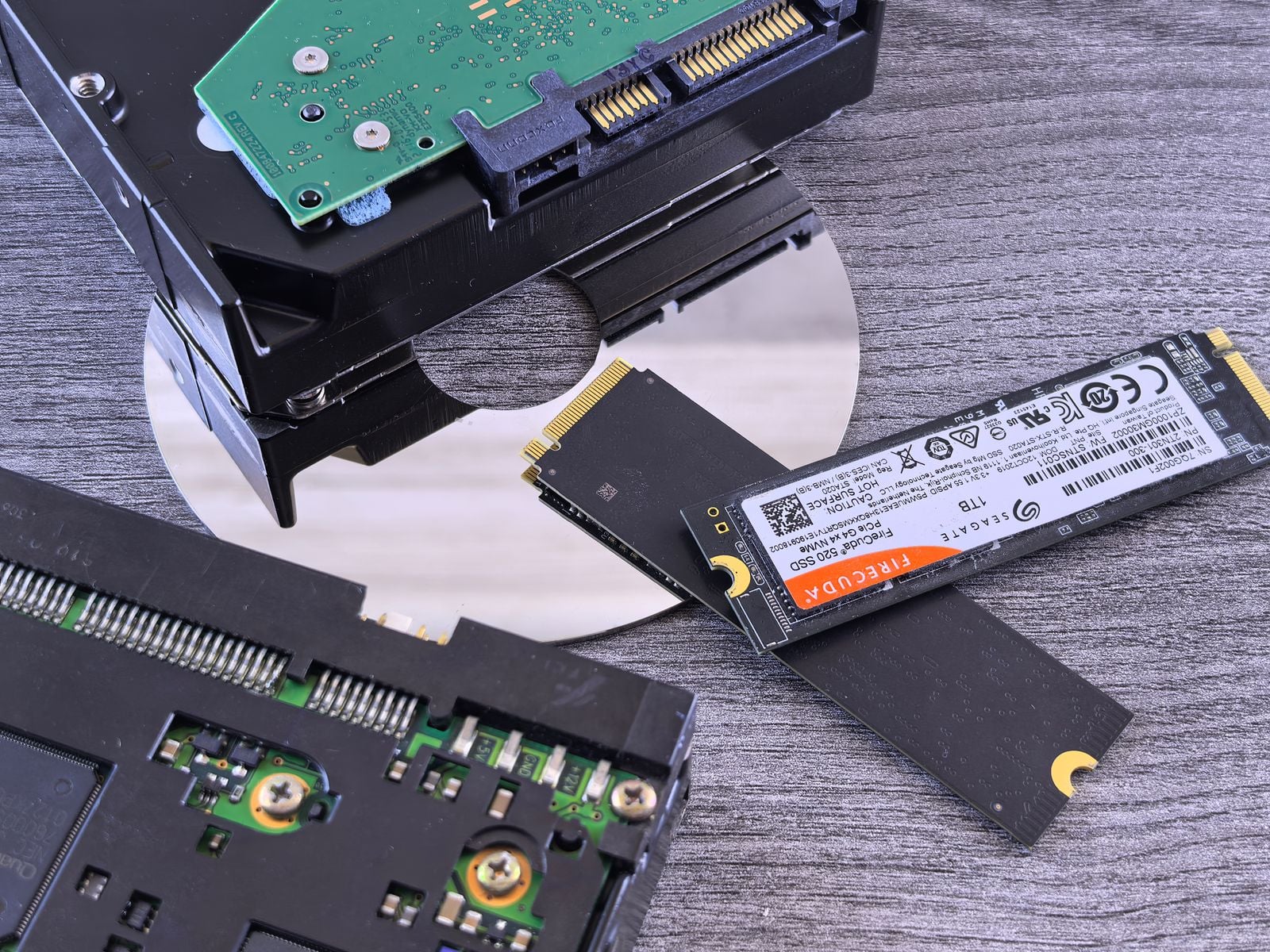

There is a persistent belief, inherited from the era of magnetic hard drives, that a deleted file is not really gone. Empty the recycle bin, and the bytes are still sitting on the platter; the operating system has just marked the space as available for reuse. Run a recovery tool quickly enough and you can usually pull the file back, sometimes weeks later, sometimes years. That folk knowledge is correct — for spinning disks. On the SSD in your laptop, it is almost entirely wrong, and the reason is a small command called TRIM.
To understand why TRIM exists you have to understand a physical quirk of NAND flash. A hard drive can rewrite any sector directly: the read/write head flips the magnetic polarity on the platter and the old value is simply gone. Flash memory cannot do that. It is organised into pages (typically 4 KB or 16 KB) that can be written individually, but those pages are grouped into much larger blocks (often 256 KB to 4 MB) that can only be erased as a whole. Once a page has been written, it cannot be overwritten in place — the entire surrounding block has to be erased first, and erasing is slow and physically wears the cells out. Flash chips have a finite number of program/erase cycles before they degrade, which is why endurance is measured in terabytes written rather than years.
That mismatch between small-write and large-erase created a problem the moment SSDs started replacing hard drives. When you delete a file, the operating system updates its own filesystem tables to say “this space is free.” A hard drive never needed to be told; it would just wait to be overwritten. But an SSD, sitting one layer below the filesystem, has no idea which pages the OS still cares about. From its perspective every page that was ever written is still “in use.” So when the drive later needs to reclaim space, its garbage collector ends up copying dead data around — data the user deleted months ago — because it doesn’t know it’s dead. Performance drops, and the drive burns write cycles for nothing.
TRIM is the bridge. It is a command in the ATA specification (with an equivalent called UNMAP in SCSI and DEALLOCATE in NVMe) that lets the operating system tell the SSD, “these logical block addresses no longer contain valid data — you can forget them.” Microsoft added TRIM support to Windows 7 in 2009, and it has been on by default in every consumer Windows release since. macOS enables it automatically for Apple SSDs and, since OS X 10.10.4, for third-party drives via the trimforce command. Linux runs a weekly fstrim.timer by default on most distributions. If you are using a modern SSD on a modern OS with the stock configuration, TRIM is running whether you know it or not.
What TRIM actually does to your deleted file depends on the drive. The command itself is only a hint; the specification allows three behaviours. A “non-deterministic” TRIM leaves the response to future reads undefined. A “deterministic” TRIM (DRAT) guarantees the drive will return the same value — usually zeros — for any read of a trimmed block. A “deterministic read zero after TRIM” (RZAT) guarantees zeros specifically. Most consumer SSDs shipped in the last decade implement DRAT or RZAT, which means that shortly after you delete a file, reads of that space return nothing but zeros, even before the physical cells have been erased. The forensic value of the data is gone regardless of whether the flash itself has been reprogrammed yet. Researchers at Auckland University of Technology documented this a decade ago in a study bluntly titled “Solid state drives: The beginning of the end for current practice in digital forensic recovery?” — the answer, largely, was yes.
This is why the undelete tools that made vendors a fortune in the hard-drive era feel oddly broken on SSDs. Run Recuva or PhotoRec on a laptop that’s been powered on for an hour after a deletion and you will typically get either nothing or a list of file names pointing at blocks that now read as zeros. The metadata survives in the filesystem journal for a while; the data does not. It’s not that the tool is worse. It’s that there’s nothing left for it to find. Even the drive’s own controller can’t retrieve trimmed data reliably, because the flash translation layer has updated its mapping tables to point that logical address at “nothing.”
There are edge cases where recovery is still possible, and they’re worth knowing about. TRIM has to travel from the filesystem down to the drive, and that path can break. TRIM historically did not pass through USB enclosures, though the newer USB Attached SCSI Protocol (UAS) supports it. Hardware RAID controllers often strip TRIM commands. Encrypted volumes may or may not forward them depending on configuration. Older filesystems and some network-attached setups don’t issue TRIM at all. And on a drive where TRIM is genuinely disabled, an SSD behaves more like a hard drive from a forensic standpoint — deleted data lingers in flash pages until garbage collection eventually rewrites the block, which can take a long time on a drive that isn’t full.
The window between deletion and TRIM is also not zero. On Windows, TRIM is issued more or less immediately on file deletion for NTFS volumes. On Linux with periodic fstrim, blocks may sit around for up to a week before the scheduled trim runs, though many distributions and filesystems support continuous “discard” mode instead. If you catch the drive during that window — and if you can prevent the OS from booting normally, because a booted OS will issue TRIM as soon as it mounts the volume — recovery is at least theoretically possible. In practice, by the time a user realises they need to undelete something, it is usually too late.
The practical consequences cut two ways. If you accidentally delete an important file from an SSD, stop writing to the drive immediately, and understand that your best hope is not a recovery tool but a backup. Time Machine, File History, versioned cloud storage, or a simple external drive will save you where Recuva no longer can. On the other hand, if you’re selling or disposing of a laptop, TRIM is quietly doing a lot of the sanitisation work for you — though it is not a substitute for the drive’s built-in secure erase command or full-disk encryption from day one, both of which are more robust guarantees than “probably trimmed by now.”
What I find interesting about TRIM is how invisible it is. It is one of those pieces of infrastructure, like the clock corrections that keep GPS satellites accurate or the wire-length constraints that shape modern chip design, that quietly rewrote a user-facing behaviour without anyone announcing it. The mental model most people carry — “deleted files can always be undeleted if you act fast” — was true for the hardware of 2005 and is essentially false for the hardware of 2015 onward. The change didn’t come from a policy decision or a security feature. It came from a workaround for a physical limitation of NAND flash, and the fact that it also made forensic recovery hard was a side effect. Your SSD isn’t trying to protect your privacy. It’s trying not to wear itself out. That the two goals coincide is a small, useful accident.