
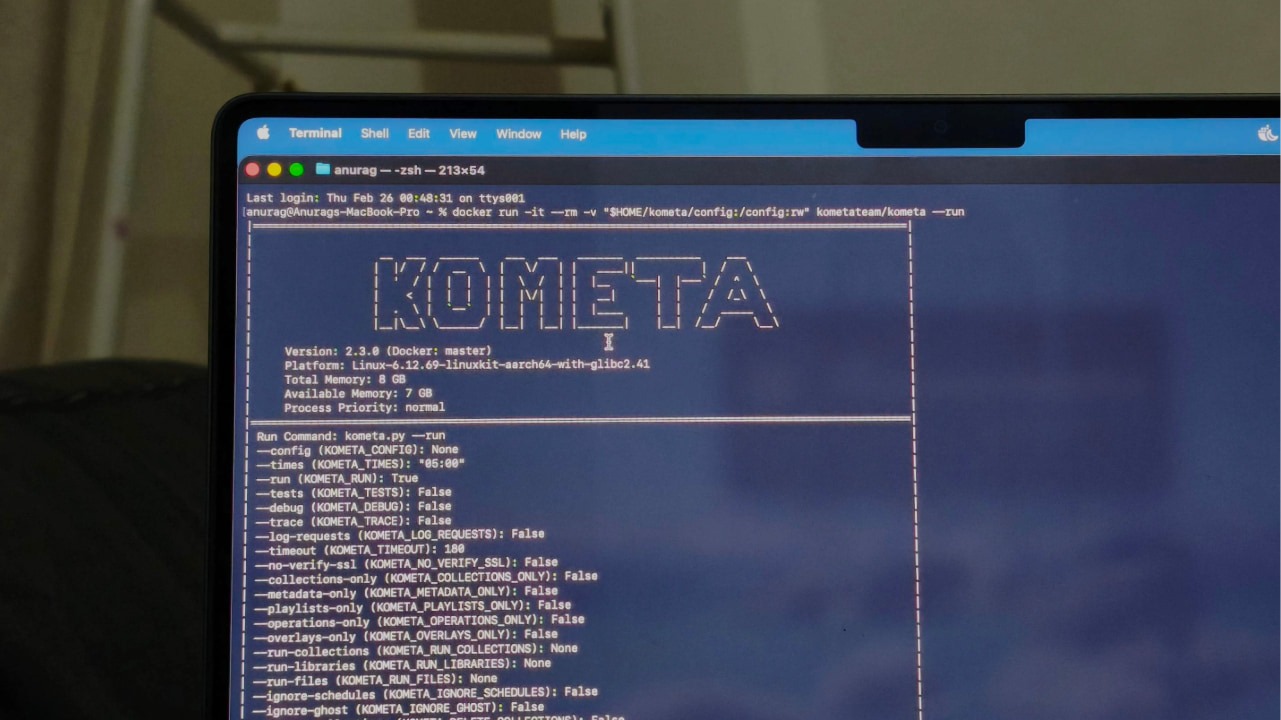

It’s exciting to set up Plex, whether you’re running it on a PC or a NAS. The idea of hosting your own media server is empowering at first, but then the library starts growing. And that’s when the friction begins. Managing a Plex library manually gets exhausting because posters become inconsistent, collections break as metadata changes, and the homepage slowly turns into a mess you have to keep fixing. Kometa handles that maintenance layer. It pulls structured data from TMDb, IMDb, and Trakt to rebuild collections automatically based on defined rules.
Kometa Can Better Manage Your Library than Plex
Kometa is a library management tool for people who want deeper control over how their media is organized and presented. Instead of manually editing posters, summaries, and collections inside your server, Kometa automates the process using configuration files and external data sources.
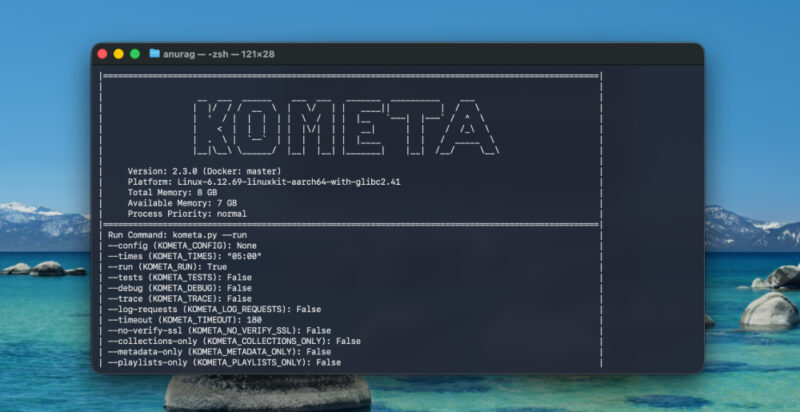
It connects to services like TMDb, Trakt, and IMDb to build dynamic collections, apply overlays, and refine metadata at scale. You can generate curated lists based on ratings, genres, release years, or custom criteria, then automatically apply matching artwork and badges.
Kometa also supports modular, pre-built collection and overlay templates, which reduces the need to define everything from scratch. For automation-focused setups, it integrates with tools like Sonarr and Radarr, allowing metadata organization to evolve alongside your expanding library.
Installing And Setting Up Kometa
I recommend installing Kometa with Docker. It avoids Python version issues, dependency conflicts, and system-level changes. You run it in a container, keep everything isolated, and update it by simply pulling a new image later.
Before you begin, make sure Docker is installed and running on your system. Next, create a folder where Kometa will store its configuration files. This folder will contain your config.yml and any collection or overlay files. For example, on Windows, you might create:
X:\Media\Kometa\configOn macOS or Linux, you could create:
mkdir -p ~/kometa/configNow run Kometa using Docker. Replace the path below with the folder you just created.
On Windows:
docker run -it --rm -v "X:\Media\Kometa\config:/config:rw" kometateam/kometa --runOn macOS or Linux:
docker run -it --rm -v "$HOME/kometa/config:/config:rw" kometateam/kometa --runThe first time you run this, Kometa will generate a template config.yml file inside your config folder if one does not exist. Open that file in a text editor. This is where you will add your Plex URL, Plex token, and any integrations like Trakt or TMDb.
Kometa connects to services over their network APIs. It does not need access to your media files and does not need to run on the same machine as Plex. It only needs the correct server URL and API credentials in config.yml.
After editing and saving your config file, run the same Docker command again. Kometa will connect to your server, process your collections and overlays, and apply the changes based on your configuration.
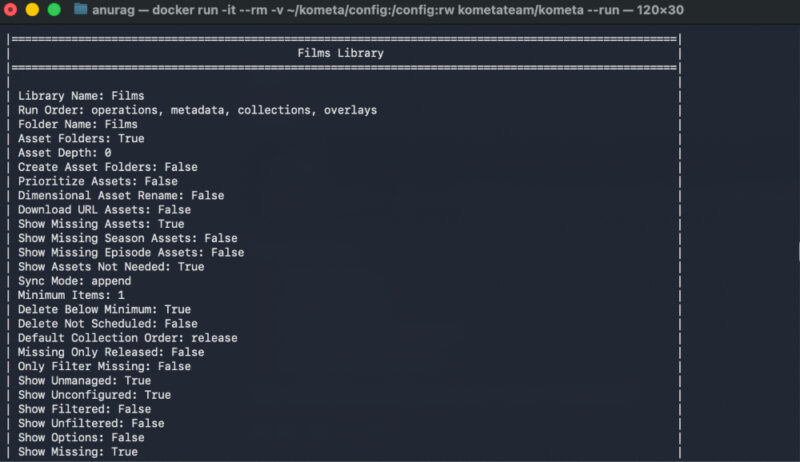
Using Kometa to Actually Control Plex
Where Kometa becomes powerful is in how it reshapes Plex itself. Plex is good at scanning files and pulling metadata once. Kometa sits on top of that and enforces rules. Instead of manually building collections inside Plex and fixing posters one by one, you define everything in YAML and let it run on a schedule.
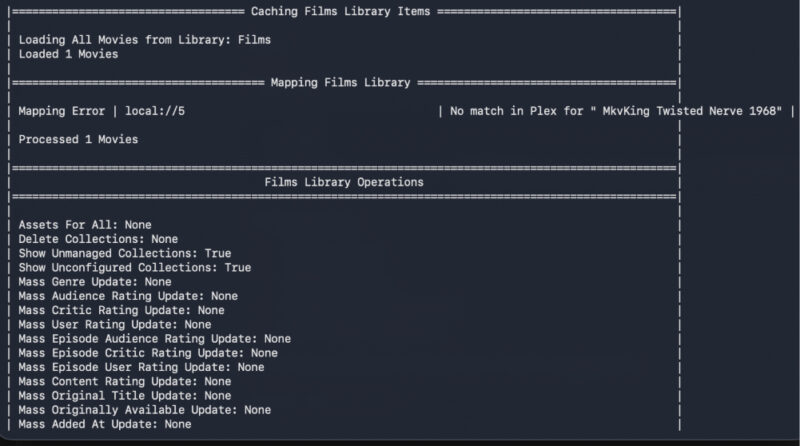
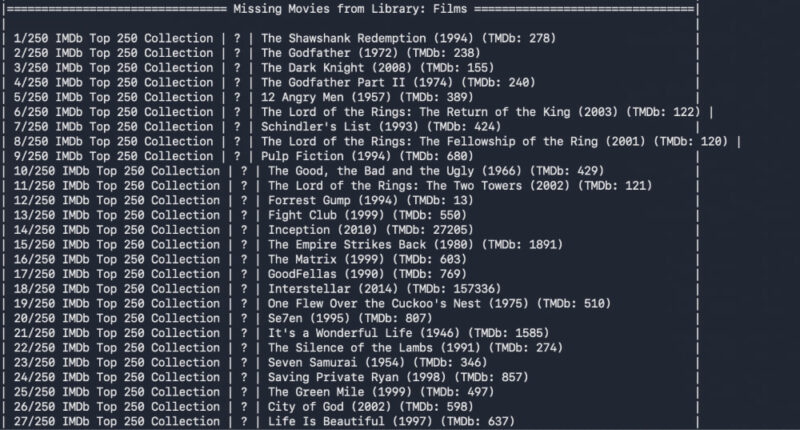
You can create dynamic collections based on IMDb ratings, Trakt lists, release decades, genres, actors, or completely custom filters. For example, you can automatically generate an “IMDb Top 250” collection, a “90s Action” block, or a director-specific collection that updates whenever new titles are added. Kometa rebuilds these collections every time it runs, so they stay accurate without manual maintenance.
Kometa can also apply visual badges directly onto posters based on technical attributes or metadata rules. That includes 4K labels, HDR or Dolby Vision indicators, audio format badges, or even “Top 10” style ribbons. These are not static images you edit by hand. They are generated and applied automatically based on file properties or external data sources.
Kometa also helps you enforce consistency. Plex artwork can vary wildly depending on which poster the scraper chooses. Kometa allows you to standardize artwork across entire collections, replace posters in bulk, or apply a specific design style. You can control sort titles, hide or show specific items, and structure your homepage around curated rows instead of a flat grid.
You can take your media server to a new level by connecting it to ErsatzTV. It’s a free, open-source application that turns your existing media library into a personal live TV service. While you are at it, check out these open-source apps that can make your smart TV worth using again.