
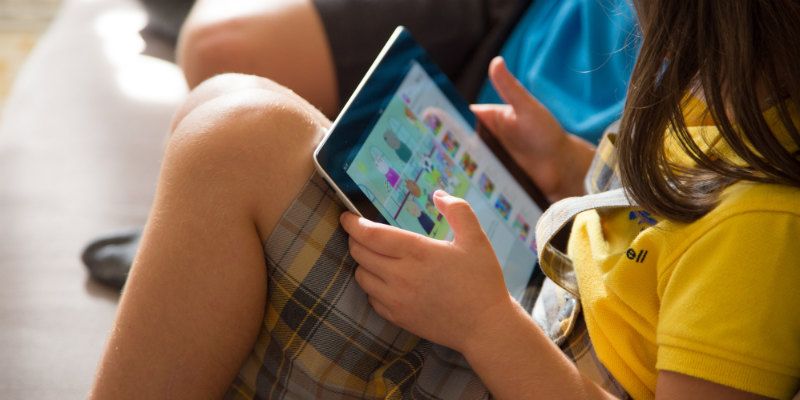

Even if you don’t have kids, this scenario is a familiar one. You’re out somewhere, a restaurant, a supermarket, an Ikea, when suddenly a young child starts going nuts. Despite the best efforts of the parents to calm the child down, the kid just isn’t having it. As the kicking and screaming intensifies, the end result is clear: this kid just went from “defcon fussy” to “scorched earth temper tantrum.”
The only hope of diffusing this volatile situation lies with technology. The parent pulls out a smartphone or tablet, starts up YouTube, and hands it over to the three-foot dictator. As the child cues up some Octonauts, the parents are finally able to breathe a sigh of relief.
YouTube uses your previous viewing history to offer you suggestions of what to watch next. As a result, handing your device to a child can have negative consequences. Just imagine the next time those poor parents pull up YouTube for their own personal viewing pleasure. Like it or not, they will be bombarded with video suggestions for Disney cartoons and Teletubby clips.
Luckily, there are a few ways to avoid this.
Clearing or pausing your YouTube history
The first thing you can do to prevent your child’s video habits from influencing your YouTube experience is to clear your YouTube history. This will eliminate all traces of Lego Ninjago and Doc McStuffins from your history – that is until the next time you hand them your phone. A better option might be to pause your YouTube history before forking over your device. This will prevent YouTube from remembering any videos watched until you un-pause your history.
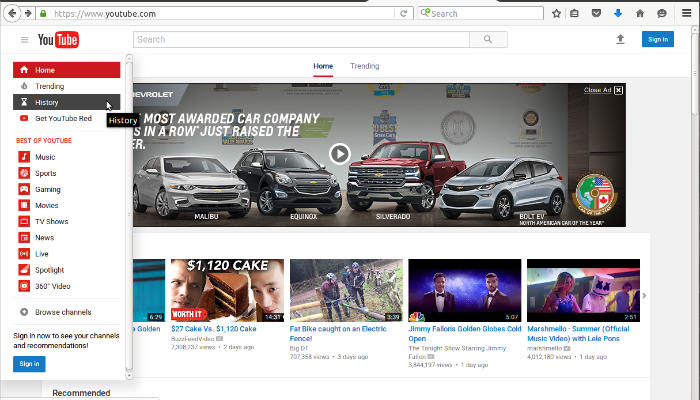
To do this, head to YouTube and click on the three slashes next to the YouTube logo in the upper left hand corner. This will open up a drop-down box. Find “History” (it should be the third one from the top) and click on that.
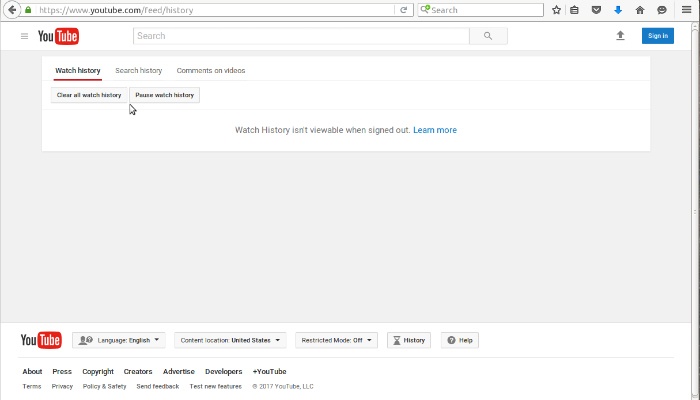
From there you will be taken to the “Watch History” page. In the upper right you will see two buttons labeled “Clear all watch history” and “Pause watch history.” Click on whichever one suits you, and you’re all set. It’s also worth noting that you can clear and pause the search history as well by clicking on the “Search history” tab next to the “Watch history” tab.
YouTube Kids app
While clearing and pausing YouTube’s watch history will do the job, it’s not an ideal solution, as you’ll have to remember to flick it on and off every time you give your child your device. A simpler, easier, Ronco-patented “set it and forget” solution would be to install the YouTube Kids app on your device.
YouTube Kids is exactly what it sounds like. A kid-friendly version of YouTube, officially supported by Google. It boasts a simplified interface as well as tons of parental controls to ensure the little ones don’t catch a glimpse of anything inappropriate.
When you first install the YouTube Kids app (available on both Android and iOS), you’ll run through some quick set-up questions. We recommend doing this before you’re in a situation where a young one is on the verge of a meltdown. The app will ask you to set parental control passwords and allow you to specify what sort of content you want your child to have access to.
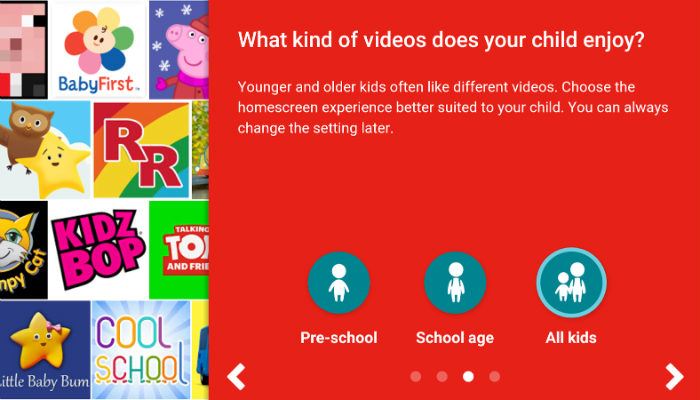
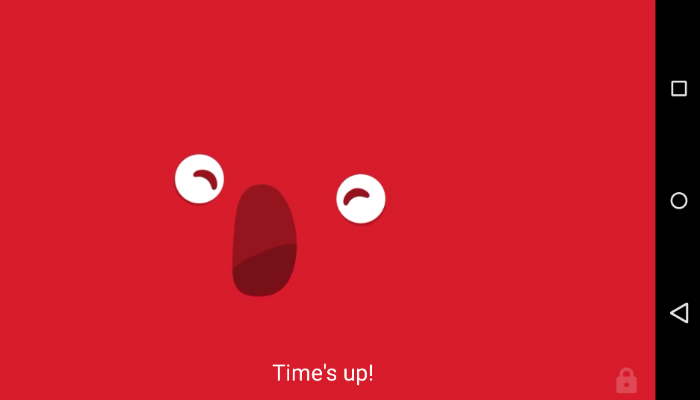
You will also have the ability to disable the search function. As a result, your child will only have access to videos that the app recommends (based on your preferences). You can also set a time limit for viewing so that your kids don’t become mindless Internet junkies.
By using YouTube Kids you can watch YouTube without the annoyances, and the kids will have their own version to keep them occupied. Talk about having your cake and eating it too. Do you use the YouTube Kids app? What are your impressions? Let us know in the comments!