

While the dust is still settling from Chrome OS, Wave, Android, and the Nexus One, Google drops another big announcement with Google Buzz, a new social networking platform. Some of you may be thinking “they’ve already tried that“. That’s true, but there are a few things that make Buzz particularly interesting. Namely, it’s integrated with Gmail and Reader, making things like Gmail status messages a part of sharing with Buzz. Today, we’ll take a look at Buzz and see how it stacks up against the most obvious rival: Facebook.
For starters, yes you will need a Gmail account. Much of Buzz is built as extensions to the Gmail interface. If you’ve already got one, you can go to http://www.google.com/buzz to activate Buzz for your account. The downside here is that somewhat like the Wave launch, your activation might not happen right away. I activated in the afternoon and it was live when I got up the following morning.
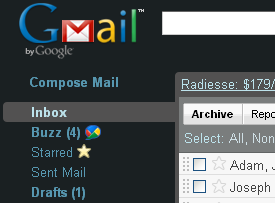
Once everything is up and running, you’ll see the Buzz icon under your normal Gmail inbox.
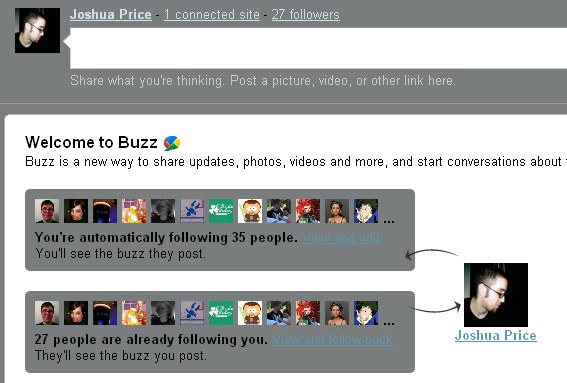
If you open it up, you’ll get a Welcome screen similar to the one below. If you already have a lot of connections in Gmail or Reader, they will be imported automatically.
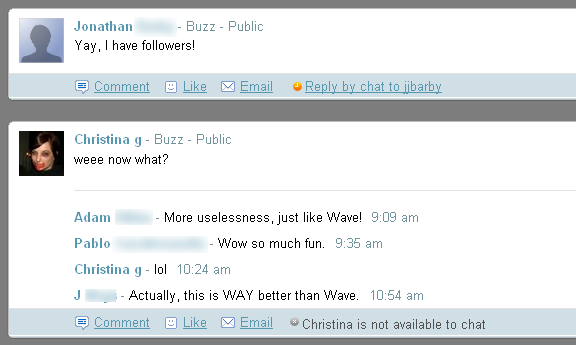
Under that you’ll find any friends who’ve made updates to Buzz, similar to Facebook’s main page.
Likely, one of the first things you’ll want to do is give a good hello world up in the text box at the top. If you do, you’ll be brought to a one-time Set Up All Your Stuff screen.
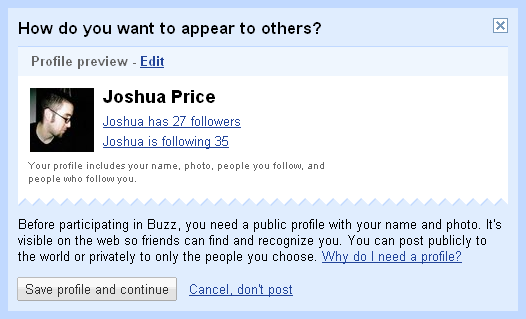
If you choose to edit the profile, you’ll be given a few (surprisingly few actually) options for control. The only really notable one for now is that you can choose whether or not your profile will list your friend connections.
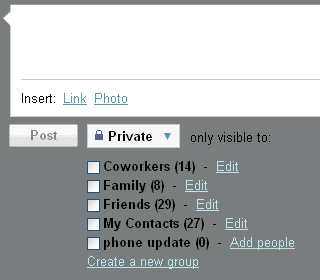
The status post box has some nice privacy controls. You can set specific people or groups who can see your update. I’d recommend creating a Buzz group, as it’s quite possible that you might not want everyone on your contact list to be in your social network.
Also on the Welcome page is a link to choose which other sites to connect to your Buzz feed.
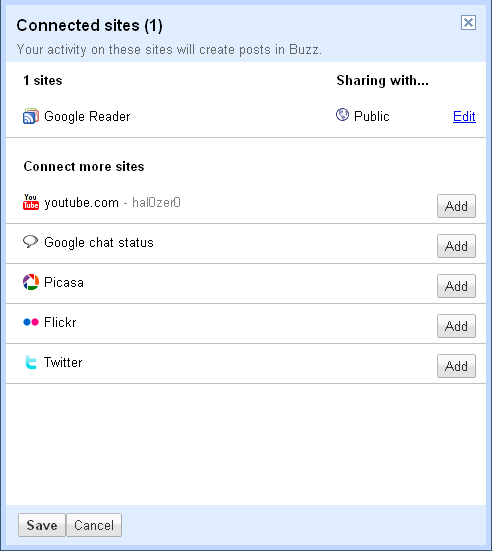
As the list includes non-Google sites like Flickr and Twitter, it seems reasonable to assume other popular sites could eventually be included.
You can set groups on here as well. For example, you could set your pictures to only share with family, and keep crude humor to only those who’d appreciate it. Buzz certainly isn’t the first to implement user grouping but it does make it easy and useful to set sharing groups.
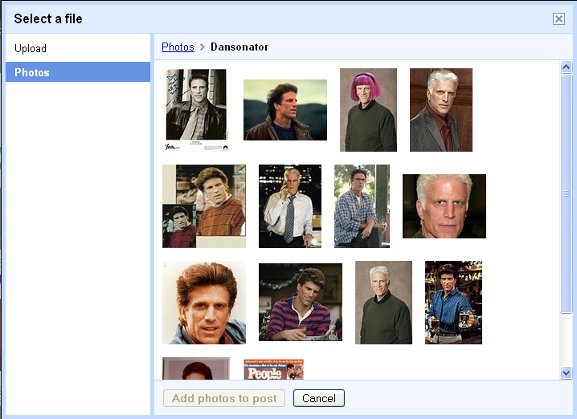
Embedding online pictures and videos is quite easy. Just paste in the URL and Buzz will include it in the message. To embed a local picture, just choose Photo from the bottom of the text box and you can upload. Alternatively, if you have photos in Picasa, you can select them from your list. This can be useful if you want to share photos you’ve already uploaded to Picasa of your cats, your trip to Italy, or of course Ted Danson.
Conclusion
Most of the appeal of Buzz only exists if you already use a lot of Google products. Picasa for photos, Reader for news, and of course Gmail for email. If you do, there’s a good chance you’ll find Buzz to be a very convenient place to funnel all your news and social feed needs. On top of Gmail, this can make for a very powerful one-stop online communication system. On the other hand, if you’re a Yahoo/Feedly/Myspace type then Buzz would likely be just another tab to keep open. Either way, it’s still pretty rough around the edges, but if Google dedicates a fair amount of time and effort into polishing it then it might just replace my Facebook tab.
What about you?