


A VPN’s purpose in life is to protect your identity online and your privacy. All of your data is sent encrypted, and when you access a site, you’re accessing a server that can be anywhere on the face of the planet. However, you may have put off using a VPN because you’ve heard that by using one your Internet connection slows down. Luckily there are ways you can improve your Internet speed.

1. Check Your Internet Speed
You have to find out if it’s the VPN that is affecting your Internet speed or if your Internet provider is having problems. Use an online tool that measures your Internet speed when you’re using the VPN and when you’re not. Maybe the problem can easily be fixed by calling your Internet provider.
You can also try a wired connection instead of going wireless. This might be uncomfortable for some, but with a wired connection the VPN you’re using can transmit and encrypt packets of data faster.
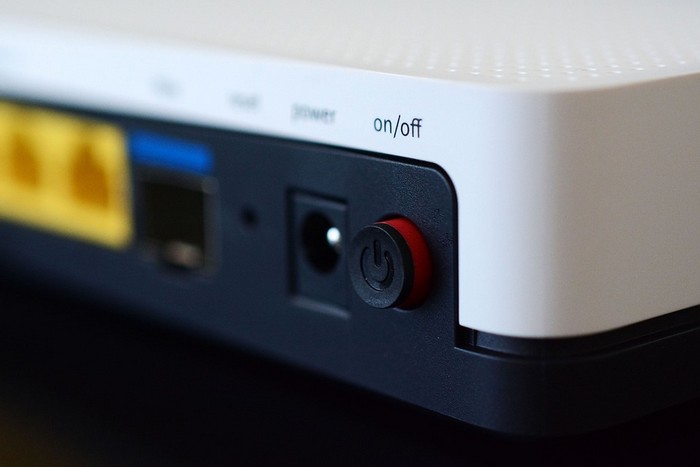
2.Have You Tried Turning Your Router On/Off Again?
I know what you’re thinking, this tip again? You’d be amazed as to how many problems can easily be fixed by turning your router on and off again. This classic tip has been known to help, and it’s definitely worth a shot.
3. Switch Server Locations
The further the server you’re using is, the slower your Internet connection will get. For example, let’s say that you have an Internet connection of 100mbps and choose a VPN server that is near your location. With this there is a good chance that you can get 100+mbps.
If you were to choose a VPN server that is further from you with the same Internet speed, your best shot would be a 5 – 10 mbps connection. That is quite a difference. Try to choose a server that is not as congested, as you’ll enjoy better VPN speed.
4. Temporarily Disable Firewalls and Security Software
It’s not strange to hear that an active firewall on your computer can affect your Internet connection. Your router can also have an active firewall; this can be possible if you bought and configured the router yourself. Check to see if this could be what’s happening to you.
Since firewalls scan packets of information that leave your computer, your firewall could very well be the culprit. By turning the firewall off, you can check to see if how it’s set up is slowing down your Internet connection.
5. Buy a New Computer or Router
The devices you can get today feature that latest in technology and have the best processors out there. This definitely helps move things along quite quickly. But if you’re using an older router or computer, the hardware might not have what it takes to handle all the heavy encryption.

6. Choose the Right VPN Protocol
The reason that your Internet connection is slow could be because you’re not using the right protocol. You could be using a protocol that’s not supported by your Internet provider. You can try switching to protocols such as PPTP, OpenVPN, IKEv2, or L2TP.
If you’re using a Windows computer, I recommend that you use the SSTP protocol since it’s more stable on Windows, and it’s unified into the OS. OpenVPN isn’t integrated into Windows, so that’s why it might not be the best choice for a Windows user.
Conclusion
If you see that using a VPN is really affecting your Internet connection, the obvious best thing you can do is not use one. Some users may use it when they already have a secure connection in the first place. But if you have to use one and you’re suffering from a slow Internet connection, try the previously mentioned tips to help you solve the problem.
Do you have a tip that worked for you? Share it with us in the comments.