

We have previously mentioned KwiClick that allows you to perform an interactive task (such as search in Google) after you highlighted a sentence/word/phrase. Hyperwords is another such extension for both Google Chrome and Firefox, only that it comes with more options and is faster.
When browsing the Web, there will be times (plenty of times) that you come across sentences/words/phrases that you want to check it out in other sites such as Google, Wikipedia, Amazon etc. Instead of launching a new tab, load the URL and copy/paste the term into the new site, you can now get rid of all these steps with Hyperwords. All you have to do is to highlight the term and select from the popup menu the action that you want to carry out, and it will automate the process for you.
Let’s take a look at what Hyperwords is capable of doing.
Search
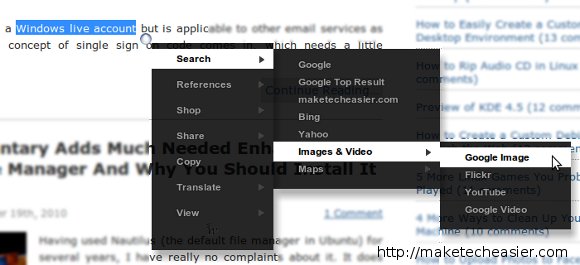
After you have highlighted the term, a small orb will appear and you just have to hover over the orb to display the menu. The first option is the Search function. From here, you can perform a search in Google, Bing, Yahoo, Images and Videos, and even search on the current page.
Reference
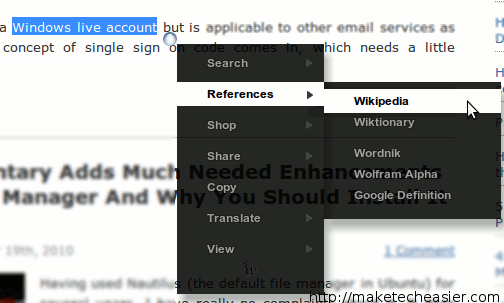
If search is not your cup of tea, you can also quickly find a reference in Wikipedia, Britannica, Wolfram Alpha or Google Definition.
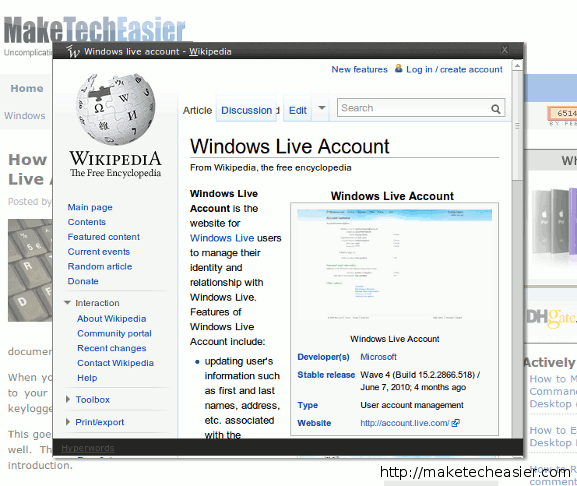
The best thing is, when you hover on the link, a popup window will appear with the results you want. You can then obtain the info you want, close the popup when you are done and continue reading the page that you are at previously.
Conversion
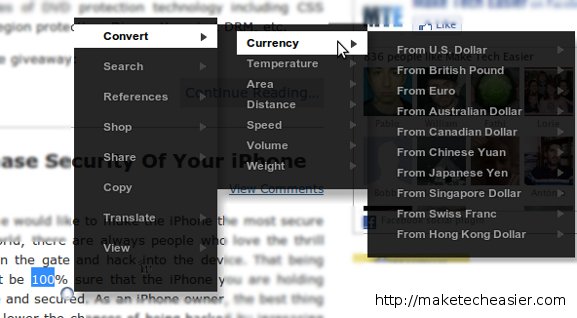
There are times when you just need to get information quick, just like “How many meters is 10 miles?” and you can get instant result from Hyperwords as well.
Quick Sharing
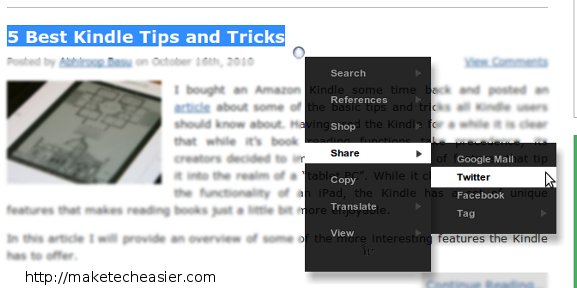
Hyperwords also allows you to quickly share content in Twitter, Facebook and several other social networks. On the first run, you will have to grant permission for it to publish to your Twitter/Facebook account.
Configuration options
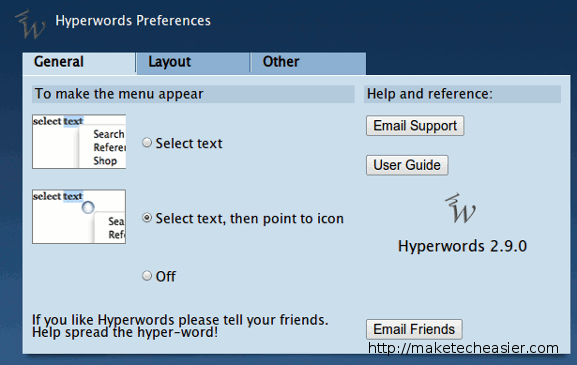
In the backend, there are several options that you can configure. The General tab is where you configure the action when a term is highlighted. You can set the menu to appear immediately after you have highlighted the term, or when you hover over the orb.
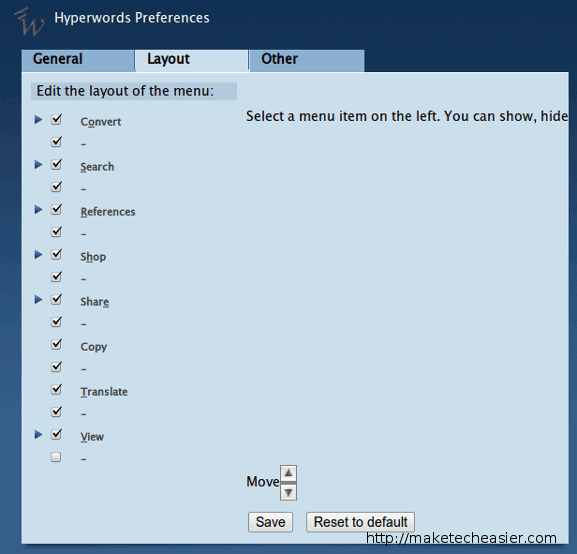
In the Layout tab, you can decide what options appear on the menu and arrange the order that they appear. You can also add new items to the list.
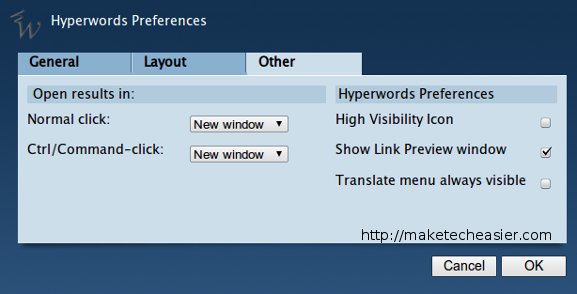
The Other tab consists of all the miscellaneous options like “open click in new window” etc.
Conclusion
If you are looking for ways to improve your productivity and have quick access to various information in Google Chrome or Firefox, Hyperwords is definitely one great choice you should check out.
Download Hyperwords for Google Chrome | Firefox