

Just when you think the world is going to be dominated by iOS and Android, the Mozilla team (the guys behind Firefox browser) has recently come out with the Firefox OS to compete in the mobile market. If you are not aware, Firefox OS is another mobile OS that aims to bring the Open Web to everyone. The concept is similar to Chrome OS, which emphasizes the Web as the platform, but on a mobile device. The greatest benefit to this is that all the apps will be built with HTML5, rather than on a proprietary platform like Java or Xcode, and it will work on all devices.
If you are a tech enthusiast or a developer wanting to test out the Firefox OS, here is a quick and simple way to get started:
1. In your Firefox browser, go to this link and click the download link for your OS. This will install the r2d2b2g Firefox OS simulator extension.
2. When prompted, restart your Firefox.
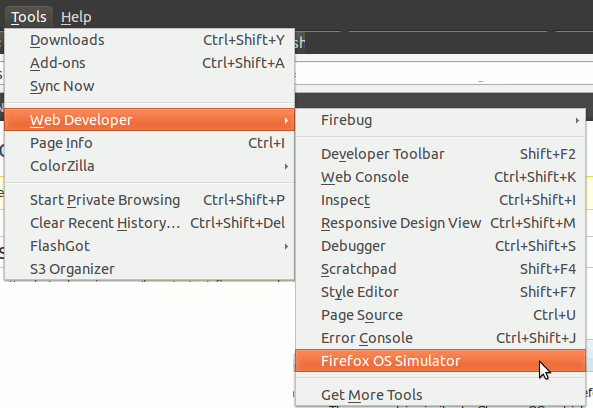
3. After the restart, go to “Tools -> Web Developer -> Firefox OS Simulator”.
4. In the Simulator dashboard, flip the “Stopped” switch to Running. The Firefox OS simulator will now start.
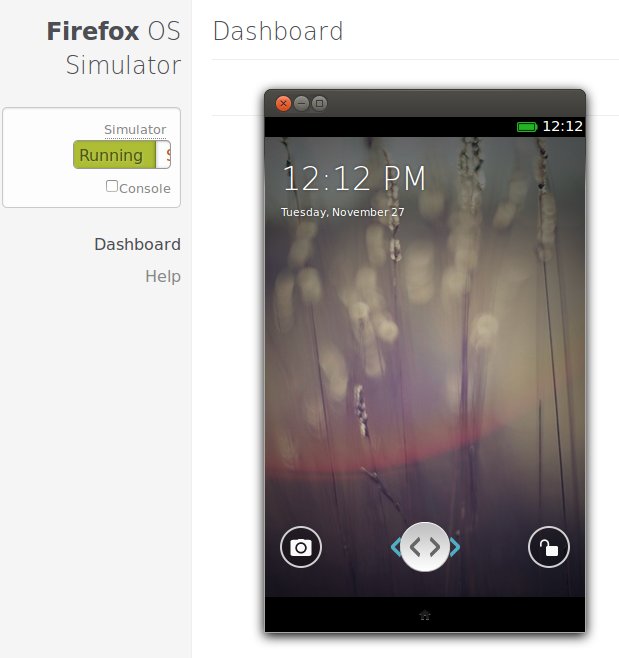
5. You can start to play around with the Firefox OS.
A Quick Review of Firefox OS
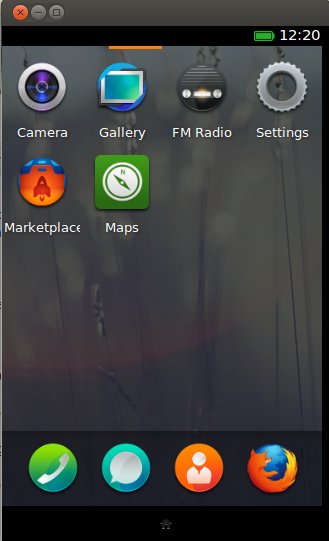
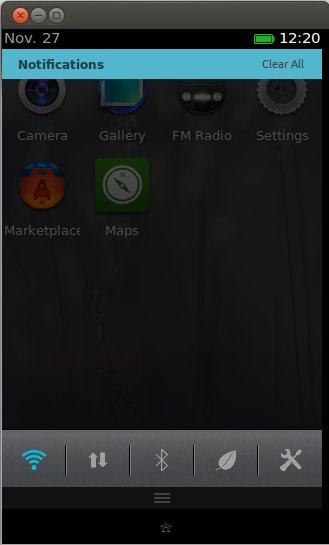
After playing around with it for a while, you will find that it is very similar to iOS and Android. In fact, it is more like a hybrid between the two. As with iOS, you can slide from screen to screen to access your apps. There isn’t a drawer to store your apps, but there is the familiar drag-down-to-reveal notification bar. Not to forget the Home button at the bottom of the screen.
Firefox OS Home screen
Firefox OS Notifications
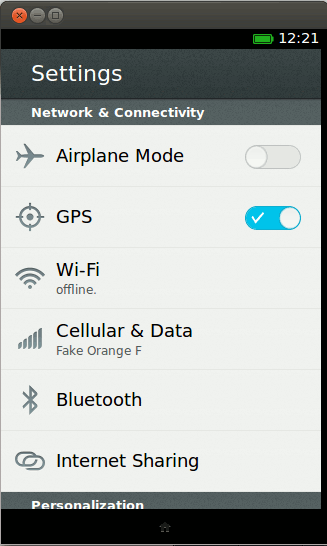
Firefox OS Settings
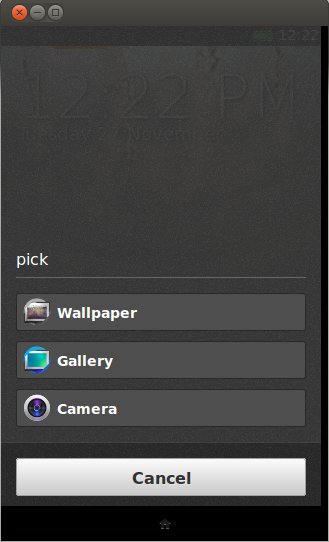
Firefox OS Long press to change wallpaper
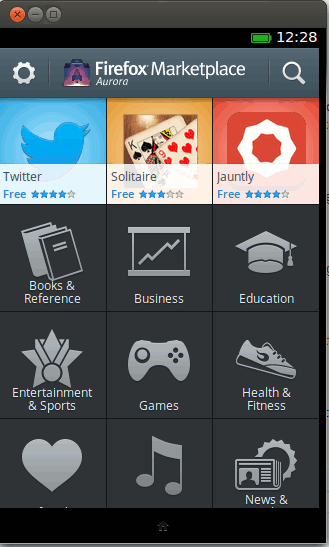
There is also a marketplace in the simulator where you can access the apps. You can scroll around the different categories, but there aren’t many apps at the moment.
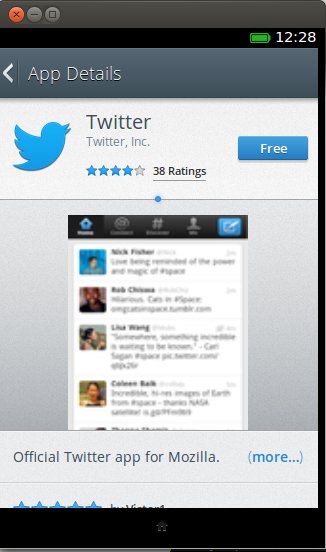
Knowing that the number of apps in the marketplace will make or break the OS and the ecosystem, Mozilla has been trying hard to push for more developers and apps. We are keen to see whether Mozilla can break the chain dominated by Apple and Google, or just another project that never see the light.
Meanwhile, enjoy the testing.