

For those who are actively involved in social networks, I am sure you will know that managing multiple accounts is both a troublesome and tedious task. In order to view update from different social networks, you need to log into different accounts and check them out regularly. When it comes to efficiency, this is definitely the worst thing to do. GrabInbox aims to solve this issue by unifying all your social accounts together so you can check the updates from different accounts and send messages to different accounts all in one place.
GrabInbox is not the first in the industry to provide such unifying service. Hootsuite and TweetDeck are two popular services that allows you to access different accounts at one place. What I like about GrabInbox is its simple user-interface and the ability to queue and schedule your messages.
1. To get started with GrabInbox, first go to GrabInbox.com and create a new account. This is what you will see after you login.
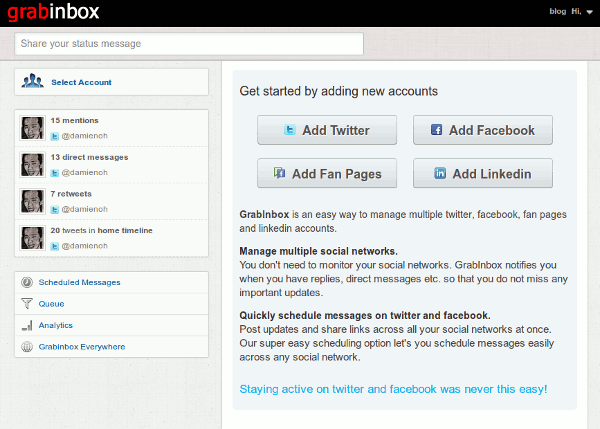
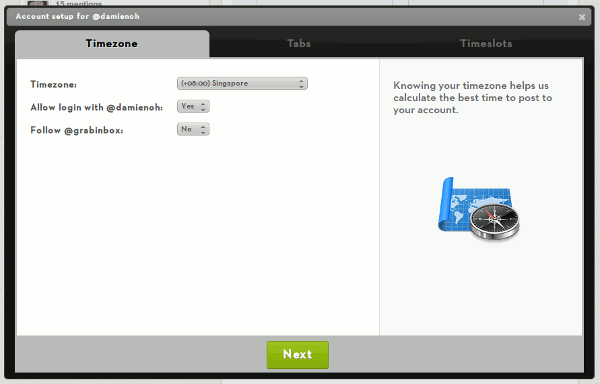
2. Start by adding an account. Once it is verified, it will bring you through a 3-steps configuration wizard. The first step involve setting your timezone.
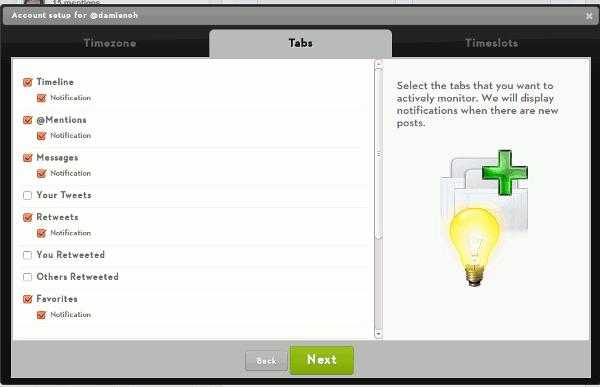
3. The second step is setting the notification option. You can configure the type of update (notification, update, messages, mention etc) to appear in your dashboard.
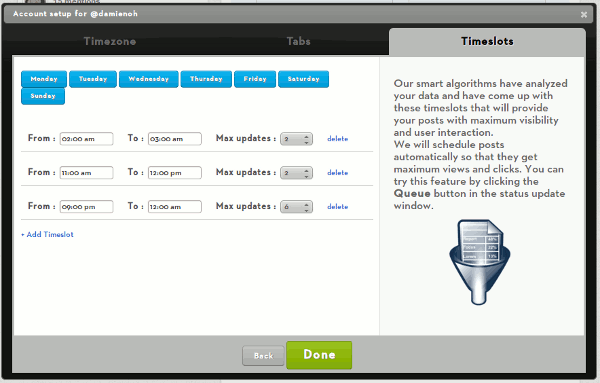
4. The last step is an interesting one. It analyses your account and come up with a set of timing that is most appropriate to publish your tweets/message. You can change the timing and the max. no of update though. When you queued your tweets/messages, it will based on these settings.
5. At any point of time, you can click on your account on the left pane and see the update on the right pane. This saves you plenty of time switching between different networks.
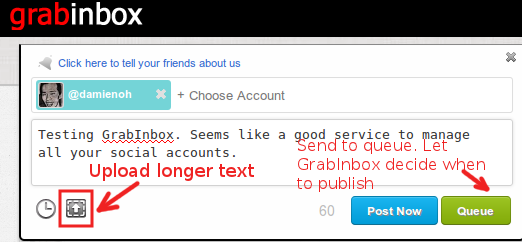
6. To compose a tweet/message, simply click the “Share your status message” input field and popup box will appear to let you write your message. You have the option of uploading a text file with longer sentences if you plan to tweet more than 140 characters. Once done, you can either Post immediately or add to the Queue where it will publish for you based on the queue setting you have configured earlier.
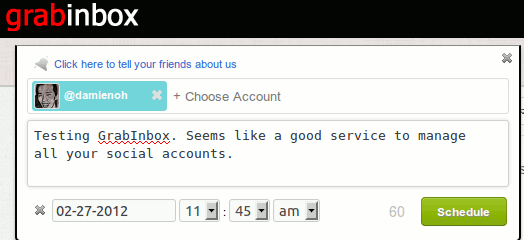
7. Alternatively, you can schedule your message to publish at a particular time in the future.
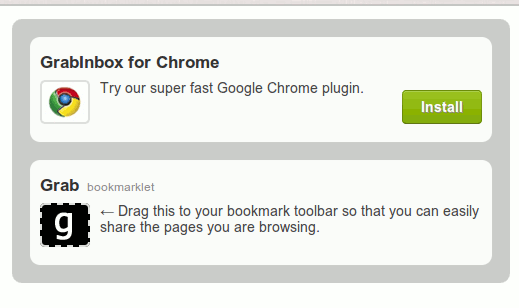
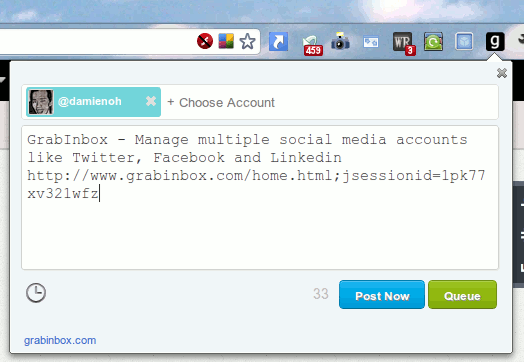
8. If you have to visit GrabInbox everytime you want to send/schedule a message, then it is not user-friendly at all. Luckily it also comes with a Chrome extension and a bookmarklets (for all other browsers) where you can compose a message quickly.
This is how it looks like in Chrome browser:
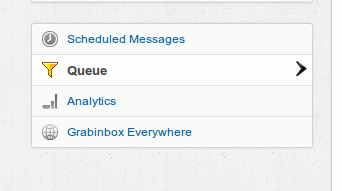
Last, but not least, GrabInbox allows you to view your scheduled and queued messages and there is an Analytics option (seems to only work for Twitter account) where you can view the number of retweets your tweets have generated.
Conclusion
GrabInbox is a useful and easy to use web services to manage your social accounts. It currently supports only Facebook, Facebook Pages, Twitter and LinkedIn. It would be great if there is mobile apps for Android and iOS, but now, we have to live with the Chrome extension or the bookmarklets which you can only post a message/tweet and not to manage your accounts. It is currently free to register and use and there is no limit of the accounts that you can add. There is also no mentions of pricing and/or whether the product is still in beta or is already a stable release. Nevertheless, use and enjoy it while it is still free, though I think it won’t be long before they start charging a fee for the usage.