


There’s no doubt that Google’s Gmail has established itself as one of the best services for managing emails. The team behind this success has worked day and night to ensure that users have a clean, robust, intuitive and secure platform from which they can easily manage all their virtual correspondence. Recently, according to some newly-leaked info, the app is set for a significant overhaul that will see it incorporate a completely new, modern design.
If you’re a long-time Gmail user as many of us here at MTE are, you’ll know that Gmail’s developers have ensured that their mobile as well as web services are up to scratch. While the mobile apps have been the main focus for the past couple of years, the web service, too, has been modernized to a degree, but apparently, there’s still a lot more to come.
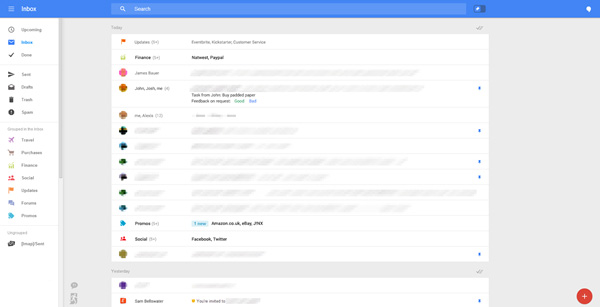
Leaked screenshots and information show how Google may be planning to introduce a new smooth modern approach, removing its current boring tab bar on the left side on the window and replacing it with a drop-down menu. Kind of similar to what Microsoft did with the Windows 8 menus. This feature should help keep menus hidden when not in use and giving an overall feeling of minimalism.
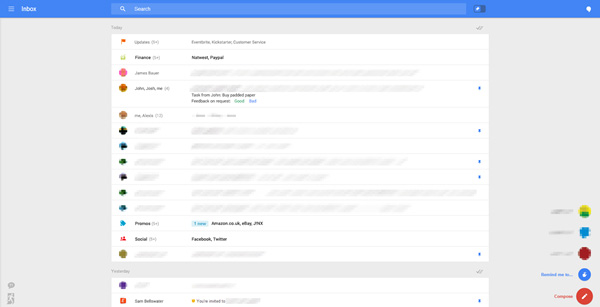
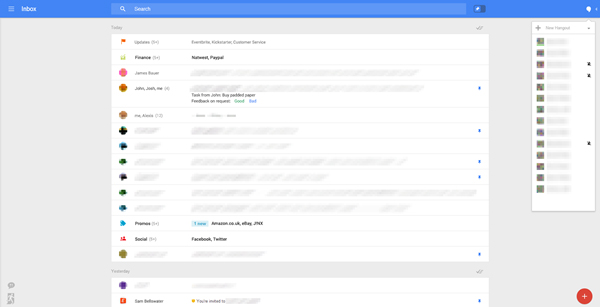
The right-hand side will feature a Hangouts pane, which can also be collapsed/expanded at user convenience. And as far as full-screen is concerned, this look would definitely suit it, and it would be a lot easier for a user to scan over their emails at a glance.
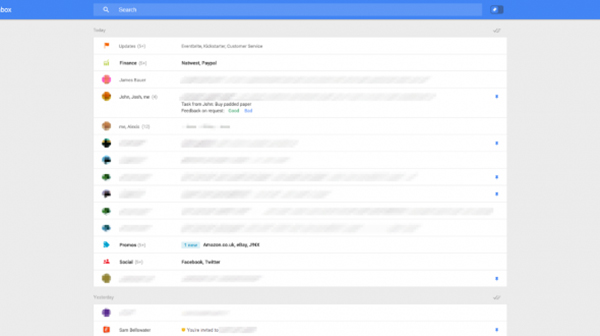
It’s not uncommon for some folks to receive over hundreds of emails daily. Managing them can be a real issue. If left unchecked, they can build up to unmanageable levels. If Google indeed does place this new and improved system in place, which also includes a pin system to replace the current “starring” of important emails, some of these features could make the task of emailing a whole lot less cumbersome.
So, do tell us, what do you make of this new prospective look? Do you like it or not really? Be sure to share your thoughts below in the comments!