


It shouldn’t be a surprise that you can do just about anything with Google. You can take notes, watch videos, send emails, and let’s not forget that you can also create quizzes. With Google Forms, you can now easily create and set up quizzes.
The reason why you may need to create a quiz can vary. Maybe you’re a teacher and need to create one for your students. Regardless, the how is not as hard as it may seem.
How to Create Quizzes with Google Forms
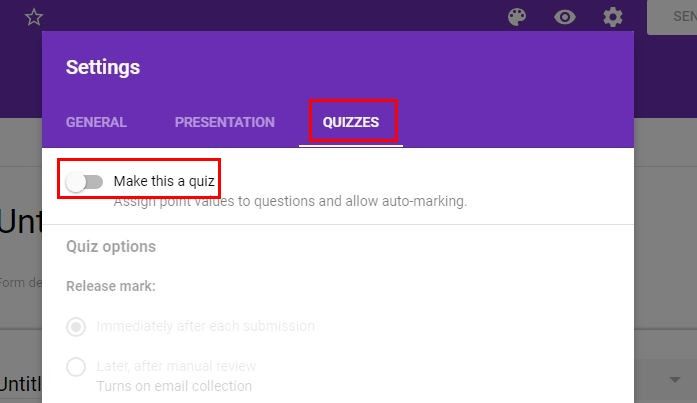
You can quickly create a quiz by going to Google Forms. Once you’re in the main page, click on the “Start a new Form” option. Click on the cog wheel (Settings) and choose “Quizzes.” You should be able to see the option that says “Make this a quiz.” Click on it, but don’t forget to save your changes.
Make sure you’ve given your quiz a name and that you’ve typed in your email address so the data can be sent to you. When you type in the question, you’ll see a new feature at work called “Quiz answer suggestions.”
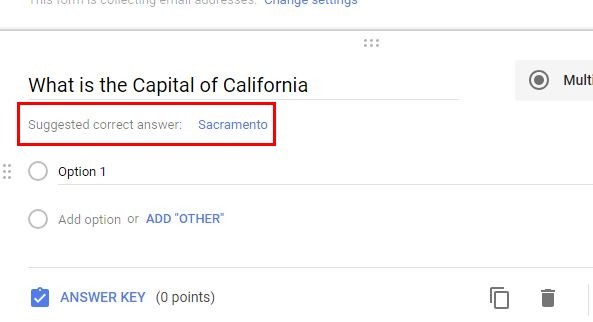
What this new feature does is suggest possible answers to your questions. This feature is useful when you can’t think of any more possible answers to your questions. For example, let’s say that you’re asking what the capital of California is. Right below the question you’ll see a suggested correct answer.
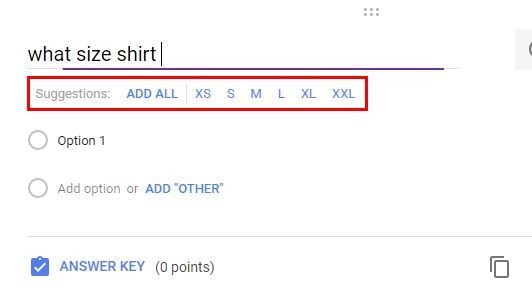
Another useful feature that will save you time is the autocomplete feature. It will suggest a related answer to the one you’ve already typed. For example, if you ask what size the baseball team jerseys should be and add “Small,” Forms will suggest additional sizes. The same will happen if you ask a question where the days of the week form part of the answer.
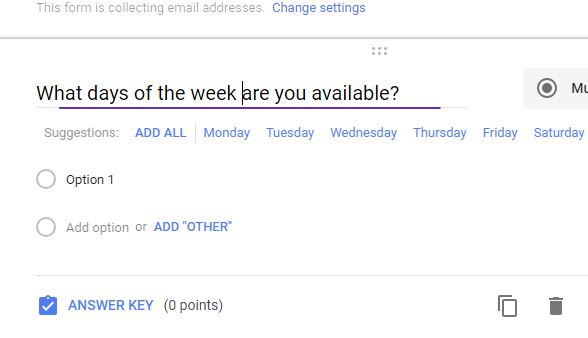
To add each answer automatically, just press the Enter key, and each answer will appear in the order it should.
A feature that teachers will find useful is the auto-grading feature. Whenever your questions are in multiple- choice or checkbox grid, you can easily grade the answers in the answer key. This will also help you give partial credit as well. To add a question to your quiz, just click on the plus sign to the right of the multiple choice option.
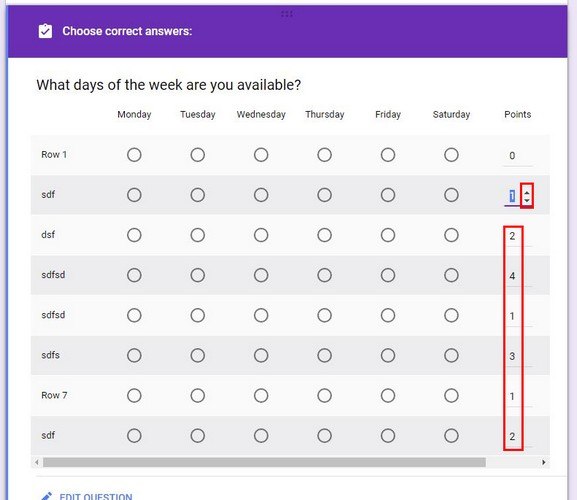
Once you’ve received answers to your questions, you also have the possibility of adding feedback. This can be useful if you’ve noticed that your students have a hard time understanding the material. You can also add a YouTube video to help them.
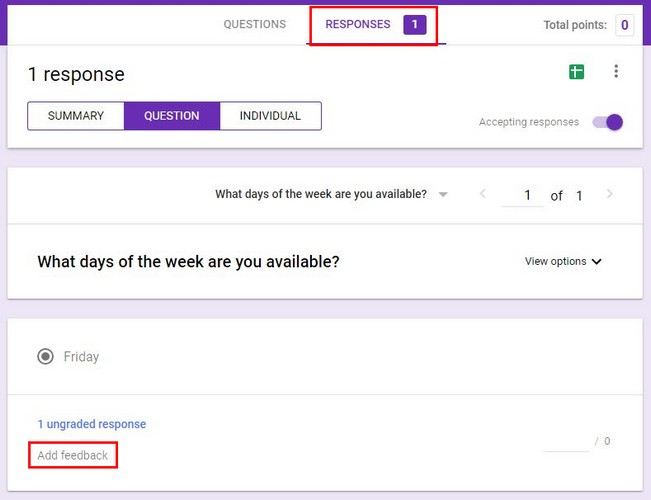
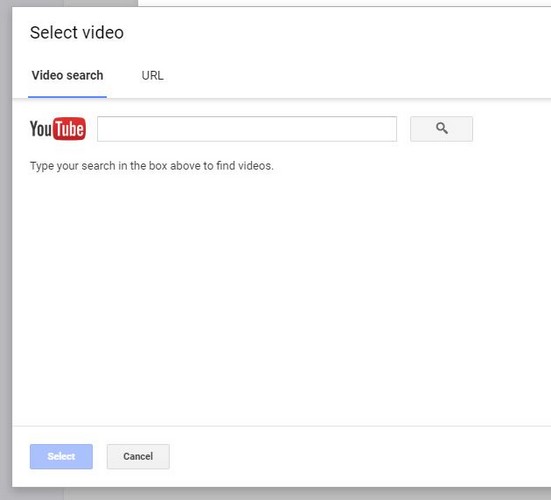
You can add the video by clicking on the Response tab at the top. You should see the student’s response, and right below it, the “Add feedback” option. Click on the YouTube option and add the URL of the video you want your students to watch.
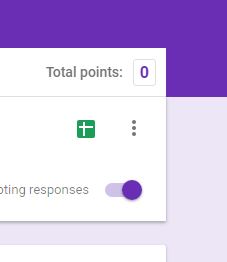
Teachers will also be able to see the total number of points. At the top-right you will see the total number of points after awarding the points.
Conclusion
The new features of Google Forms are very useful and will save teachers a lot of time. Also, teachers can add YouTube videos that will help their students understand the topic at hand better. How useful do you find the new features? Share your thoughts in the comments below.