

Microsoft Word comes with a decent spell and grammar checker. However, it’s not as comprehensive compared to other paid tools such as Grammarly, which costs $29.95 per month. If you’re a student or a struggling professional looking for a job, it’s too expensive!
Luckily, there are plenty of alternative tools to help you edit and proofread your work. Ginger is a handy tool that helps detect a variety of grammatical errors besides the usual spell check. It’s available for Windows, Android, iOS and Mac. It has a paid version, which has more features, but in this post, we’re only going to show you how you can take full advantage of its free version .
Installation
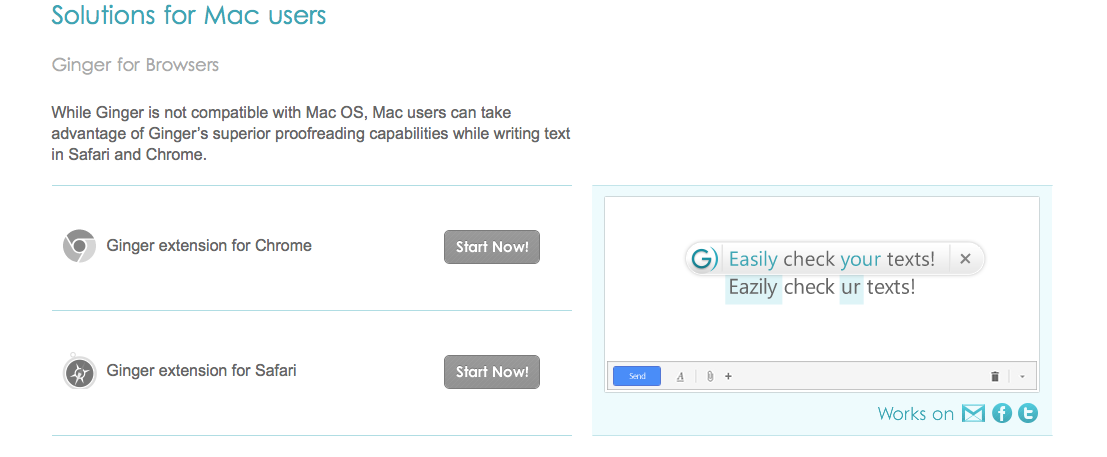
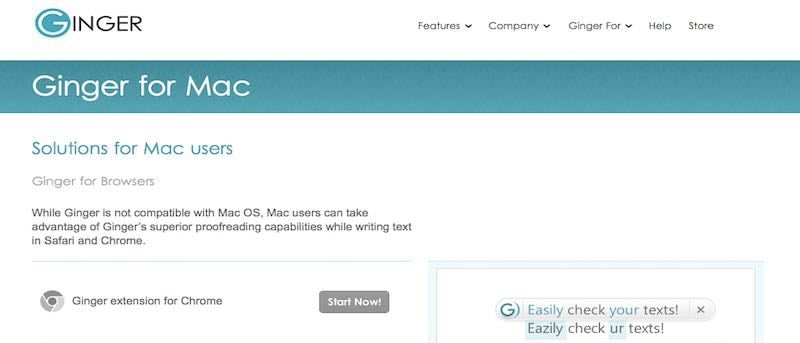
Installing and using Ginger is easy and straightforward. First, go to Ginger’s download page for Mac. There is no Mac app at the moment. As of now, it’s only available as an extension for Chrome and Safari browser.
Usage
Write your article, essay, or cover letter in your favorite word processor. I highly recommend doing this when you’re writing your first draft, as it will allow you to focus more on the content rather than the grammatical issues. Editing as you go is time consuming and a lot more stressful.
Once you’re done with your draft, that’s the time you can use Ginger to edit your work.

Now, you can go to Safari or Chrome. You’ll see the Ginger icon perched beside the address bar. When you click the icon, a Ginger notepad will appear. You can write your text directly here if you’re writing a short content with a couple of paragraphs.
However, if you’ve written long articles, you can now copy and paste the text from Word or Pages.
Another option is to use Gmail or other email service. Compose a new email message and paste the text you want to edit.
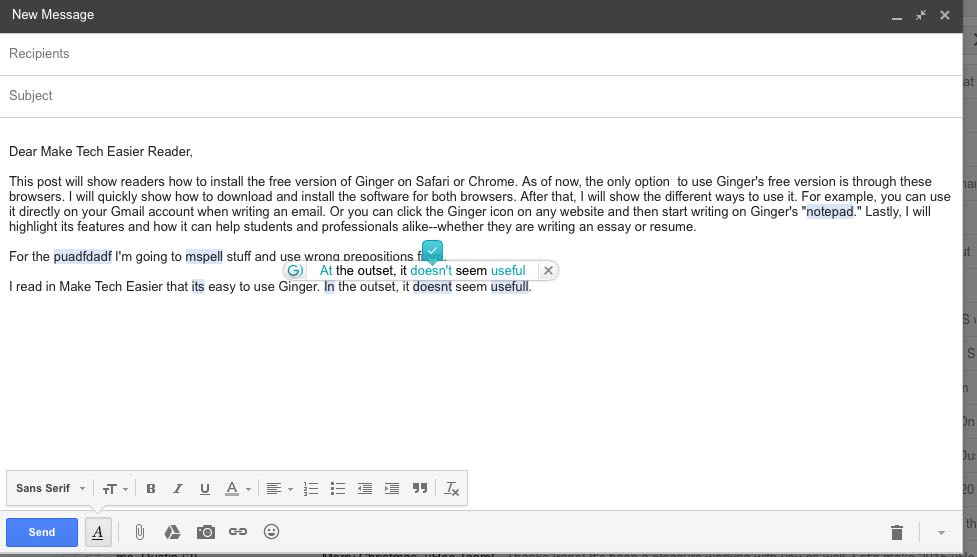
It’s really handy when you’re writing an actual email, as you will be able to edit it before hitting send.
Identifying your grammar mistakes
Now, you’re ready to scrutinize your work. After pasting your text on Ginger’s notepad or the email message, you can now identify the grammatical error. Check words and phrases that are highlighted in blue. When you hover to the highlighted word, it will give a suggestion. If you believe that the suggestion is correct, simply click the correct word or punctuation.
Sometimes it will highlight proper nouns that Ginger thinks are misspelled. Just watch out for this and ignore the suggestions.
Besides detecting misspellings, Ginger can also detect if you’ve used the wrong preposition or prepositional phrases (as shown in the photo above), if the verb doesn’t agree with the subject and can even suggest ways to rephrase your sentence.
When using Ginger in your email message, the “sentence rephraser” option doesn’t seem to be available. So, if you think that this feature might help you, just use the notepad that’s displayed on the browser.
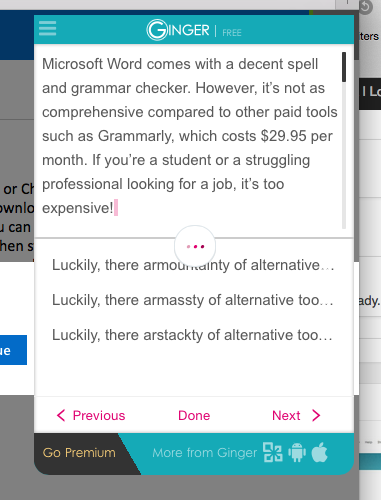
Note that some of the suggested sentences don’t make sense. However, there are times it might suggest a better sentence than the one you wrote. Sometimes it might even spark a new idea to help you create a better sentence.
After polishing your work, you can now paste it back to the word document and print it or save it as a PDF.
Conclusion
Using free tools like Ginger can help improve your work. You can still use the built-in spell and grammar checker in your favorite word processor, but it wouldn’t hurt to use another tool. This way Ginger can catch some of the things you may have missed.