


In recent years YouTube has overhauled their partnership program to the point that every user can become a partner and start earning revenue from their work. No more submitting an application and waiting. No more recommended subscriber level. No more tedious emails back and fourth. It’s easy and free to get set up – right now.
To do it, have a YouTube account and content to monetize. Later on you’ll need banking information for payouts, but that isn’t necessary to get started.
The Set Up
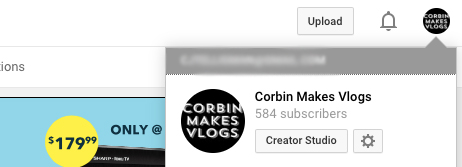
From a desktop browser, log in to your YouTube home page. Click your channel icon in the top right of the screen. Then, select “Creator Studio.”
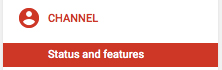
From here, “status and features” will be an option under “channel” on the right-side selection menu. Click on that to move on.
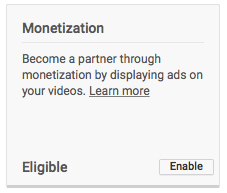
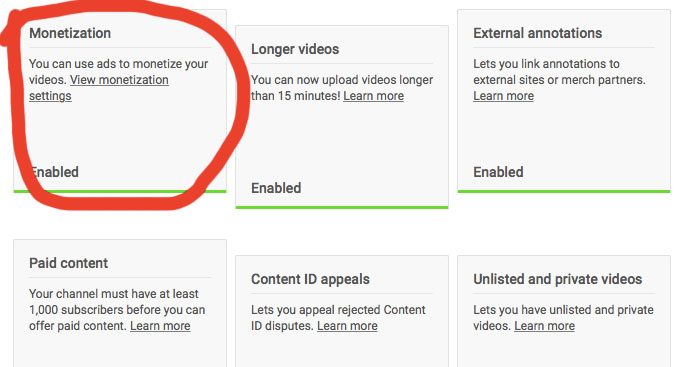
You should now see the “monetization” box on the page. Click “Enable” to continue with enrollment.
If for any reason you aren’t eligible, review “copyright strikes” and your “community guidelines status.” Both of these will hold back your partnership eligibility and must be resolved before you are able to continue. You can access this from the “Creator dashboard.”
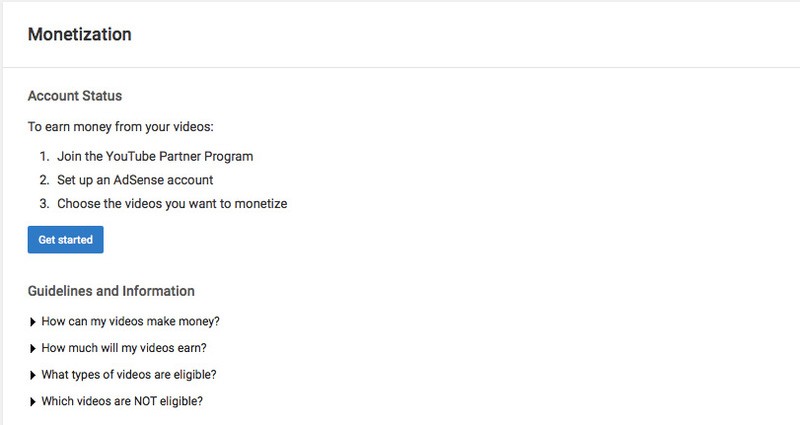
The next page will go over your account status, guidelines and information to answer any questions you may have. When you’re ready, click “Get Started.”
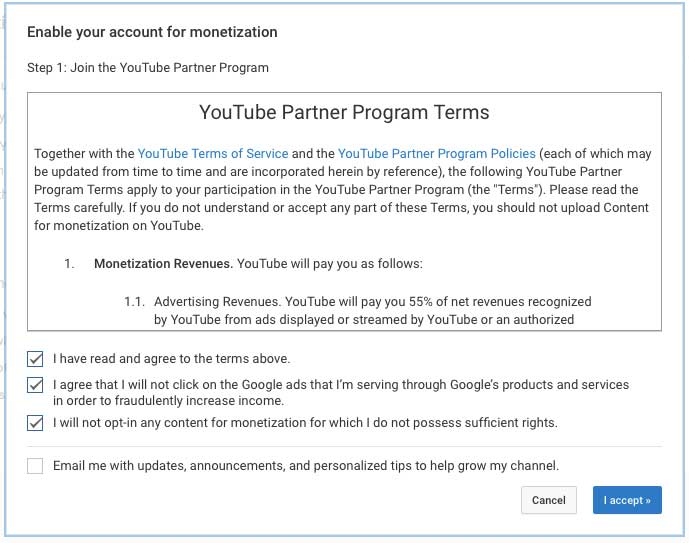
Skim through and read the terms. Make sure your content qualifies for the Partner Program before continuing, and read and select the first three boxes before clicking “I accept.” Qualified content is covered under the “community guidelines.” Remember, uploading any content that isn’t entirely yours or used with permission for commercial purposes will be denied by YouTube for monetization.
After this we’ll need to set up your AdSense Account. Click the option to set up AdSense on the next screen.
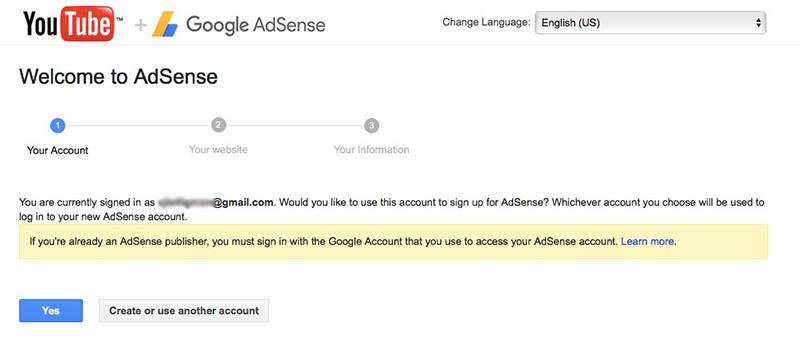
After the page is redirected, verify the email address that you’ll associate with AdSense, and select “Yes” to move on or choose another account.
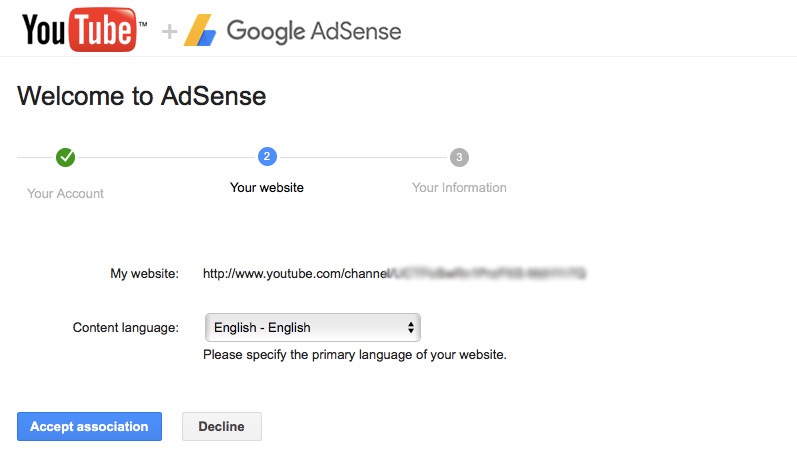
Verify that the language is correct on the next screen, and select “Accept association.” “My website” will be the YouTube channel that it logs into.
After this, step three will be skipped, as your information has been collected from when you set up your Google account. If for any reason it hasn’t, go ahead and fill this out, too. You’ll now be redirected back to YouTube.
That’s it! AdSense is enabled, and you’ll start earning money. From the “Video manager” page, you can choose videos you’d like to monetize.
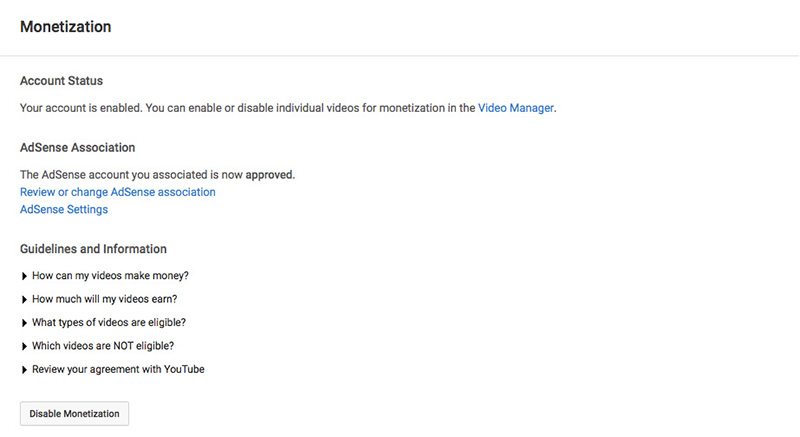
From your channel’s “Status and Features” page, you can view your monetization status as a second level of confirmation.
Pay Out Info
When your videos have collected enough revenue (close to $100 – the monthly payout threshold), you’ll be asked to set up banking information through AdSense for payouts. You’ll receive an email when it’s time, but you can keep tabs on your earnings through the “Creator dashboard” until then.
At this point, you’ll connect a bank to the AdSense account via routing number and account number.
Conclusion
That’s all there is to it! You’re set to make a few bucks off of your creations. As always, amplify the quality of the story it is you’re creating, and the money will follow along with it. However, don’t create videos with the sole purpose of earning quick cash.