
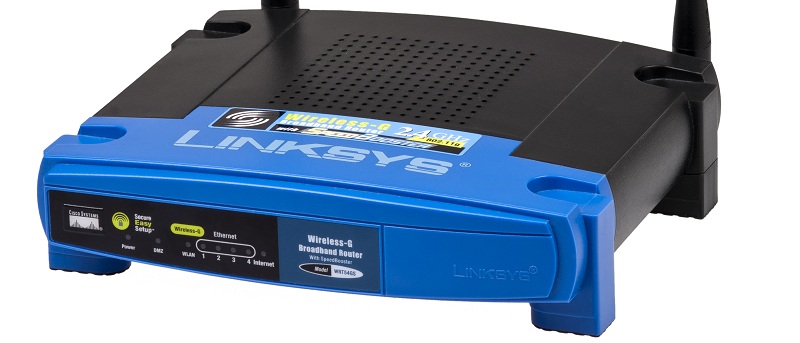

Unless you’re hooking up one single computer to an Ethernet-based Internet connection, there’s a router somewhere between every device you use and the World Wide Web. You depend on this router to keep you safe, but its default settings might not always be the most optimal to harbor a secure environment. Some sites are telling their readers now that disabling DHCP and configuring a static IP on each device is a significant step in the process of ensuring your security. But does this really help you?
Also read: What Is Microsoft’s Pluton Security Processor and Why You Need It
What Is DHCP, And What’s a Static IP Address?
If you’re a bit confused right now, don’t feel bad. It’s not like the average Internet user has to know what the dynamic host configuration protocol (DHCP) is. But that’s why we’re here!
DHCP, in short, is the protocol your router uses to automatically give each of your connected devices an IP. If your router’s IP is 192.168.0.1, the first computer you connect to it may be assigned the IP of 192.168.0.2. Next in line is 192.168.0.3, and so on, and so forth. Your devices may not always have the same IP since the router just plops whatever IP number it wants on a first-come, first-serve basis. That’s what the “dynamic” part of DHCP represents. Your IP may change at any point.
A static IP address doesn’t change. It’s something you configure from your computer’s network settings and force the router to recognize. This way, you can be sure that one particular computing device connected to your router will always have its configured IP address. If you turn off your computer right now and its IP was 192.168.0.2, it will have the same IP when you turn it on again.
The Premise Behind Disabling DHCP
Many people consider DHCP to be quite risky for your network, especially if you have an open Wi-Fi connection (i.e. you don’t require a “password” to connect to your router through Wi-Fi). This is because every device that requests a connection will be admitted into the network and assigned an IP regardless. The idea is that most devices don’t anticipate the need for a static IP address and try to request an IP from the router. If the router doesn’t have DHCP enabled, it will ignore that request and the device won’t connect.
Flaws In The Premise
What if you have a WPA2-protected Wi-Fi connection? Do you still need to disable DHCP?
Here’s where disabling your DHCP may actually be useless. Why should you take such a measure when you already have a way to prevent outsiders from entering your network?
This isn’t the only problem with the whole concept. The average router uses either 192.168.0.x or 10.0.0.x as its IP. Configuring a static IP for other computers in your networks requires that you be in the same subnet as the router, so you’re stuck with whatever IP range your router uses, limiting your choices. Of course, you can always change the router’s internal IP address and that’s that. However, most of the people who advocate disabling DHCP do not include changing the router’s IP (to something obscure, like 167.12.35.2 or something like that) in the process.
The Lesson
If you really want to maximize security, set a WEP/WPA/WPA2 password for the router’s Wi-Fi antenna. I highly suggest using the latter two (WPA/WPA2) since WEP has some massive holes in it that virtually any mediocre hacker can push through.
And if you’re intent on disabling DHCP, you’re doing it for nothing if you don’t also change the router’s internal IP to something routers don’t typically use. Otherwise, it will be easy to guess the router’s IP address to configure a device’s static IP within that particular range. You’d have just created one more step in the process of gaining access to your network rather than having thwarted a security threat.
If you’d like to discuss this a little more, you’re more than welcome to submit a comment on the subject below!