

The PDF format is a great file format for reading. Its portability and cross-platforms compatibility also make it one of the most popular format for sharing read-only files. However, being a read-only format, it also created much inconvenience for those who need to edit its content. if you are one of those who need to extract the content of a PDF file regularly, the following software PDF to Text converter and PDF to JPG converter will be of interest to you.
The Docany PDF converter software exist for only one purpose: to allow you to convert your PDF file into an editable format. Needless to say, the PDF to Text converter converts PDF to text and the PDF to JPG Converter converts PDF to image file (not only JPG). Read on for its review and the giveaway details.
Once you have download and installed Docany PDF to Text converter, you can open it up and start adding PDF files to the list.
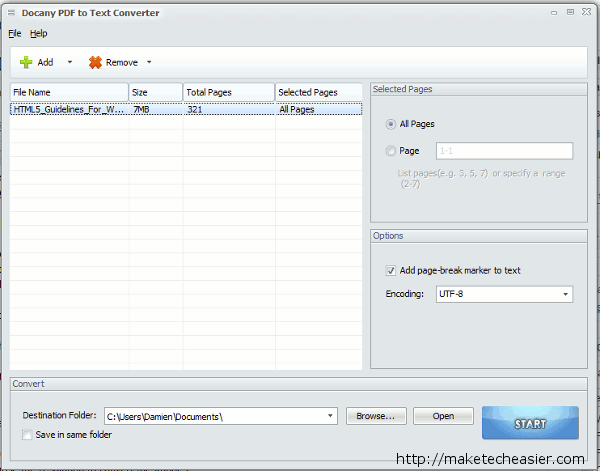
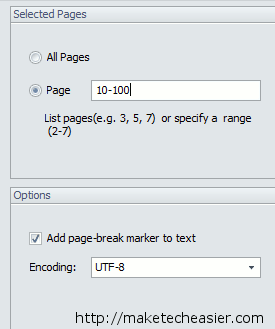
You can specify the page range to convert the PDF file into text and also the encoding format (UTF-8 or Unicode).
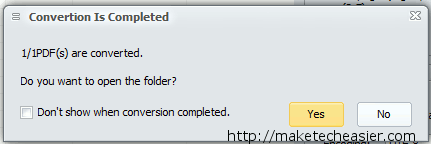
Lastly, choose the location to save the file and click “Start”.
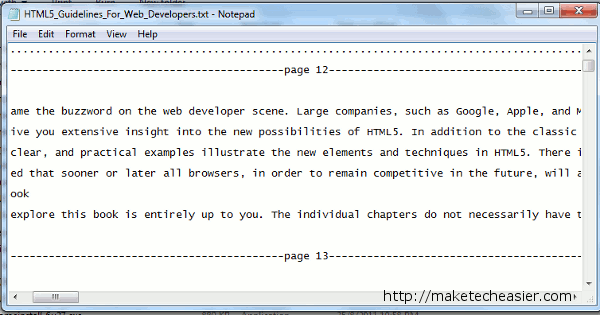
This is the result:
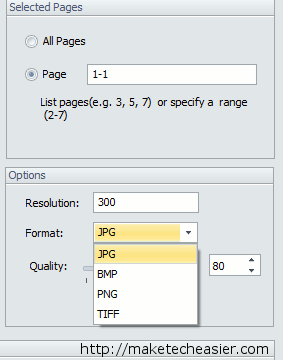
Similarly, for the PDF to JPG converter, you can select the resolution and the image format (JPG, BMP, PNG or TIFF) to be converted to.
Free Giveaway
The free version of PDF to Text converter only allows 3 files to be converted. The premium version costs $19.90. Thanks to DocanyPDF.com, we are glad to have 20 license keys for each software to be given away.
MakeTechEasier would like to thank DocanyPDF.com for their generosity while participating in this giveaway.