
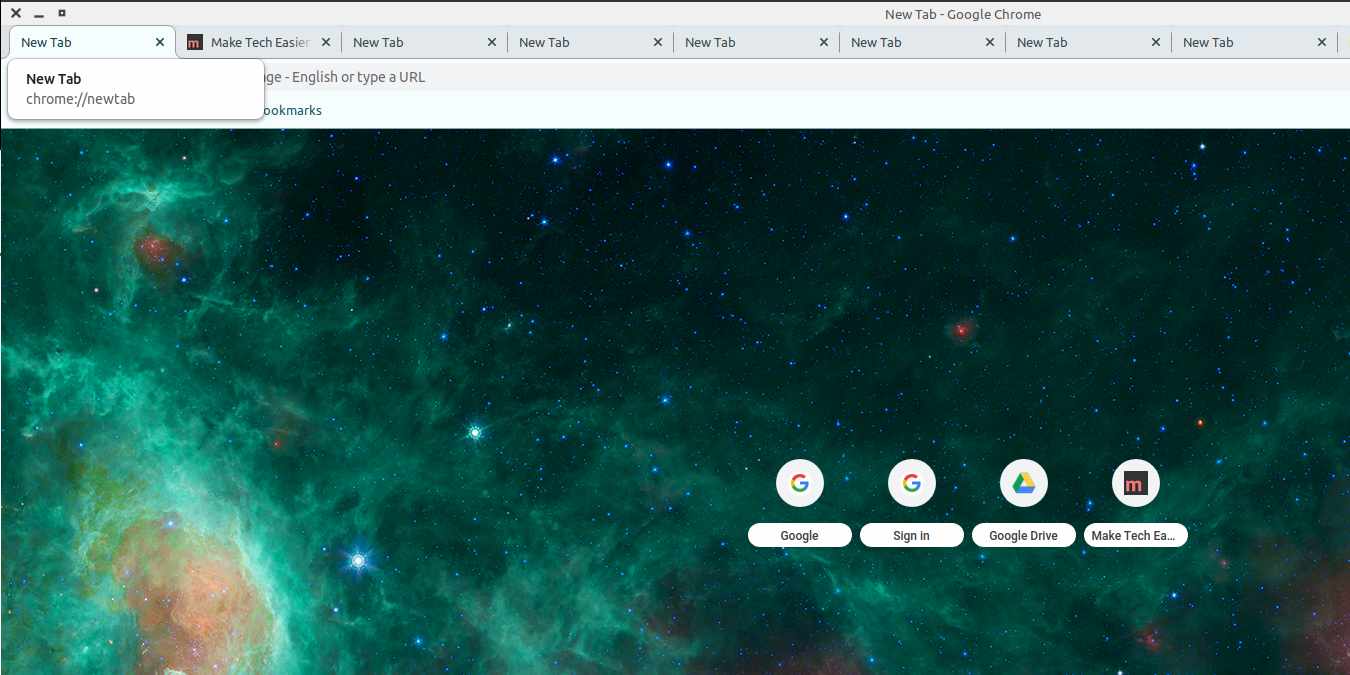

The latest release of the Google Chrome browser features some changes to the user interface. Some of the new things you will notice are rounded tabs, replacing the “Secure” badge for HTTPS sites with a Lock icon, and a new look to the new tab page. Even with all the updates, your new tab page can look a little boring if you use the default settings. Chrome 69 gives you the ability to customize this page without using any extensions.
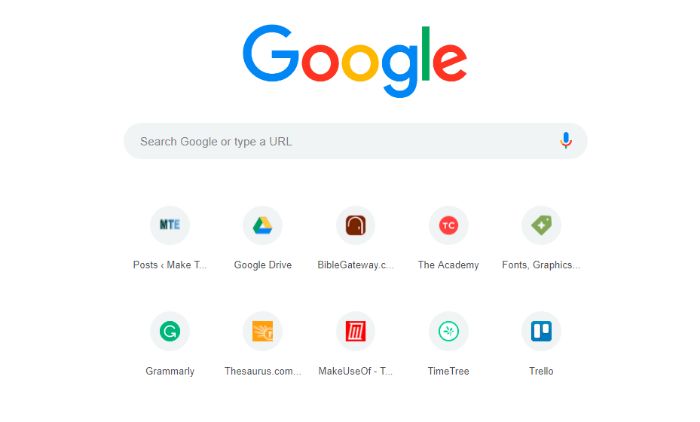
The most noticeable change when you first encounter the New tab page is the link shortcuts. Whereas before there were eight sites displayed with a screenshot of the website as the visual, now these icons are circles with the site icons in the circles. And now there is room for ten of them.
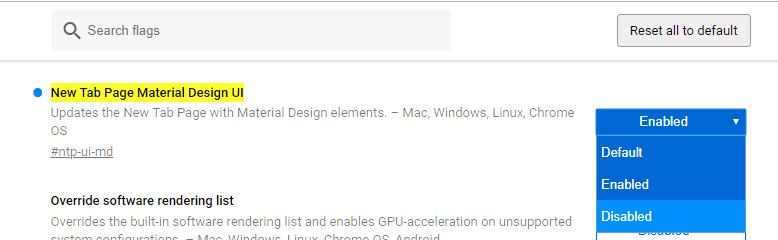
If you prefer the old user interface, you can change it back by typing chrome://flags/#ntp-ui-md into your browser and changing the first option on the list to “Disabled.”
If you like the new changes, you can still customize it to make it suit your taste and needs. The changes you can make to the new tab page include a selection of backgrounds, the ability to upload your own photos as the background image, and an easy way to customize the shortcut icons displayed on your page.
Also read: 3 Simple Yet Useful Extensions to Enhance Chrome’s History
How to Customize the Background
If you are running a theme, these options will not be visible. Disable any Chrome themes before trying to change the background.
1. Open a new tab in Chrome by clicking on the plus sign at the top of the screen or pressing Ctrl + t.
2. Click the gear icon in the bottom-right corner of the screen.
3. Select Chrome backgrounds.
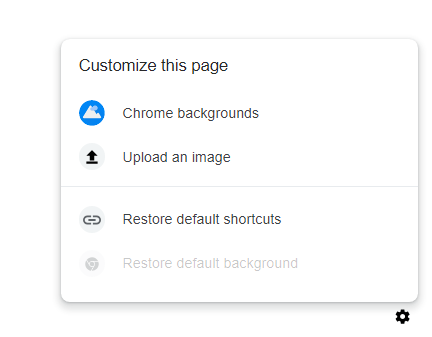
4. Click your choice from the selection of background photos.
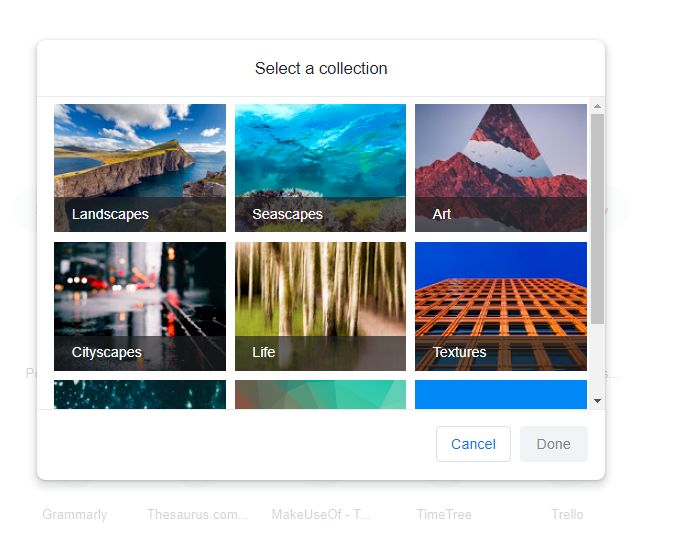
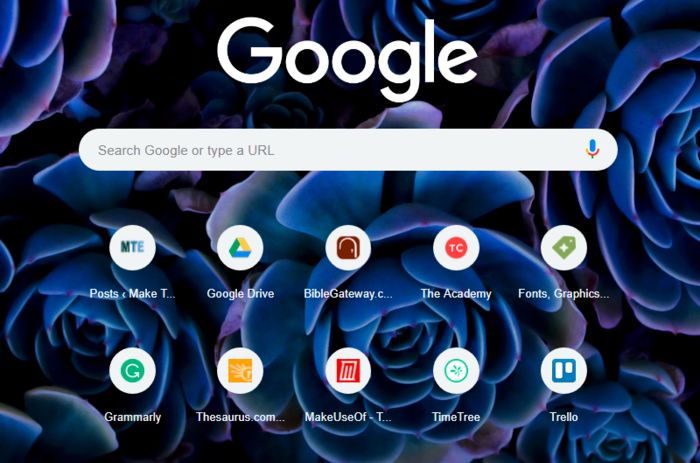
5. If you want to use one of your photos, click on Upload an image and import it from your collection.
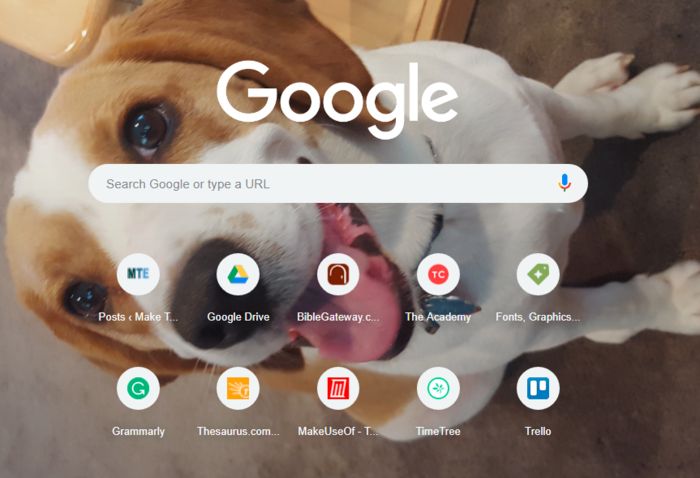
Unlike many themes, selecting a background image will not affect the color of your tabs or any other menu bars at the top of the window.
Also read: How to Lock Google Chrome with Passwords
Customize the Link Icons
This version of Chrome allows you to change a link icon to a different site.
1. Hover over the icon you want to edit.
2. Three dots will appear. Click on them.
3. A dialog box will appear. It includes fields to change the link to a different one and a button to remove the link.
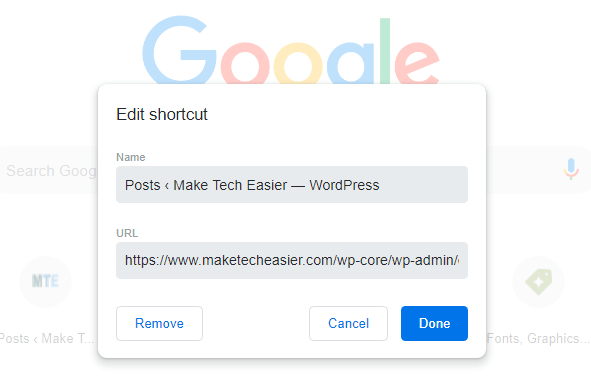
You can have a total of ten different link icons on your new page tab. To add one, click on the circle with the plus sign that says Add shortcut underneath it. Type in the name of the site and its URL and click “Done.”
Why Not Use Extensions to Customize?
There are available extensions that will allow you to customize the New tab page, but using the built-in customizations is more secure. Browser extensions have a reputation for sharing your private information without your knowledge. Even extensions that you trusted when you downloaded them could be sold to someone who won’t respect the same boundaries the original developer did. The new owners could stuff the extension full of risky code.
Most of us don’t spend a lot of time on the New tab page anyway, so you should only really need a few modifications anyway.